
Learn. Prepare. Launch.
The ChatGPT Ads library
Guides, free tools, and templates for the work before and after launch.
Explore the library
106 resources
Get started with Advarde
Set up your workspace, connect an advertiser account, and prepare your first campaign in Advarde.
Read the guide CampaignsEdit or pause your ads
Find a campaign, ad group, or ad, prepare the intended change, and check its result after approval.
Read the guide Conversion trackingCreate a custom conversion
Define the customer action you want to measure using a website source and an event in Custom Conversions.
Read the guide Conversion trackingCheck missing conversion events
Check the event definition, website implementation, and reporting window when conversions do not appear as expected.
Read the guide ReportsUnderstand your campaign results
Read campaign performance, compare dates, and export the displayed results without confusing missing data with zero.
Read the guide AI assistantsConnect an AI assistant
Connect ChatGPT, Claude, Codex, or another compatible MCP client to the correct Advarde workspace.
Read the guide Account, team & billingInvite a teammate
Invite a colleague to your workspace and choose the permissions they need to do their work.
Read the guide Account, team & billingManage your plan and billing
Find your workspace’s subscription status, review available plan changes, and understand trial and renewal information.
Read the guide Getting started
ChatGPT Ads: How They Work, What They Cost, and How to Start
Independent guide to ChatGPT ads: where they appear, how to buy in Ads Manager, published pricing and minimums, ad specs, and early practitioner notes.
7 min read Budgets & bidding
ChatGPT Ads Cost & Pricing
ChatGPT Ads cost & pricing from OpenAI: CPM, CPC, oCPC/oCPM, currency minima, and what averages are not published. Checked Oct 2026.
2 min read Budgets & bidding
ChatGPT Ads Minimum Spend by Market
ChatGPT ads minimum spend: OpenAI publishes daily-budget minima by currency (USD 25, GBP 15, EUR 15). Checked Oct 2026.
2 min read Getting started
ChatGPT Ads Manager Setup Guide
ChatGPT Ads Manager (OpenAI Ads Manager) setup: account, campaign, targeting, and ads — with a checklist. Checked Oct 2026.
2 min read Getting started
How to Buy Ads on ChatGPT
How to buy ads on ChatGPT: who has access, how to apply, and what you need before Ads Manager. Checked Oct 2026.
2 min read Campaign planning
ChatGPT Ads Examples by Industry
ChatGPT ads examples from sourced reports: OpenAI’s own illustrations and WIRED’s observed categories. Links to specs.
2 min read Campaign planning
ChatGPT Advertising Campaigns Guide
How to build ChatGPT advertising campaigns: structure, messaging, and which intents to target. Links the Ads Manager guide.
2 min read Channel decisions
ChatGPT Ads Results: Early Numbers
ChatGPT ads results so far: sourced early returns and one-account benchmarks, each with source and date. Not averages.
2 min read Getting started
How to advertise on ChatGPT: the complete launch guide
A step-by-step ChatGPT Ads launch guide with OpenAI Ads Manager and Advarde screenshots: account setup, tracking, budgets, creative, launch, and reporting.
25 min read Getting started
What are ChatGPT Ads? A practical introduction
Understand paid ChatGPT Ads, advertiser access, campaign components, and the difference between ads and organic recommendations.
3 min read Budgets & bidding
ChatGPT Ads cost: plan from your economics, not a promised CPC
Calculate what you can afford to pay for ChatGPT Ads using your own conversion rate, contribution, and test budget.
3 min read Campaign planning
ChatGPT Ads campaign structure: campaigns, ad groups, and ads
Map objectives, budgets, ad groups, context hints, and creative into a ChatGPT Ads campaign you can review and diagnose.
3 min read Campaign planning
ChatGPT Ads context hints: write conversations worth testing
Write context hints around customer situations, buying questions, and the offer your landing page can support.
3 min read Campaign planning
ChatGPT ad specs: 1200×1200 image size and character limits
ChatGPT ad specs: square image no larger than 1200×1200, title max 50 characters, description max 100. Preview creative before you submit.
4 min read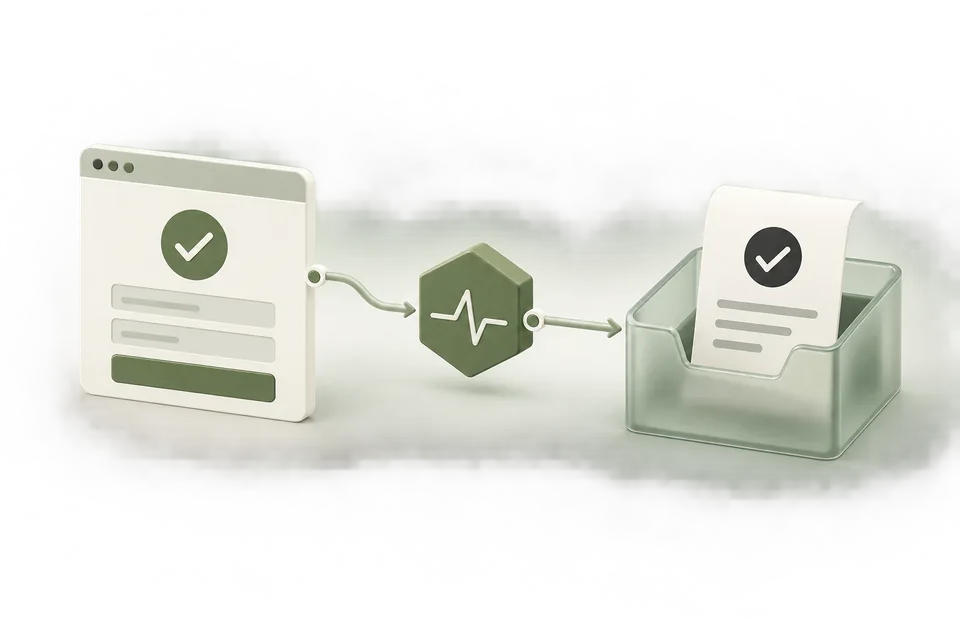 Measurement
ChatGPT Ads conversion tracking: setup, testing, and attribution
Set up ChatGPT Ads conversion tracking, reproduce a missing-event case, and check consent, pixel IDs, receipts, and attribution in Advarde.
5 min read Troubleshooting
ChatGPT Ads conversions not showing: a diagnostic checklist
Find why ChatGPT Ads conversions are missing. Follow a tested missing-event example, inspect your pixel, and separate browser calls, receipts, and attribution.
5 min read Troubleshooting
Duplicate ChatGPT Ads conversions: event IDs, retries, and triggers
Find duplicate conversion triggers and use stable business event IDs across refreshes, retries, and browser/server delivery.
3 min read Troubleshooting
ChatGPT Ads and GA4 discrepancies: reconcile the definitions first
Reconcile ChatGPT Ads and GA4 using matching dates, tagged destinations, event definitions, and a documented attribution comparison.
3 min read Troubleshooting
ChatGPT Ads not spending: what to check before changing the bid
Diagnose a ChatGPT Ads campaign that is not spending by checking status, eligibility, dates, budgets, bids, and recent reporting.
3 min read Budgets & bidding
ChatGPT Ads oCPC: conversion optimization with click-based billing
Understand conversion optimization, click-based billing, event selection, and how to review an oCPC campaign.
3 min read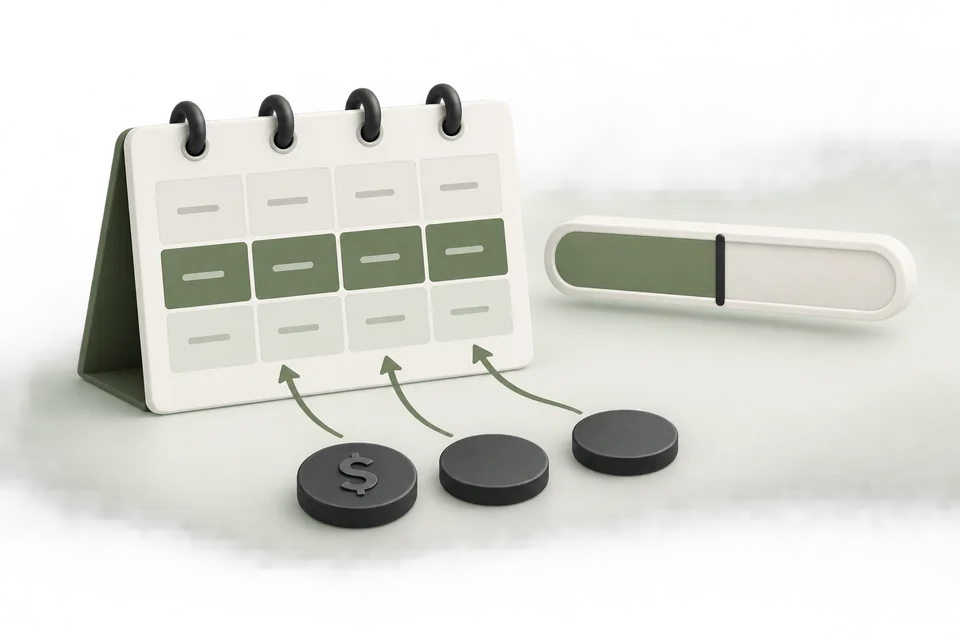 Budgets & bidding
ChatGPT Ads budget pacing: monitor the plan and review changes
Monitor ChatGPT Ads spend against a plan using complete dates, remaining budget, and a documented review process.
3 min read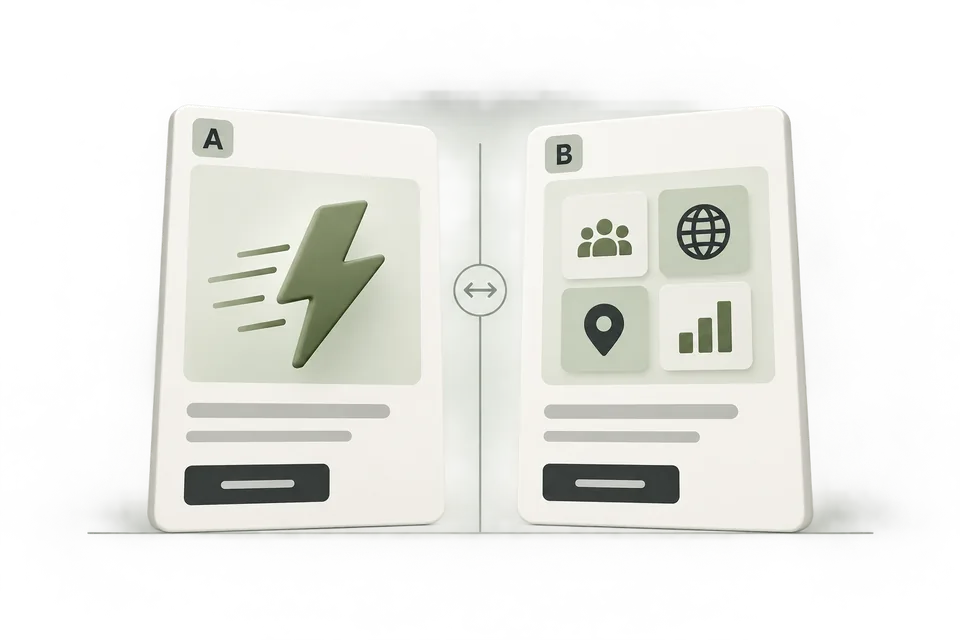 Campaign planning
ChatGPT Ads creative testing: compare meaningful reasons to buy
Design creative tests with distinct hypotheses, consistent destinations, versioned assets, and sensible stopping rules.
3 min read Campaign planning
Landing pages for ChatGPT Ads: match the promise and measure the action
Prepare landing pages for ChatGPT Ads with a matched offer, clear next step, working measurement, and mobile checks.
3 min read Channel decisions
ChatGPT Ads vs Google Ads
ChatGPT Ads vs Google Ads: format, targeting, pricing, measurement, and when to choose which. Practitioner CTR labelled as such.
3 min read Channel decisions
ChatGPT Ads vs Meta Ads: design a comparison you can use
Plan a fair comparison between ChatGPT Ads and Meta advertising using creative hypotheses, acquisition costs, and customer quality.
3 min read Channel decisions
ChatGPT Ads agency vs in-house: decide who owns each step
Choose agency support or an internal ChatGPT Ads workflow by comparing ownership, execution work, approvals, and total cost.
3 min read Channel decisions
Are ChatGPT Ads worth it? A decision framework for your first test
Decide whether ChatGPT Ads deserve a test using offer fit, measurable outcomes, break-even economics, and a stopping rule.
3 min read Campaign planning
ChatGPT product feed ads: prepare the catalog and review the campaign
Prepare product data for ChatGPT advertising and distinguish feed readiness, ad configuration, and actual product availability.
3 min read Campaign planning
ChatGPT Ads competitor research: what public evidence can tell you
Research competitor messaging and public pages without mistaking observed creative for verified delivery or performance.
3 min read Accounts & access
ChatGPT Ads API: keys, conversion access, and assistant setup
How the ChatGPT Ads API is accessed: advertiser API keys, Conversions API secrets, and assistant/MCP access — plus how to connect, rotate, and revoke each.
4 min read Accounts & accessHow to set up a ChatGPT Ads account
A step-by-step guide to creating your OpenAI Ads Manager account: what to check, what you can't change later, and how agencies should set it up.
Read the guide Accounts & access
Connect an OpenAI Ads account to Advarde
Connect an authorized OpenAI Ads account to Advarde and verify the account, currency, permissions, and first read.
Read the guide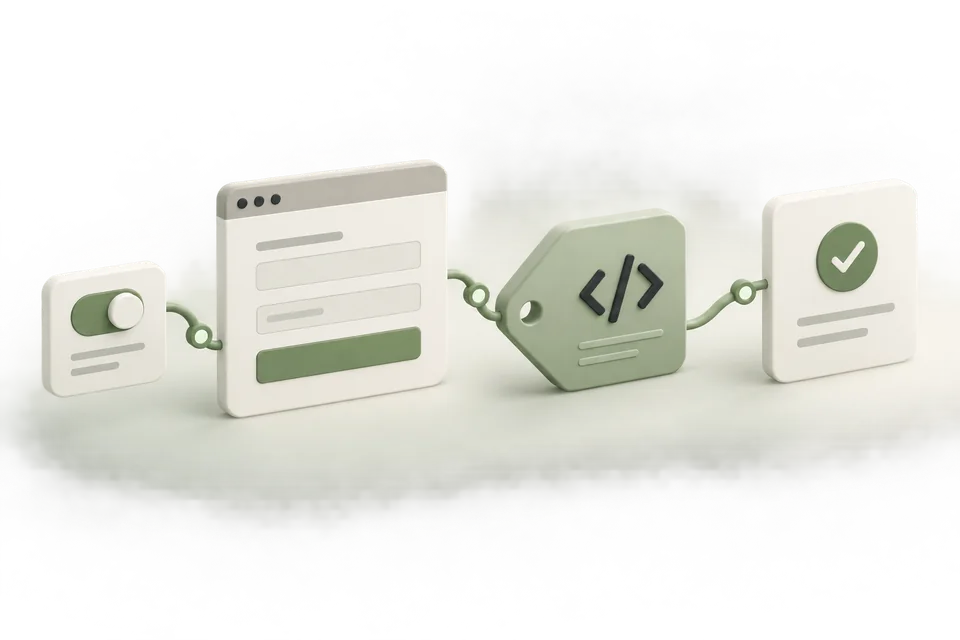 Measurement setup
Install & verify the ChatGPT Ads pixel in Google Tag Manager
Install and verify the ChatGPT Ads pixel in Google Tag Manager. Use Pixel Helper and Advarde receipts when GTM Preview looks green but Test events stay empty.
Read the guide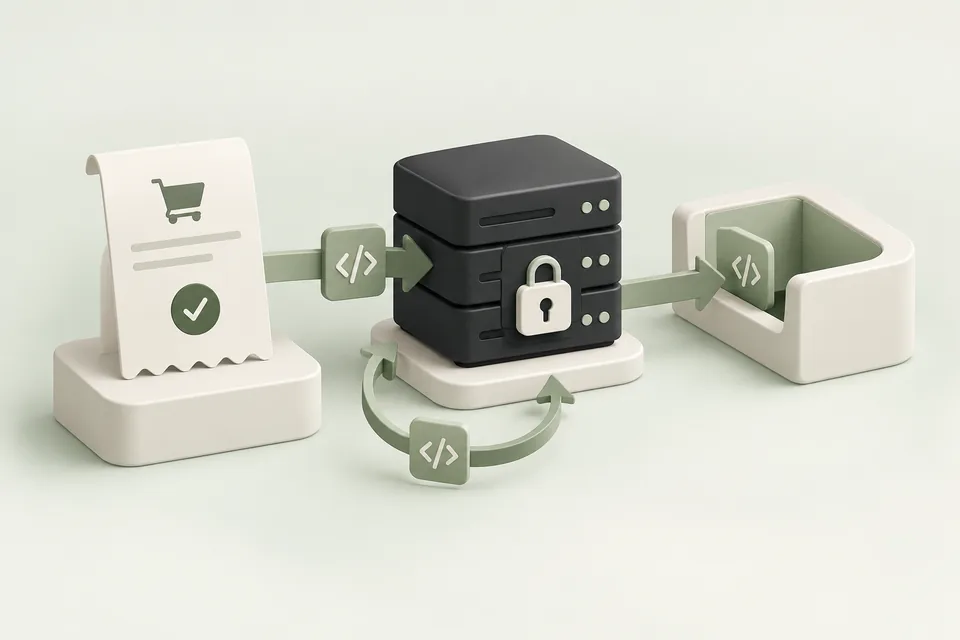 Measurement setup
Set up the ChatGPT Ads Conversions API
Prepare server-side ChatGPT Ads conversion delivery with protected keys, stable event IDs, validation, and production checks.
Read the guide Measurement setup
ChatGPT Ads event reference for Advarde presets
See the events supported by Advarde conversion presets, their categories, and the successful actions that should trigger them.
Read the guide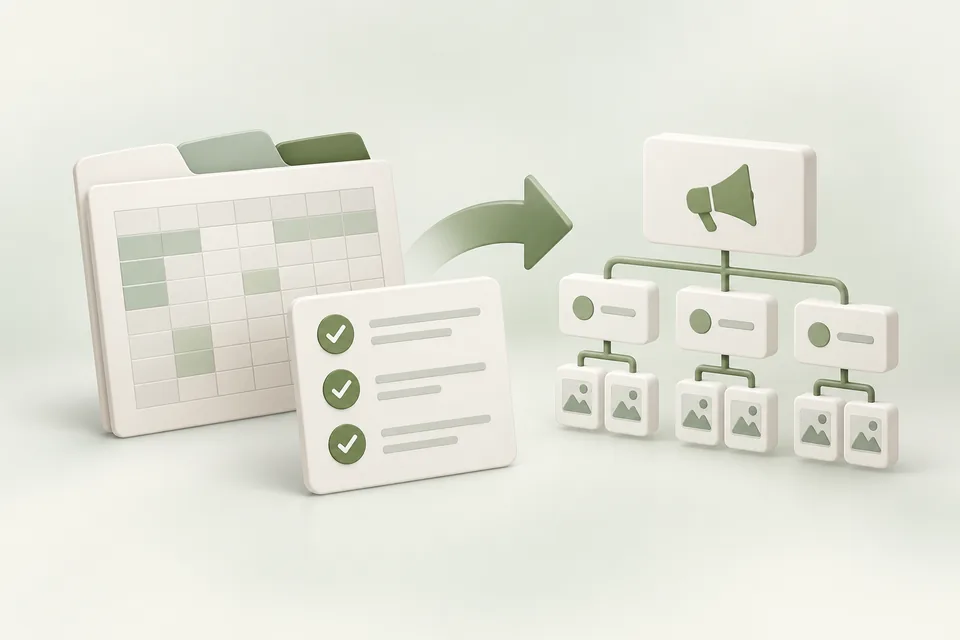 Campaign operations
Import a ChatGPT Ads campaign workbook
Prepare the three-sheet ChatGPT Ads workbook, validate references and amounts, and review the supported import path.
Read the guide Campaign operations
Troubleshoot ChatGPT Ads bulk API errors
Interpret bulk creation errors, distinguish account access from invalid rows, and reconcile partial or uncertain results before retrying.
Read the guide Accounts & access
Manage multiple OpenAI Ads accounts in Advarde
Organize client accounts and workspaces, preserve currency and reporting boundaries, and verify the target before making changes.
Read the guide Campaign operations
Review and approve ChatGPT Ads changes with a client
Create a client approval process around exact campaign drafts, budget changes, review records, and separate launch decisions.
Read the guide Reporting
Schedule ChatGPT Ads reports in Advarde
Set up a recurring report with a defined account, reporting window, recipients, and interpretation of missing or delayed data.
Read the guide Campaign operations
Create ChatGPT Ads campaigns paused, then review launch
Follow Advarde’s saved draft, review, paused creation, reconciliation, and separate activation workflow.
Read the guide Developer reference
ChatGPT Ads currency units: micros, minor units, and CPM
Avoid budget and event-value errors by distinguishing currency units, micros, minor units, CPM, and per-impression bids.
Read the guide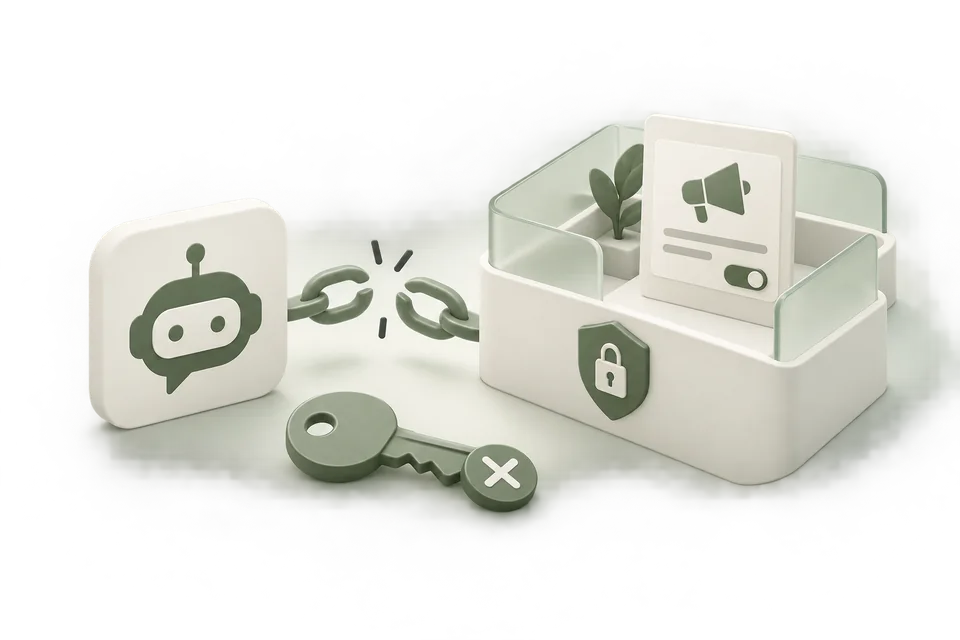 Accounts & access
Revoke an AI assistant’s Advarde access
Revoke an assistant connection or workspace token, review broader access, and understand which advertising operations continue.
Read the guide Free practical guide
The Advarde advertising system: a free practical guide
Build a connected ChatGPT advertising workflow with Advarde: 10 practical steps, 10 starter prompts, and a free editable setup workbook.
Read the guide Free optimization guide
The 4-stage ChatGPT Ads optimization loop
Run a four-stage ChatGPT Ads creative review cycle with Advarde and a connected AI assistant. Includes eight editable templates and a scheduling checklist.
Read the guide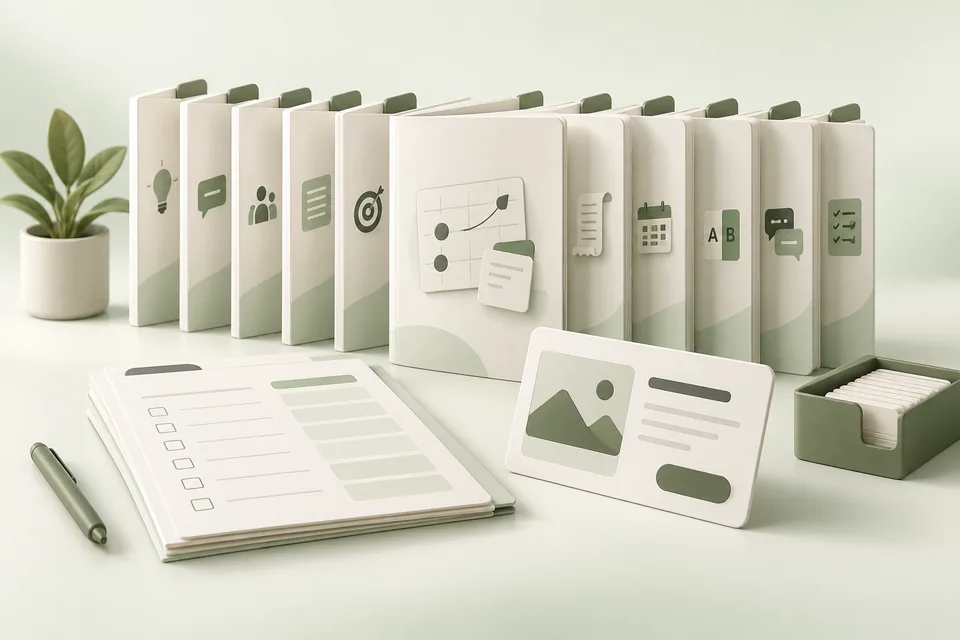 Advarde tactics
The Advarde advertising tactics library
Ten illustrated ChatGPT Ads tactic guides with worked examples, practical prompts, and 30 editable worksheets. Read and download free.
Read the guide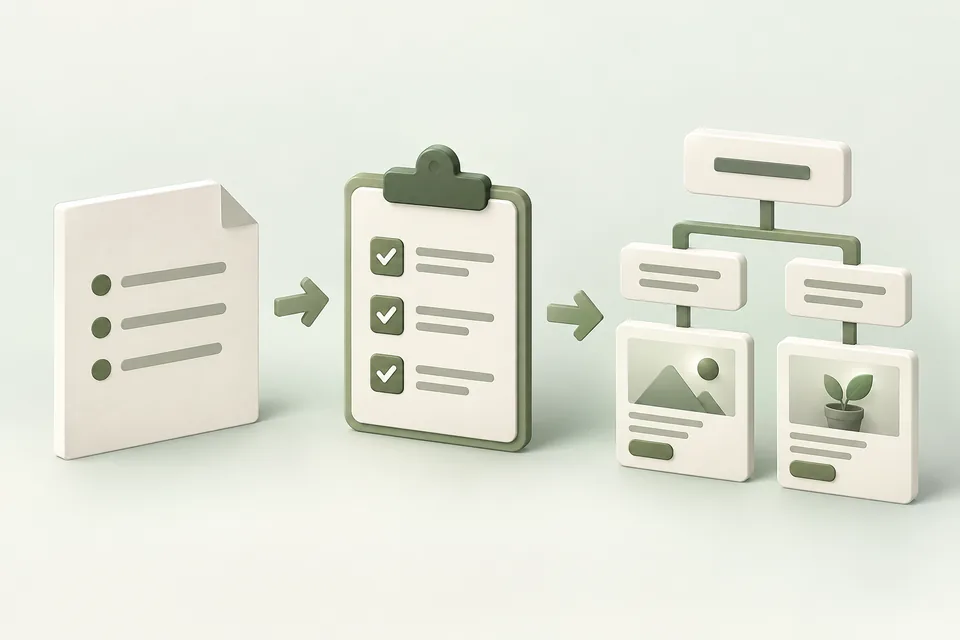 Advarde tactics
The Brief-to-Campaign System
Turn a business brief into a focused ChatGPT Ads campaign, with a worked example, drafting prompts, and a review checklist.
Read the guide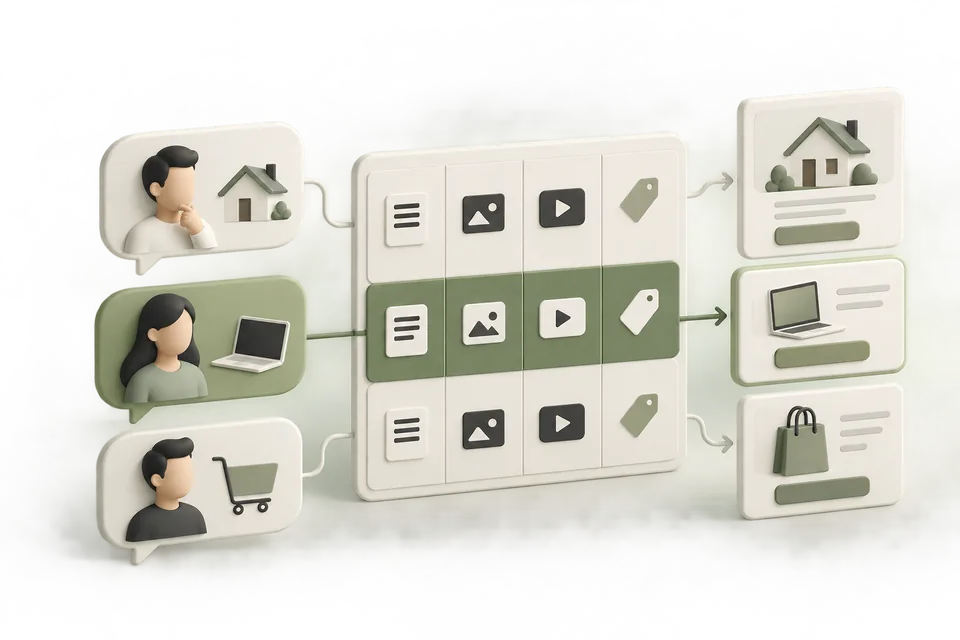 Advarde tactics
The Buyer Intent Map
Connect customer situations to relevant ad messages, context hints, offers, and landing pages—with a worked map you can adapt.
Read the guide Advarde tactics
The 9-Ad Creative Test Plan
Build nine distinct creative concepts, choose a sensible first comparison, and interpret the results without overstating what they prove.
Read the guide Advarde tactics
The Conversion Tracking Preflight
Check the action, event, implementation, and attribution path before using conversion data to judge your ChatGPT ads.
Read the guide Advarde tactics
The Weekly Ad Decision Brief
Turn a completed reporting period into clear advertising decisions, with a worked report, calculation checks, and reusable analysis prompts.
Read the guide Advarde tactics
The Agency Client Onboarding Kit
Build a complete client operating record: context, account access, measurement, approvals, and a first campaign handoff.
Read the guide Advarde tactics
The Ad Budget Rules Playbook
Define a spending rule, inspect its observations, simulate its behavior, and approve only the actions and limits you intend.
Read the guide Advarde tactics
The Ad Claim Evidence Kit
Give your assistant approved facts, sources, and restrictions so every proposed ad claim can be reviewed against evidence.
Read the guide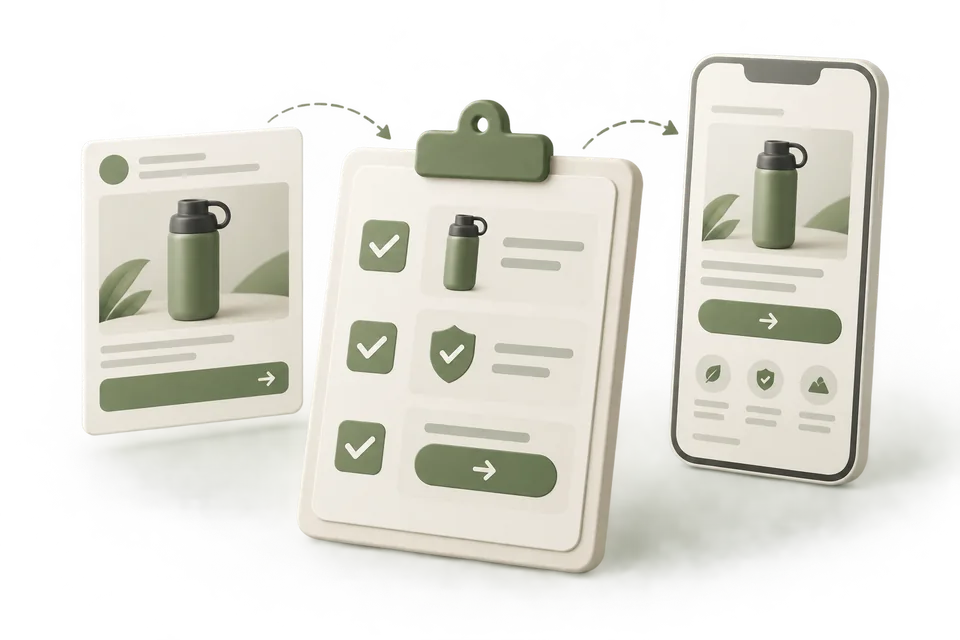 Advarde tactics
The Ad-to-Landing-Page Checklist
Check that the page fulfills the ad’s promise, supports its claims, and makes the advertised next step easy to complete.
Read the guide Advarde tactics
The Campaign Not Spending Guide
Diagnose a ChatGPT Ads campaign with no observed spend in a deliberate order, using state, timing, review status, and delivery evidence.
Read the guide MeasurementConversion tracking for ChatGPT Ads
Configure conversion events, download installation instructions, and inspect recent browser receipts in an Advarde workspace.
Read the guide Account operationsAccount permissions and reviewed changes for ChatGPT Ads
Manage advertiser connections, workspace roles, and reviewed campaign changes for ChatGPT Ads.
Read the guide Creative workflowSaved brand context for your AI assistant
Save brand profiles and briefs through your connected AI assistant, and reuse supplied images and content in campaign drafts.
Read the guide AI assistantsManage ChatGPT Ads from Claude with Advarde
Connect Claude to Advarde, inspect your OpenAI Ads account, run a dated report, and save a campaign draft with clear review steps.
Read the guide AI assistantsConnect ChatGPT to OpenAI Ads with Advarde
Connect ChatGPT to Advarde with OAuth, inspect ad accounts, prepare paused campaigns, and troubleshoot access with concrete example prompts.
Read the guide AI assistantsConnect Codex to Advarde through MCP
Connect a compatible Codex MCP client to Advarde for account inspection, implementation support, and reviewed advertising operations.
Read the guide For agenciesChatGPT Ads management for agencies: workflows, access, and pricing
Evaluate Advarde for agency ChatGPT Ads work: client isolation, reviewed campaigns, reporting examples, assistant access, pricing, and limits.
Read the guide For SaaS teamsChatGPT Ads for B2B SaaS teams
Plan ChatGPT Ads around qualified trials and paid subscriptions, with distinct lifecycle events and reviewed product claims.
Read the guide For online storesChatGPT Ads for ecommerce
Connect product messaging, feed readiness, confirmed purchases, and contribution-based budgets for ecommerce ChatGPT Ads.
Read the guide For service businessesChatGPT Ads for lead generation and bookings
Track accepted leads, confirmed bookings, and customer quality while keeping ChatGPT Ads budgets tied to realistic close rates.
Read the guide Advertising evidenceChatGPT advertising facts and statistics: a dated evidence guide
Dated ChatGPT advertising facts from primary sources, with reporting periods, research limitations and a downloadable fact register.
Read the guide Launch templatesChatGPT Ads launch checklist
Download a practical ChatGPT Ads launch checklist covering account access, measurement, creative review, paused creation, and monitoring.
Get the template Launch templatesChatGPT Ads campaign workbook template
Download the three-sheet ChatGPT Ads campaign workbook with campaign, ad-group, and creative fields, plus a local validator.
Get the template Reporting templatesChatGPT Ads reporting template
Download an editable ChatGPT Ads report with definitions, pacing, platform results, business outcomes, and decision records.
Get the template Creative templatesChatGPT Ads creative brief template
Download a creative brief for customer situations, supported claims, context hints, ad variants, destinations, and approvals.
Get the template Testing templatesChatGPT Ads test plan template
Download a campaign test plan with a hypothesis, economics, measurement checks, budget ceiling, and continue or stop criteria.
Get the template Free planning toolChatGPT Ads budget calculator
Model a ChatGPT Ads test using your budget, CPC, conversion rate, contribution, and lead close rate. No signup required.
Read the guide Free validation toolChatGPT Ads workbook validator
Validate a ChatGPT Ads workbook in your browser. Try invalid and corrected examples, fix row-level errors, and download a local issue report.
Read the guide Free creative toolChatGPT ad preview
Free ChatGPT ad preview: enter headline, description, brand, and a local image for an unofficial sponsored mock. Checks published character and image limits.
Read the guide Free planning toolROAS calculator
Free ROAS calculator: enter ad spend and revenue (or conversions × AOV), optional margin and rates. Get ROAS, CPA, break-even ROAS, profit, and what-if scenarios.
Read the guide Free measurement toolChatGPT pixel checker
Free ChatGPT pixel checker: paste a URL to see if the OpenAI Ads pixel and GTM appear in the HTML, plus GA4/Meta extras and next steps to the pixel guide.
Read the guide Ranked platformsBest ChatGPT Ads management platforms (2026)
Compare 14 ranked ChatGPT Ads platforms and one to watch, including Advarde, Markifact, Adspirer and enterprise options. Sources, tradeoffs and MCP support.
Read the comparison MCP comparisonsAdvarde vs Markifact: ChatGPT Ads management
Compare Advarde and Markifact for ChatGPT Ads: campaign controls, MCP access, reviews, measurement and the workflow that fits your team.
Read the comparison MCP comparisonsAdvarde vs Adspirer: ChatGPT Ads management
Compare Advarde and Adspirer for ChatGPT Ads: campaign controls, MCP access, reviews, measurement and the workflow that fits your team.
Read the comparison MCP comparisonsAdvarde vs Ryze AI: ChatGPT Ads management
Compare Advarde and Ryze AI for ChatGPT Ads: campaign controls, MCP access, reviews, measurement and the workflow that fits your team.
Read the comparison MCP comparisonsAdvarde vs PaidSync: ChatGPT Ads management
Compare Advarde and PaidSync for ChatGPT Ads: campaign controls, MCP access, reviews, measurement and the workflow that fits your team.
Read the comparison Platform comparisonsAdvarde vs AI-Advisors: ChatGPT Ads management
Compare Advarde and AI-Advisors for ChatGPT Ads: campaign controls, MCP access, reviews, measurement and the workflow that fits your team.
Read the comparison Platform comparisonsAdvarde vs Evertune: ChatGPT Ads management
Compare Advarde and Evertune for ChatGPT Ads: campaign controls, MCP access, reviews, measurement and the workflow that fits your team.
Read the comparison Enterprise comparisonsAdvarde vs StackAdapt: ChatGPT Ads management
Compare Advarde and StackAdapt for ChatGPT Ads: campaign controls, MCP access, reviews, measurement and the workflow that fits your team.
Read the comparison Enterprise comparisonsAdvarde vs Criteo: ChatGPT Ads management
Compare Advarde and Criteo for ChatGPT Ads: campaign controls, MCP access, reviews, measurement and the workflow that fits your team.
Read the comparison Enterprise comparisonsAdvarde vs Adobe: ChatGPT Ads management
Compare Advarde and Adobe for ChatGPT Ads: campaign controls, MCP access, reviews, measurement and the workflow that fits your team.
Read the comparison Enterprise comparisonsAdvarde vs Pattern / ROI Hunter: ChatGPT Ads management
Compare Advarde and Pattern / ROI Hunter for ChatGPT Ads: campaign controls, MCP access, reviews, measurement and the workflow that fits your team.
Read the comparison Enterprise comparisonsAdvarde vs Pacvue: ChatGPT Ads management
Compare Advarde and Pacvue for ChatGPT Ads: campaign controls, MCP access, reviews, measurement and the workflow that fits your team.
Read the comparison Enterprise comparisonsAdvarde vs Kargo: ChatGPT Ads management
Compare Advarde and Kargo for ChatGPT Ads: campaign controls, MCP access, reviews, measurement and the workflow that fits your team.
Read the comparison Platform comparisonsAdvarde vs Adstudio: ChatGPT Ads management
Compare Advarde and Adstudio for ChatGPT Ads: campaign controls, MCP access, reviews, measurement and the workflow that fits your team.
Read the comparison Platform comparisonsAdvarde vs Focal: ChatGPT Ads management
Compare Advarde and Focal for ChatGPT Ads: campaign controls, MCP access, reviews, measurement and the workflow that fits your team.
Read the comparison AI assistantsOpenAI Ads MCP for ChatGPT, Claude and Codex
Connect your AI assistant to OpenAI Ads with Advarde MCP. Inspect accounts, report on campaigns, and prepare reviewed drafts in a shared workspace.
Read the guide Campaign workflowCampaign builder for ChatGPT Ads
Prepare campaign drafts with multiple ad groups and supplied creative. Review the complete campaign, create ads paused, and approve launch in Advarde.
Read the guide ReportingAlerts and reports for ChatGPT Ads
Track campaign spend, delivery, and conversions in Advarde. Schedule reports and receive account alerts in your workspace and by optional email.
Read the guide Free toolsChatGPT Pixel Helper: check OpenAI pixel fires
Free Chrome extension to see if your ChatGPT Ads (OpenAI) pixel fires: pixel ID, consent, and event calls on a test action. No account needed.
Read the guide Free toolsUTM URL Generator — Free Link Builder
UTM URL Generator: add utm_source, utm_medium, and utm_campaign with ChatGPT Ads, Google, Meta, LinkedIn, and TikTok presets. Runs in your browser — no signup.
Read the guide Free toolsFree ChatGPT Ads context hint generator
Turn your offer, audience, and buying situation into editable ChatGPT Ads context hints. Draft and copy hints in your browser, without signing in.
Read the guide