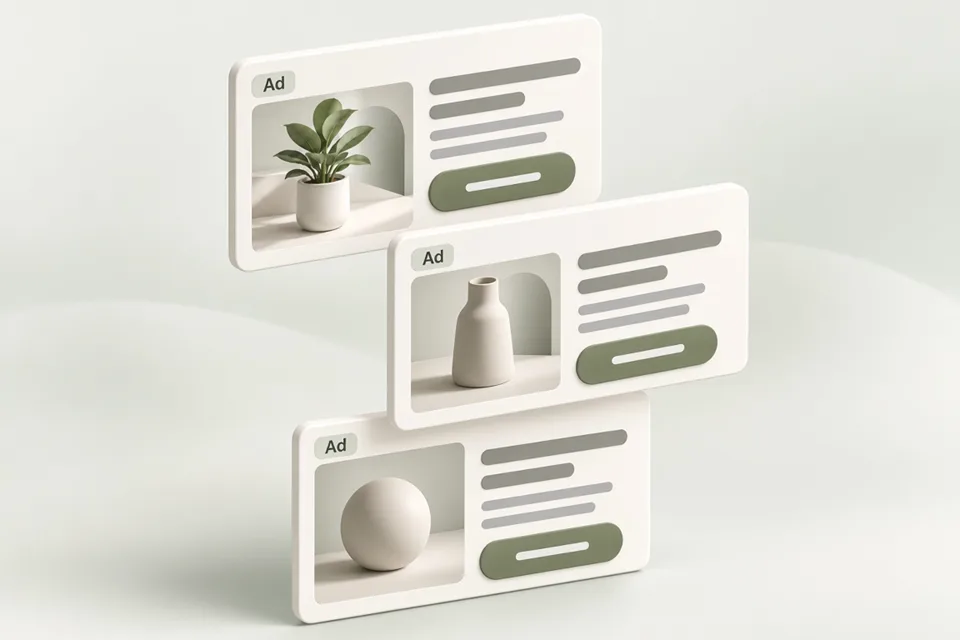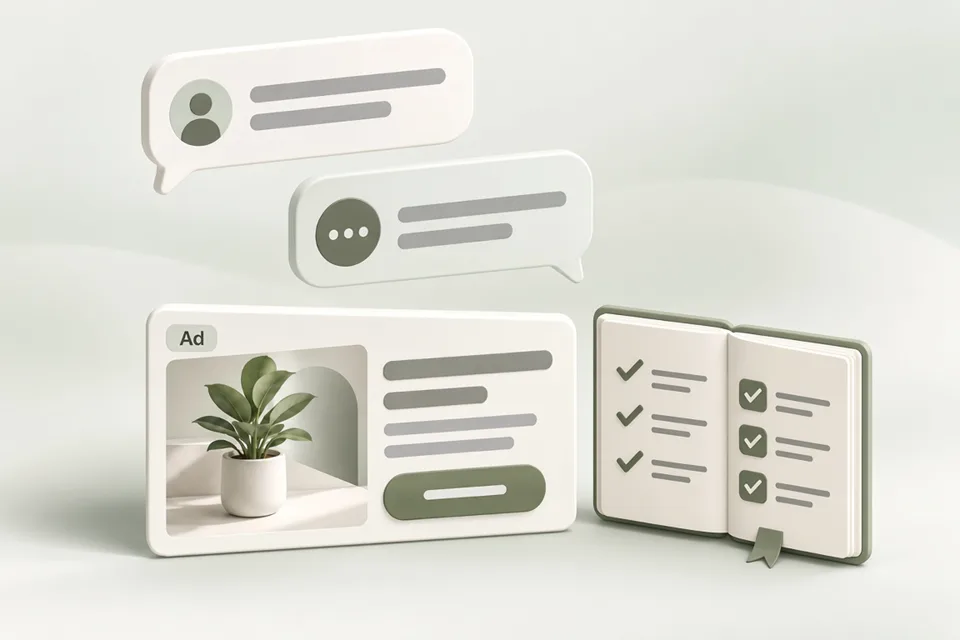
ChatGPT ads are paid, clearly labeled placements sold through OpenAI’s advertising products. They can appear below a ChatGPT response for eligible Free and Go users, and OpenAI is also testing a multi-image visual format during image generation. Ads run on systems separate from the chat model and do not change ChatGPT’s answers.
This page is an independent advertiser guide. It summarizes how ChatGPT ads work, how to buy them in Ads Manager, which pricing and minimum-budget figures OpenAI publishes, and where to go next for specs, measurement, and tooling. It is not OpenAI documentation and does not claim campaign results.
What ChatGPT ads are and where they appear
ChatGPT ads are paid advertising placements in ChatGPT. OpenAI states that ads are clearly labeled, remain distinct from ChatGPT’s responses, and do not influence answers. Advertisers do not receive chat content; reporting is described as aggregated performance such as views and clicks.
Where ads can appear (checked against OpenAI’s Ads in ChatGPT help article):
For people using ChatGPT, ads may show to Free and Go plan users in regions where ads are available. Plus, Pro, Business, Enterprise, and Edu accounts are described as ad-free. OpenAI says it does not show ads to accounts identified as belonging to people under 18, and that Temporary Chats do not show ads. Ads are not eligible near sensitive topics such as personal health, mental health, or politics.
For advertisers, signup and campaign management start at ads.openai.com and continue in Ads Manager. Country availability can change; confirm the current Ads Manager availability list before planning a launch.
- Paid, labeled placements — not organic answer ranking.
- Typical placement: below a response; OpenAI is also testing ads during image generation.
- Eligible viewers: Free and Go plans where ads are available; paid and education tiers are described as ad-free.
- Advertiser entry point: ads.openai.com → Ads Manager.
How to buy ads in ChatGPT Ads Manager
Buying ChatGPT ads means creating an eligible advertiser account, completing billing and required reviews, then building a campaign with ad groups and ads. OpenAI documents two signup paths: create a first ad from your website URL during signup, or skip that step and build campaigns after you enter Ads Manager.
Use this sequence as a practical checklist. Confirm each step in the live Ads Manager UI and OpenAI’s current help articles — beta screens change.
- Go to ads.openai.com, sign in with the OpenAI account you intend to use for advertising, and choose Sign up or Login.
- Either enter a website URL to draft a first ad and campaign during signup, or skip ad creation and continue into Ads Manager.
- Enter required advertiser details. Review Account Name, Brand Name, and Legal Name in Settings → General after creation; country, currency, and time zone cannot be changed later.
- Complete billing in Ads Manager. Billing must be set up before campaigns can deliver.
- Invite teammates if needed (Admin, Member, or Viewer) under Settings → Users.
- Create a campaign: choose an objective (Views / CPM, Clicks / CPC, or Conversions with oCPC or oCPM where available), budget type, locations, and schedule.
- Add ad groups with context hints that describe the conversations where the offer is relevant.
- Create ads (title, description, image, destination), review creative against published specs, and confirm review status before spending.
- Install and test conversion measurement before judging results. Then monitor impressions, clicks, and spend — spend reporting can lag impressions and clicks.
Pricing and minimum budget
OpenAI bills ChatGPT ads according to the campaign objective and billing option you select. Checked against OpenAI’s Billing & Payment and Creating campaigns help articles (figures below retrieved 23 October 2026):
Pricing models OpenAI documents:
- Views (CPM): billed per 1,000 impressions served. - Clicks (CPC): billed per valid click. - Conversions: optimize toward a supported conversion event; bill for valid clicks (oCPC) or impressions (oCPM) where available. Ads are not billed per conversion.
Minimum daily budget: OpenAI publishes a minimum daily budget that varies by the ad account’s billing currency. For USD accounts the published minimum daily budget is 25 USD. Other currencies have their own minima in the same “Minimum campaign spend” table on the create-campaigns article. OpenAI’s daily-budget article restates the US USD standard minimum as $25.
Daily budgets are averages over a Sunday–Saturday week in the account time zone, not a hard same-day cap. OpenAI states that daily spend will not exceed twice the selected daily budget on an individual day, and spend over the applicable 7-day period will not exceed seven times that daily budget (with proration when the budget changes).
What OpenAI does not publish as a single public figure: average CPC, average CPM, recommended test spend, or a universal campaign-total (lifetime) budget minimum in that currency table. Do not treat third-party CPC anecdotes or planning examples as platform pricing. Plan from your own economics, then check the live minimum for your currency and budget type in Ads Manager.
| Topic | What OpenAI publishes | What is not a published average |
|---|---|---|
| Billing models | CPM, CPC, and conversion-optimized oCPC / oCPM where available | Typical CPC or CPM for your niche |
| USD daily budget minimum | 25 USD minimum daily budget (create-campaigns table; daily-budgets article) | A recommended first-test spend |
| Daily budget pacing | Up to 2× daily on one day; up to 7× over the budget week (with proration rules) | Guaranteed even delivery each day |
| Campaign-total budget | A total spend limit paced over the campaign duration | A single public minimum in the daily-budget currency table |
Ad specs in short
For the documented Ads Manager bulk-upload image-ad workflow, prepare a square PNG or JPG no larger than 1200 × 1200 pixels. Published text maximums are 50 characters for the title (API accepts 3–50) and 100 characters for the description. Shorter recommended writing ranges are guidance, not separate field limits. Product-feed templates can differ — confirm the upload surface you use.
Use the full specs page for the field table, favicon notes, and preview workflow. Preview title, description, and image together before you submit.
Practitioner learnings so far
Public independent write-ups are still thin compared with OpenAI’s own help center. One widely shared practitioner thread on r/PPC (“ChatGPT Ads: What I’ve Learned From Running Real Campaigns”) emphasizes points that align with how the product is documented, without turning anecdotes into benchmarks:
The author notes that ads currently reach non-paying Free-tier audiences rather than Plus or Pro subscribers, so planning from total ChatGPT user counts overstates reachable inventory. That matches OpenAI’s description that Free and Go may see ads while Plus, Pro, Business, Enterprise, and Edu do not.
The same thread argues that ad-group context hints are the main eligibility lever, and that vague category phrases waste budget on loosely related conversations, while overly specific hints only help when the ad copy continues the same specificity. Treat these as operator hypotheses to test in your account — not as published OpenAI performance claims.
Read the thread for the full discussion, then verify every operating detail against Ads Manager and OpenAI’s help articles before you spend.
Topic cluster: go deeper
These cluster pages sit under this hub. Each links back here and across to siblings. Existing specs, API keys, platform comparison, and vs Google Ads guides are integrated — not duplicated.
Common questions
What are ChatGPT ads?
ChatGPT ads are paid, clearly labeled advertising placements in ChatGPT, sold through OpenAI’s advertising products. They appear separately from ChatGPT’s answers and do not change those answers.
How do I buy ads on ChatGPT?
Sign up at ads.openai.com, complete advertiser account setup and billing in Ads Manager, then create a campaign with ad groups and ads. Confirm country availability and review status before expecting delivery.
How much do ChatGPT ads cost?
OpenAI bills by objective: CPM for Views, CPC for Clicks, or click/impression billing for conversion-optimized campaigns. OpenAI does not publish a single average CPC or CPM. For USD accounts, the published minimum daily budget is 25 USD; other currencies have their own minima in OpenAI’s create-campaigns table.
What is the ChatGPT Ads Manager minimum spend?
OpenAI publishes minimum daily budgets by billing currency. The USD minimum daily budget is 25 USD. A campaign-total budget is a separate control; check Ads Manager for the amount your account accepts. Planning examples on other sites are not platform minima.
Who sees ChatGPT ads?
OpenAI states that ads may appear for Free and Go plan users in regions where ads are available. Plus, Pro, Business, Enterprise, and Edu accounts will not have ads. Ads are not shown to accounts identified as belonging to people under 18, and Temporary Chats do not show ads.
Sources and verification
Pricing and eligibility figures checked 23 October 2026 against OpenAI Help Center articles linked above and ads.openai.com. Average CPC/CPM and recommended test budgets are not published as single public figures; this page does not invent them. Reddit notes are attributed practitioner commentary, not OpenAI documentation. Your account may expose a different set of features. Examples are illustrative unless a dataset is explicitly supplied.
- OpenAI Ads ↗
- OpenAI Help: Ads in ChatGPT ↗
- OpenAI Help: Ads Manager account setup ↗
- OpenAI Help: Creating campaigns for ChatGPT Ads ↗
- OpenAI Help: Ads Manager Beta overview ↗
- OpenAI Help: Billing & Payment ↗
- OpenAI Help: Daily budgets ↗
- r/PPC: ChatGPT Ads — what I’ve learned from running real campaigns ↗
- OpenAI: create campaigns ↗
- OpenAI: create ad groups ↗
- OpenAI: create ads ↗