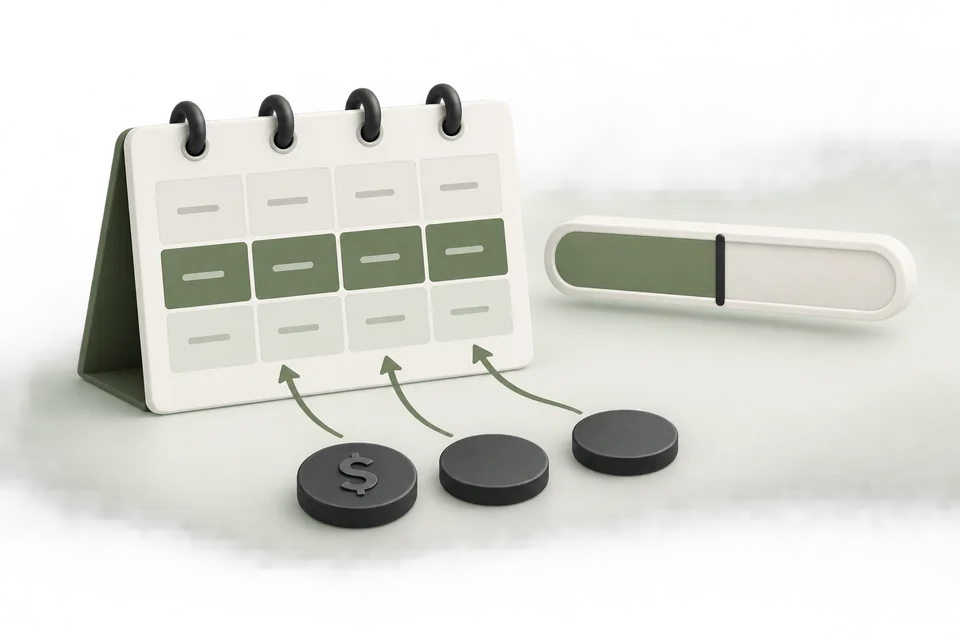
A campaign with no spend is an observation, not a diagnosis. Before raising a budget or bid, establish whether the campaign and its ads are eligible to deliver. Check the hierarchy from the account down to the creative, then inspect the report itself.
Confirm the account and report
Verify the selected advertiser account, currency, report range, and timezone. Refresh the source data and record when it was last available. An empty view for the wrong account or an old date range can look like a delivery problem.
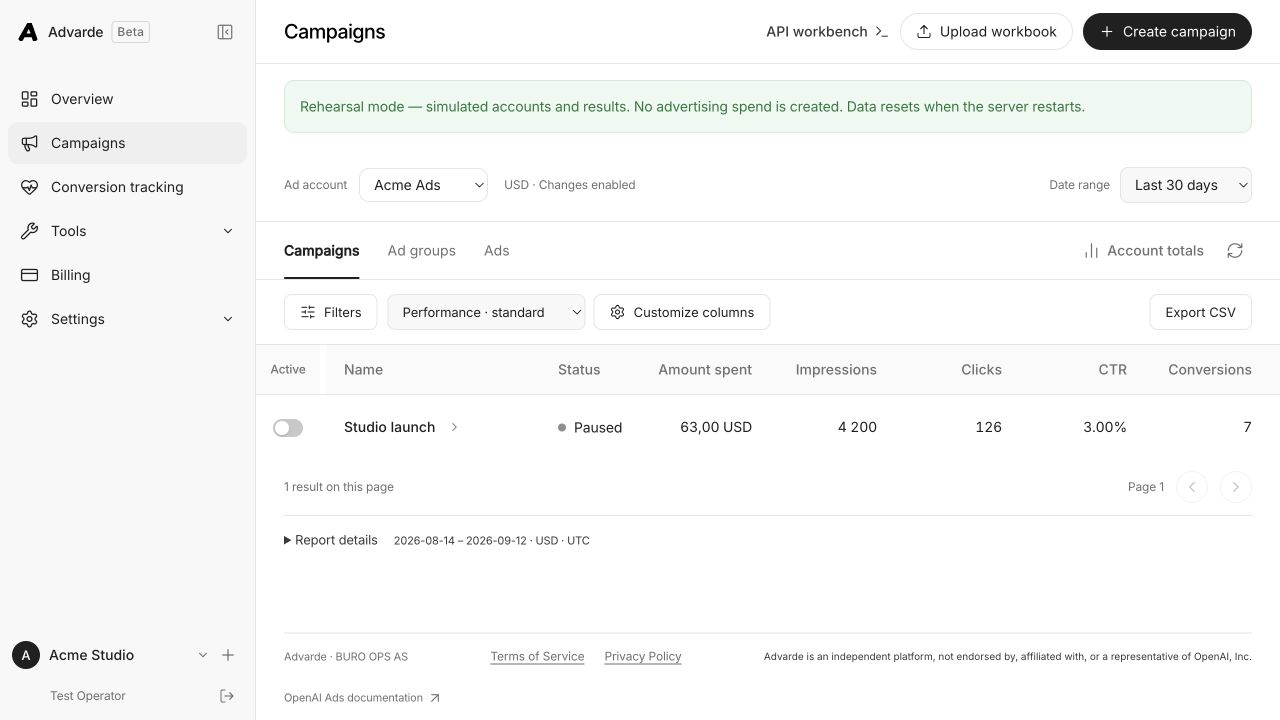
If the campaign was just created, inspect its platform IDs and statuses. A saved Advarde draft is a local preparation object. It does not spend until platform objects exist and the relevant delivery settings permit them to run.
Check the full status hierarchy
Review the campaign, its ad groups, and the ads. An active parent does not guarantee that every child is active or approved. Check billing and account eligibility through the platform as well as any available campaign validation messages.
Advarde creates campaign objects paused as part of its reviewed workflow. If you completed creation but not activation, zero spend may be the expected result. Confirm the separate launch decision rather than interpreting that state as failed delivery.
| Check | What to inspect |
|---|---|
| Account | Eligibility, billing, and enabled capabilities |
| Campaign | Created status, budget, dates, and activation |
| Ad group | Status and valid delivery settings |
| Ad | Creative review, destination, and active state |
| Report | Account, date range, timezone, and freshness |
Review dates, geography, and budgets
Confirm that the campaign is inside its intended schedule and that the targeting settings are supported for the account. Inspect whether the budget has been exhausted or whether a budget change awaits review or application.
Check the units of any imported amount. A value intended as currency units can become far too small when interpreted as micros. A CPM amount also needs different handling from a per-impression bid. Inspect the normalized review values before changing the original spreadsheet.
Evaluate bids only after basic eligibility
Once the objects are eligible, inspect the bid settings and the buying situations represented by the ad groups. A bid adjustment may be a reasonable experiment, but it should have an explicit ceiling and review period.
Change one material setting at a time. If you simultaneously increase bids, expand geography, and rewrite context hints, subsequent delivery will not tell you which change mattered. Record the before and after values in the activity log.
Escalate with the evidence already gathered
Prepare the account and campaign IDs, current object statuses, relevant validation messages, report range, and the exact time of the last change. Include the API response or platform message when available, with credentials removed.
If an API feature is unavailable, distinguish account capability from an invalid request. Repeatedly recreating a campaign can leave duplicate objects without solving eligibility. Reconcile uncertain writes before retrying creation.
Sources and verification
Platform details checked on September 11, 2026. Your account may expose a different set of features. Examples are illustrative unless a dataset is explicitly supplied.