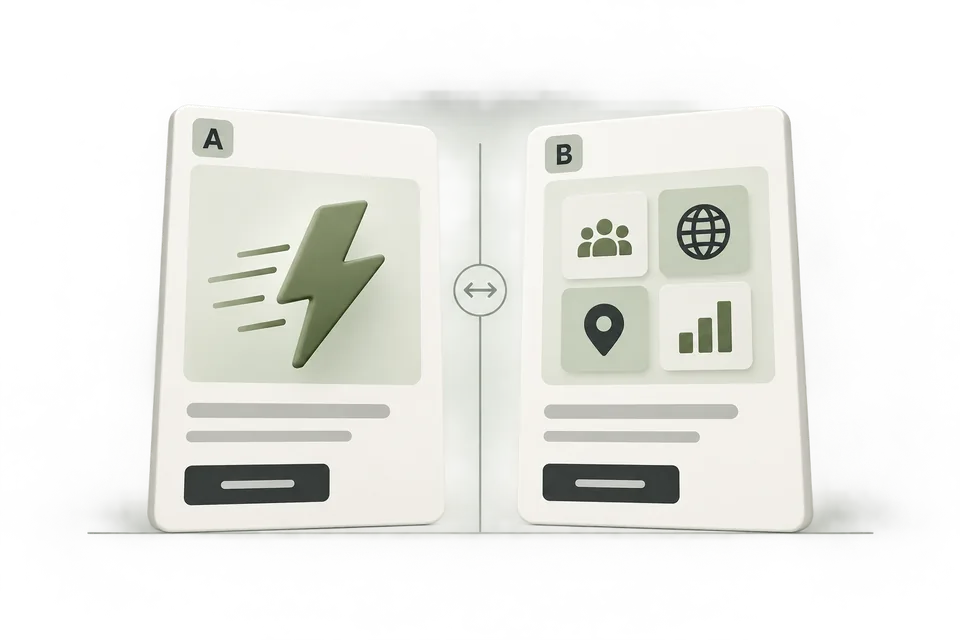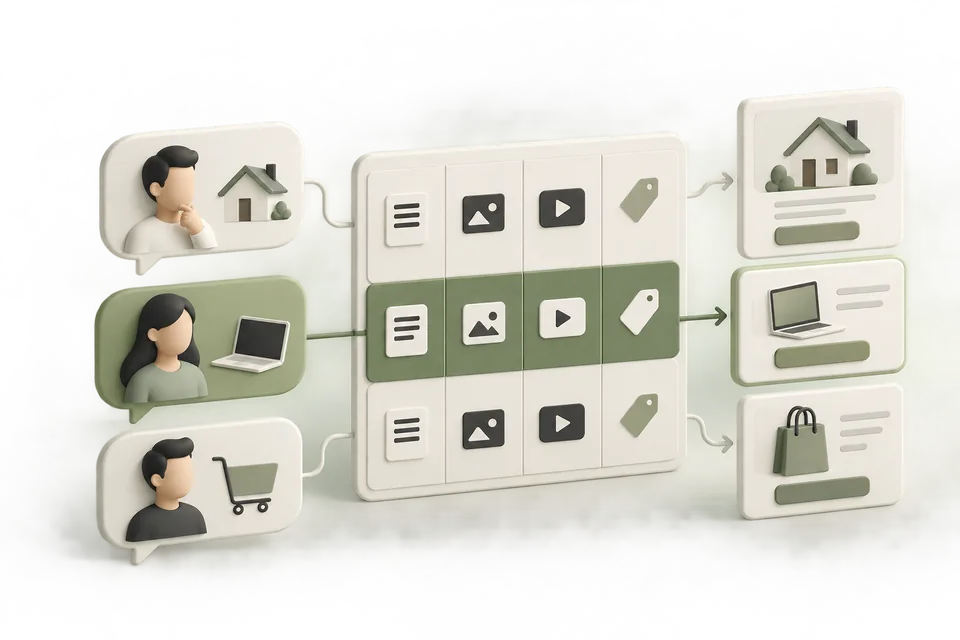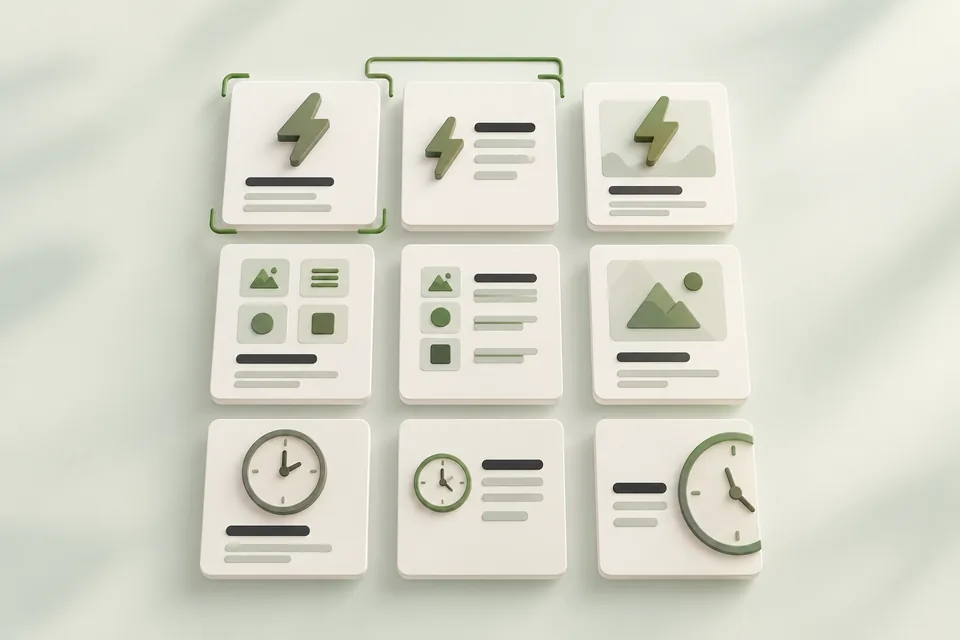
Nine concepts give you a structured set of choices. They do not require nine ads to launch at once. This guide combines three message angles with three offers, then selects a small comparison that your available budget and evidence can support.
You will leave with a creative matrix, a written test hypothesis, and a decision record. The Northstar CRM concepts and performance figures below are fictional teaching examples, not campaign results or expected benchmarks.
Jump to a step in this guide
Your finished deliverable
A creative concept library and a first comparison with an explicit hypothesis, metric, and review rule.
- One supported customer situation and an approved claim register.
- Real offers and destination pages for the concepts you select.
- A defined primary metric, available test allowance, and measurement owner.
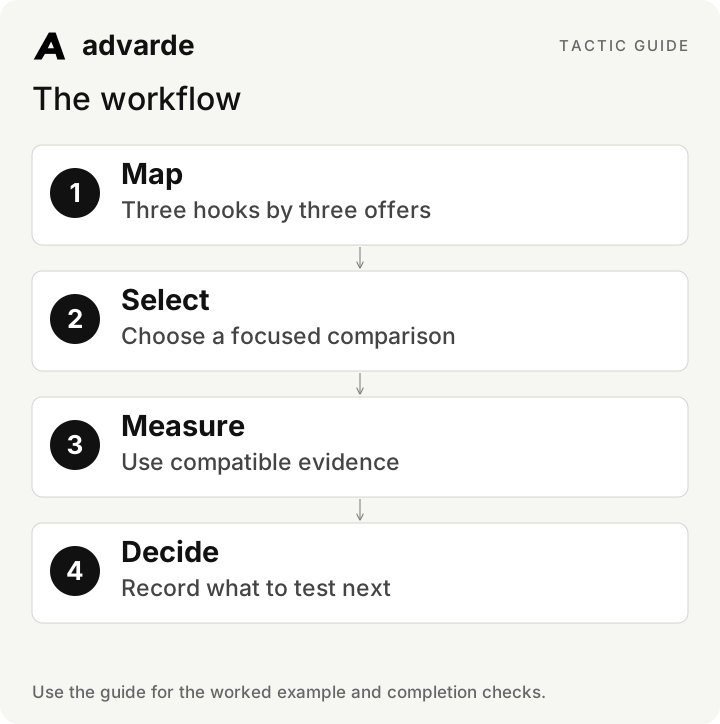
1. Build the matrix before writing variations
Choose three genuinely different angles: the customer’s problem, a specific capability, and an implementation concern. Pair them with three real next steps. If your business has only one offer, use one column; do not invent a free trial or consultation to complete the grid.
In the fictional example, Northstar has a guided walkthrough, a self-guided product tour, and an import checklist. Every selected cell needs a page that fulfills that offer. The concepts are working briefs, not final platform-validated ad copy.
| Angle | Guided walkthrough | Product tour | Import checklist |
|---|---|---|---|
| Follow-up organization | See how a team assigns follow-ups | Explore shared deal stages | Prepare your contact data |
| Useful capability | See CSV import demonstrated | Explore contact and deal records | Check the fields needed for import |
| Setup uncertainty | Ask how setup works | Preview the workspace before booking | Review import steps before choosing |
2. Reject weak combinations before spending
A matrix cell earns a place when it offers a distinct reason to act, uses a supported claim, and leads to the correct page. Two ads that substitute “easy” for “simple” are usually the same idea. A checklist ad leading to a sales-only form breaks the offer.
Mark each concept ready, revise, or exclude. Give the reviewer a reason. This creates a reusable creative backlog while keeping the initial campaign focused.
Using [brief], [claim register], and [actual offers], create a 3-by-3 concept matrix.
For each cell include angle, offer, destination, claim IDs, and reason to act.
Flag unsupported or duplicate concepts. Do not invent offers to fill the grid.
Then draft two ads from one offer column with distinctly different angles.
Return copy and hypotheses for review; do not publish.
3. Choose the decision before the metric
Write the decision as a question: “Should our next variation emphasize shared ownership or contact import?” Hold the offer, destination, and intended conversion constant for that comparison. If you change the offer too, describe it as a comparison of packages, not an isolated test of the hook.
Choose one primary metric based on the action. CPA requires the same available conversion definition. CPC can describe the cost of traffic, but it cannot establish lead quality. Keep secondary metrics to explain the result rather than changing the winner criterion after seeing the numbers.
| Plan field | Fictional first comparison |
|---|---|
| Decision | Which angle should inform the next walkthrough ad? |
| A | Shared ownership of follow-ups |
| B | CSV contact import |
| Held constant | Walkthrough offer, destination, conversion definition |
| Primary metric | Cost per attributed walkthrough booking |
| Secondary checks | Spend, impressions, clicks, measurement health |
| Interpretation limit | Ad delivery is not guaranteed to be evenly randomized |
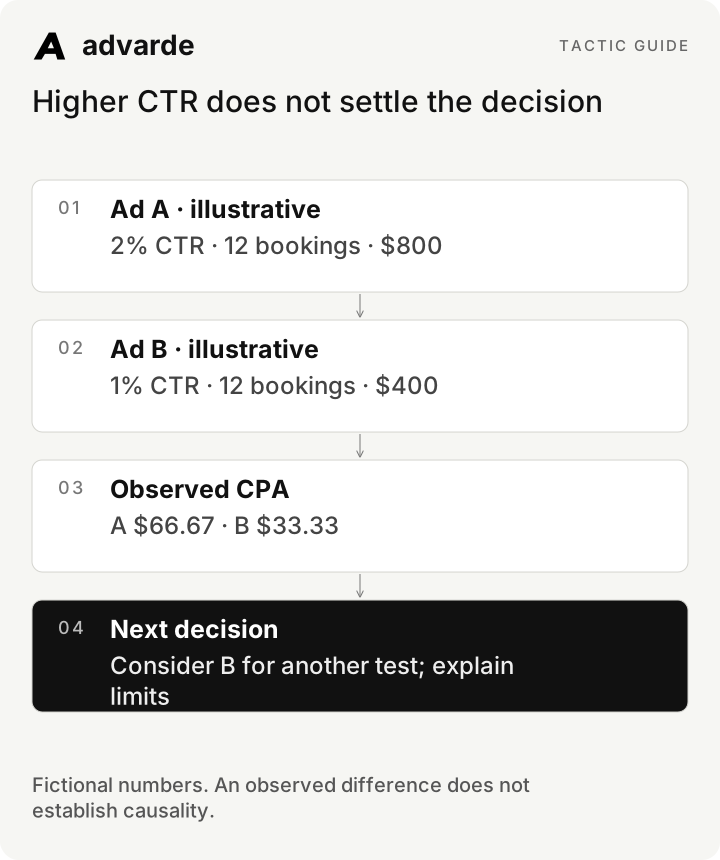
Higher CTR does not settle the decision
4. Set a review rule your resources can support
Define a completed reporting window, allowance, reporting delay, and minimum evidence before launch. There is no universal conversion count that makes a result statistically proven. If the allowance cannot produce useful evidence, reduce the number of concepts or choose a different question.
For illustration, a team with a $600 total learning allowance and an assumed $60 cost per booking expects roughly ten bookings in total if that assumption holds. Splitting that allowance across nine concepts would leave very little evidence per concept. This is planning arithmetic, not a forecast or a platform budget minimum.
Record both a spending stop and a review date. Avoid repeatedly checking noisy results and declaring success the moment the preferred variation leads.
5. Label and preserve the actual ads
Give each concept a stable hook and offer label. After reviewed creation, bind those labels to the actual ad IDs in the right account. A spreadsheet row name alone cannot join a creative idea to delivery results.
Advarde reports can group saved ad labels by hook and offer. Keep the exact account-local dates and event definition with each report. Comparisons require complete compatible data; unknown conversions are not zero. A saved comparison plan does not randomize traffic or change ads.
Read results for [ad IDs] in [account], for completed dates [start/end] in [timezone].
Confirm the conversion definition, completeness, and any reporting delay.
Calculate rates from summed counts. Show spend, impressions, clicks, and conversions.
Keep missing values unknown. Compare against the predefined review rule.
Separate observed differences from explanations. Make no campaign changes.
6. Read the worked result correctly
In this fictional report, both ads have twelve attributed bookings. A received twice as many clicks and cost twice as much. Its higher CTR does not make it the preferable booking-cost result. Calculate CTR as clicks divided by impressions, CPC as spend divided by clicks, and CPA as spend divided by bookings.
B has the lower observed CPA in this example. That supports considering another test of the import angle. It does not prove that the angle caused the difference: delivery mix, timing, and other conditions may differ. If bookings were unavailable, both CPAs would remain unknown.
| Metric | A: follow-up ownership | B: contact import |
|---|---|---|
| Impressions | 20,000 | 20,000 |
| Clicks | 400 | 200 |
| Spend | $800 | $400 |
| Attributed bookings | 12 | 12 |
| CTR | 2% | 1% |
| CPC | $2 | $2 |
| CPA | $66.67 | $33.33 |
7. Decide continue, revise, wait, or investigate
Continue a supported concept when the evidence answers the planned question well enough for the next operational decision. Revise when a specific mismatch is identified. Wait when the window or sample is incomplete. Investigate when the data cannot be trusted.
Record the result and limitation before drafting the next ad. Do not automatically replace all creative based on a small comparison. The useful output is a justified next decision, with the original plan available for review.
Write a decision memo for [test].
State the original hypothesis, planned metric, evidence rule, and observed result.
Choose continue, revise, wait, or investigate and explain why.
List alternative explanations and what evidence would change the decision.
Propose one next variation or diagnostic task, with an owner.
Do not call the result statistically significant unless an appropriate analysis supports it.Complete the worksheet and check your work
Download the free pack and complete the three editable worksheets in order. It includes this illustrated guide and its worked-example tables so you can use the material offline. Replace the fields with your own verified inputs. The prompts work with supplied material; reading or saving Advarde records requires a compatible authorized connection.
- Each concept has a distinct angle and real offer.
- The first comparison fits the available allowance.
- The primary metric and review rule were chosen in advance.
- Ad IDs, labels, dates, and conversion definitions are recorded.
- Unknown values and unequal delivery are acknowledged.
- The next decision follows the evidence rather than the preferred story.
| Worksheet | Use it for |
|---|---|
| Creative concept matrix | creative-matrix.md |
| Predefined creative comparison | comparison-plan.md |
| Creative result and next decision | test-decision.md |
Put this tactic to work in Advarde
Create an Advarde workspace to keep the relevant campaign context, reviewed work, and team records together. Use a connected assistant when it helps you draft or inspect the information. Start with the completed worksheet and the exact account and task you intend to manage. The guide and downloads are free; Advarde subscriptions, assistant access, and advertising spend are separate.
Common questions
Can I use the guide without an Advarde account?
Yes. The illustrated guide, examples, prompts, and editable worksheets are available without signup or an email gate. An Advarde account and appropriate access are needed to carry out the product-specific steps.
Does a prompt or worksheet authorize live changes?
No. Planning and analysis prompts prepare work for review. Changes to advertising follow the applicable account permissions and reviewed authorization. Use the actual connected tools and current account capabilities.