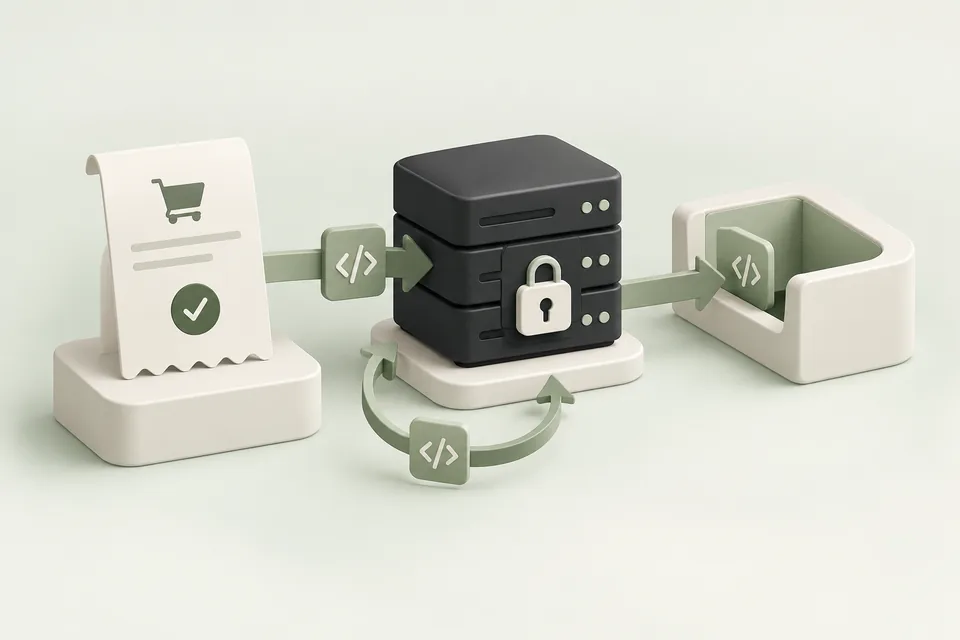
Codex can use a compatible Streamable HTTP MCP connection to work with Advarde. This is useful when campaign operations and implementation tasks—such as validating a tracking integration—need to be considered together. Keep code changes and advertising changes individually reviewable.
Connect through your Advarde workspace
Open MCP connections in Advarde and copy the server URL displayed there. Add it to your client’s supported remote MCP configuration. Prefer OAuth where available, sign in to Advarde, and choose the intended workspace.
For clients that support bearer authentication, a workspace token is another supported path. Store it in the client’s secret configuration and revoke it when no longer needed. Do not substitute an advertiser or model API key.

Use Codex for a specific operational task
Ask it to inspect the account or saved conversion setup before proposing a change. For website tracking work, give it the generated installation guide and the application’s successful-action trigger. Have it test the code path and report exactly what the test proves.
A local test can establish that a function emits the expected payload. It does not establish that a production event was received or attributed. Keep browser, server, and advertising-report evidence distinct.
Inspect the saved conversion setup and generated integration guide.
Identify where the application confirms a successful booking.
Implement and test the trigger using a stable booking ID.
Describe what was tested and what still needs a production check.
Review account changes independently
When Codex prepares a campaign or account edit, inspect the exact proposal in Advarde. Confirm its spending and account scope even if the code implementation work has already been approved.
Use the activity record to reconcile the outcome. Revoke the client connection or token when it is no longer needed, and keep server credentials outside source files and screenshots.