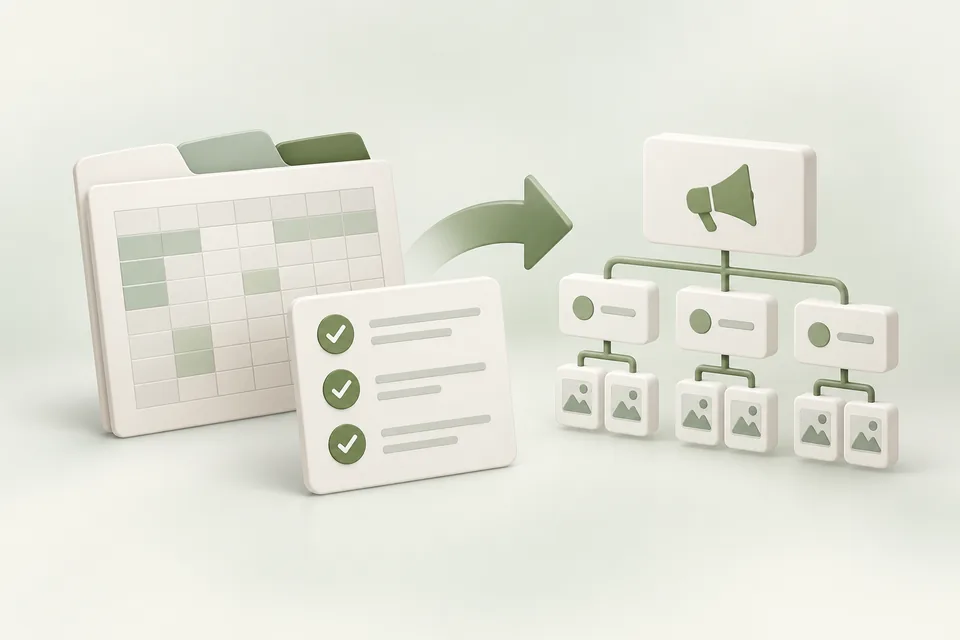
Advarde’s campaign workbook organizes campaigns, ad groups, and ads into three related sheets. Start from the supplied template so the importer sees the expected headers. Keep the original file and a dated copy of the version you submit.
Fill the sheets in order
Create campaign rows first, then ad-group rows that refer to those campaigns, then ads that refer to the ad groups. Use exact, unambiguous names for those relationships. A typo in a parent name is a broken reference, not a new parent object.
The template’s main sheets are campaigns, adgroups, and ads. Preserve the header row. Use explicit decimal amounts without currency symbols or thousands separators. Context hints belong in a JSON array of strings.
| Sheet | Key fields |
|---|---|
| campaigns | campaign_name, budget_max, budget_type, objective, target_countries |
| adgroups | campaign_name, adgroup_name, max_bid, context_hints |
| ads | adgroup_name, title, copy, link, image_link |
Review objective and bid semantics
For Views campaigns, this template’s max_bid represents a maximum CPM. For click campaigns, it represents the per-click amount. Do not copy the same number between objectives without reviewing its meaning.
The current limited-preview bulk creation path has restrictions, including conversion-objective cases and date handling. Advarde surfaces those limitations in the compile review. A workbook can describe a valid business plan while requiring another supported creation path.
Validate before preparing a change
Use the public workbook validator for a local file check, then use the workspace’s import and review flow for account-specific compilation. The public check does not contact OpenAI and cannot verify advertiser permissions, uploaded assets, destination availability, or platform approval.
Resolve row-level errors before preparation. Read warnings as well as errors. In particular, confirm the operation count, parent relationships, budget normalization, and any fields that the selected API path will not apply.
Create paused and reconcile the result
Inspect the frozen proposal and approve the intended operation. Keep new objects paused while reviewing the platform result. A partially successful or uncertain response needs reconciliation before a retry; otherwise a second import can create duplicate resources.
Record the platform IDs after creation. Apply any separately supported date or status changes through a new reviewed operation, then complete the launch checklist. Retain the submitted workbook with the activity record.
Sources and verification
Platform details checked on September 11, 2026. Your account may expose a different set of features. Examples are illustrative unless a dataset is explicitly supplied.