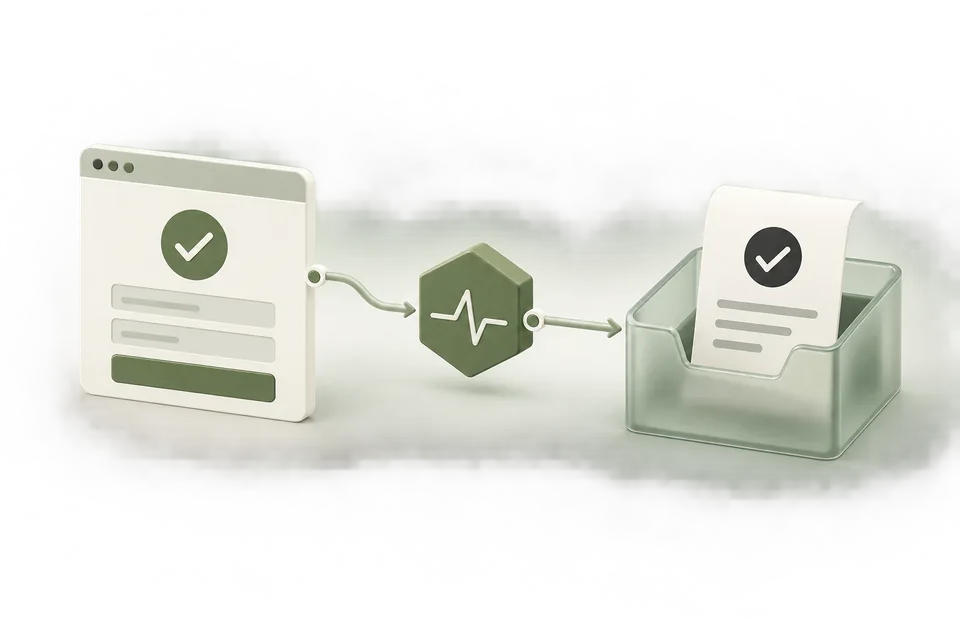
Set up measurement around the action your business cares about. Advarde brings conversion presets, resource review, installation instructions, and diagnostic checks into one workspace, with the selected advertiser account visible throughout the process.
Start from your customer journey
Choose a lead generation, booking, ecommerce, or SaaS preset. Review the suggested events and primary conversion, name the website or funnel, and select the tracking source already associated with it.
The preset saves preparation time while leaving the event decision with your team. A page view, accepted lead, and confirmed booking remain separate actions with separate meanings.

Review resources before creating them
Inspect which pixel and conversion definitions will be reused or created. The review makes the proposed account changes visible before they are applied. Reusing a known installed source helps avoid a setup that points at a different pixel from the website.
After creation, the setup is configured. It still needs installation and testing on the destination website or server.

Give the implementer the right instructions
Choose Website code, Google Tag Manager, or Server-side API to obtain instructions for the saved setup. Download the guide and implement successful-action triggers with stable event IDs.
Connect the generated helper to the site’s consent manager and test grant and withdrawal behavior. Keep server credentials on the server. The interface separates code preparation from your confirmation that it has been installed.
Inspect evidence without overstating it
Check recent browser receipts after completing a permitted action. The diagnostic sample helps identify whether selected events appeared recently; it is not a complete event log or proof of advertising attribution.
Validate server configuration separately and reconcile reported conversions with business records. Your team can move from setup to implementation to evidence without treating those stages as interchangeable.