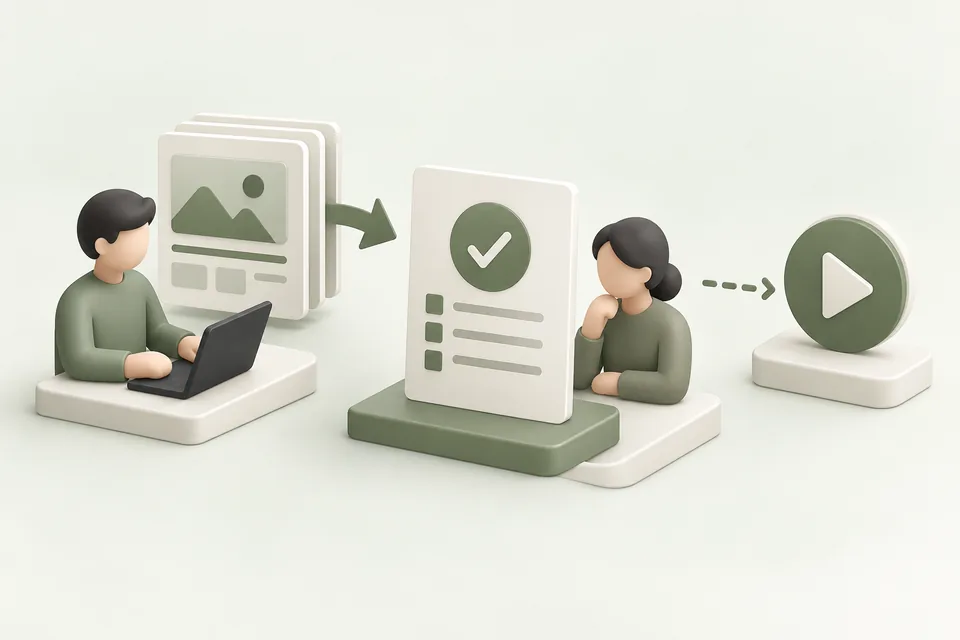
Advarde separates preparing a campaign from creating platform resources and starting delivery. This gives the team a point to inspect the exact settings before the account changes and another point to confirm readiness before advertising begins.
Save the campaign draft
Open Campaign builder and choose New campaign draft, or start from Campaigns. Select the account, enter the campaign settings, and continue to the ad groups and ads. Add the intended creative and destination.
Save the draft with a clear name. The draft is a preparation record; it does not itself spend money. Confirm that the account, objective, budget, location settings, and parent-child relationships match the brief.

Review the complete proposal
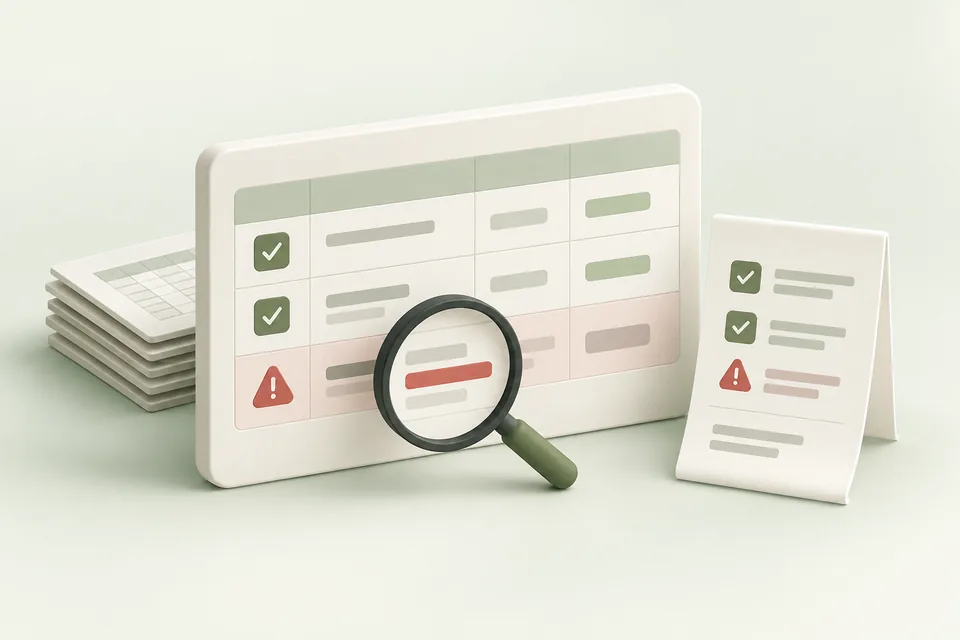
Open Review & create and inspect the normalized values and any validation messages. Check the currency and bid meaning, not just the number. Inspect every destination and creative asset.
If the draft changes materially after review, refresh the review. A previous approval should not be applied to a different budget, offer, or destination. Keep the client approval reference with the version being created.
Create paused and inspect the outcome
Apply the reviewed creation and inspect the execution result. Confirm the created platform IDs and statuses. If the result is partial, preserve successful resources and identify remaining work. If the result is uncertain, reconcile remote state before retrying.
Paused creation gives you an opportunity to check readiness. It does not guarantee creative approval, account eligibility, or that every later change can be reversed.
Complete the launch decision
Check billing, dates, destination, tracking, creative status, and the approved spending plan. Use the supported launch step to activate the intended objects. Record the decision and effective time.
After launch, verify delivery and the measurement path. If an urgent issue requires a pause, use the appropriate campaign status change. Stopping an automation policy alone does not stop live advertising.
Sources and verification
Advarde workflow and permission controls reviewed on 19 October 2026. Consult the linked provider references for account-specific platform requirements. Your account may expose a different set of features. Examples are illustrative unless a dataset is explicitly supplied.