Set up your workspace, connect an advertiser account, and prepare your first campaign in Advarde.
1. Open your workspace
Sign in to Advarde. Complete email verification if requested. Check the workspace name in the sidebar before adding an account or inviting a teammate. If you belong to several workspaces, select the business you intend to manage.
2. Connect your ad account
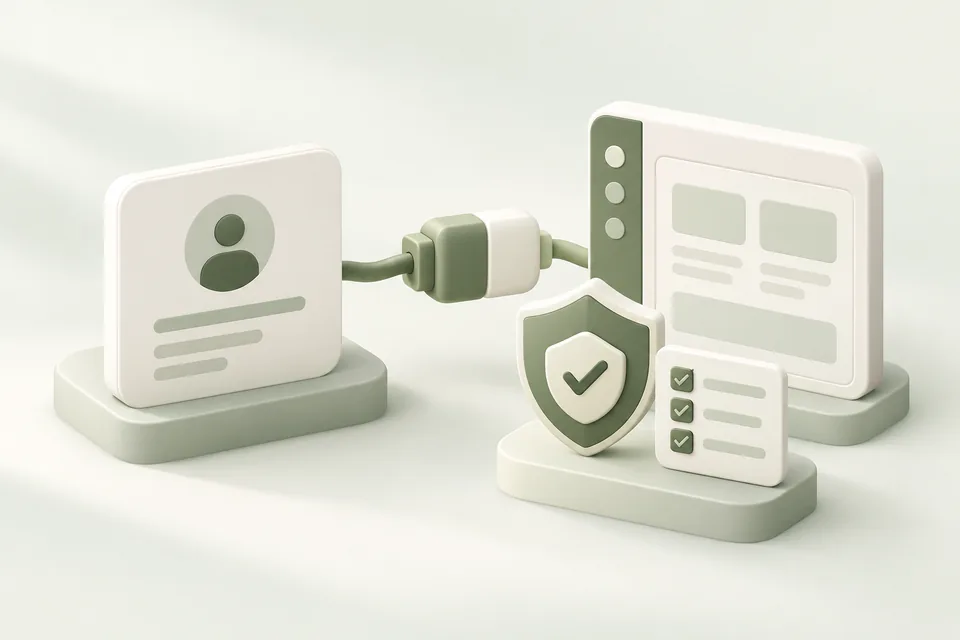
Follow the Connect ad account screen. If you already have an account, choose Yes and enter its advertiser API key. An owner or admin must complete the connection. If you need an account, choose No to review the available setup options. OpenAI controls advertiser eligibility and approval.
3. Check access and prepare a draft
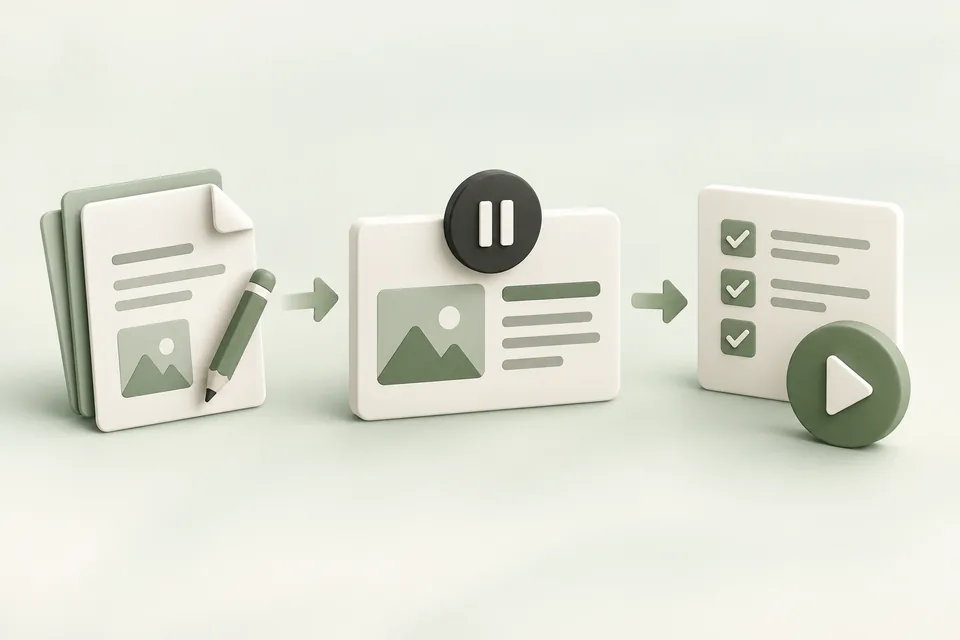
A successful connection lets Advarde read the advertiser account. New connections start with campaign changes disabled. An owner or admin can review the connection settings in Tools → Ad accounts and enable changes when appropriate. Start a campaign draft from Campaigns, then review it before creating anything.
Confirm you are ready
Check the connected account name, currency, and workspace. Saving a draft does not launch advertising. Eligible first-workspace trials start after successful advertiser connection and verification; later workspaces do not automatically receive another trial. Billing shows your current workspace status. You can return to this Help Center throughout setup.