Give campaign preparation reliable inputs: what the business offers, which claims are supported, which images are approved, and where visitors should land. Save brand profiles and briefs through your connected assistant or the API. The browser campaign builder can reuse saved context and images; there is no standalone brand or image library page.
Keep the offer and evidence together
Ask your connected assistant to save the supplied business context as a brand profile or brief. Record the audience, offer, tone, destination, and claims the team can support. Saved knowledge is managed through MCP or the API.
An assistant can work from that material, but generated copy still needs review. Advarde does not invent proof of performance or turn an unsupported claim into an approved brand statement.
Reuse actual campaign images
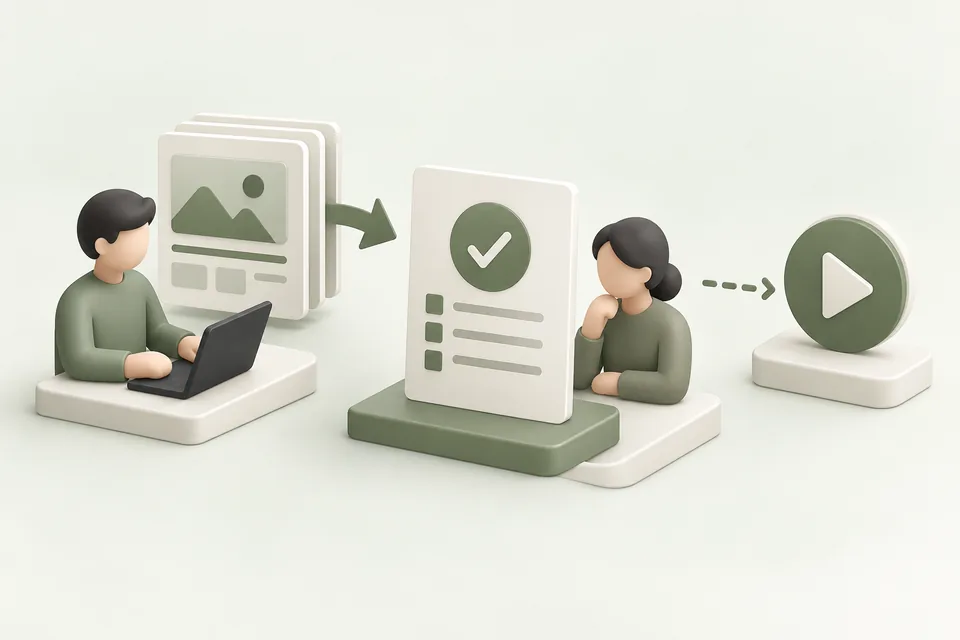
Upload or select supplied images while preparing a campaign draft. Saved assets retain their workspace and advertiser-account ownership, so choose the relevant account when reusing an image. Image operations are also available through compatible assistant tools and the API.
An uploaded asset passing local format checks is not the same as platform creative approval. Review the ad combination and the destination before using the image in a live campaign.
Preserve the brief behind a variant
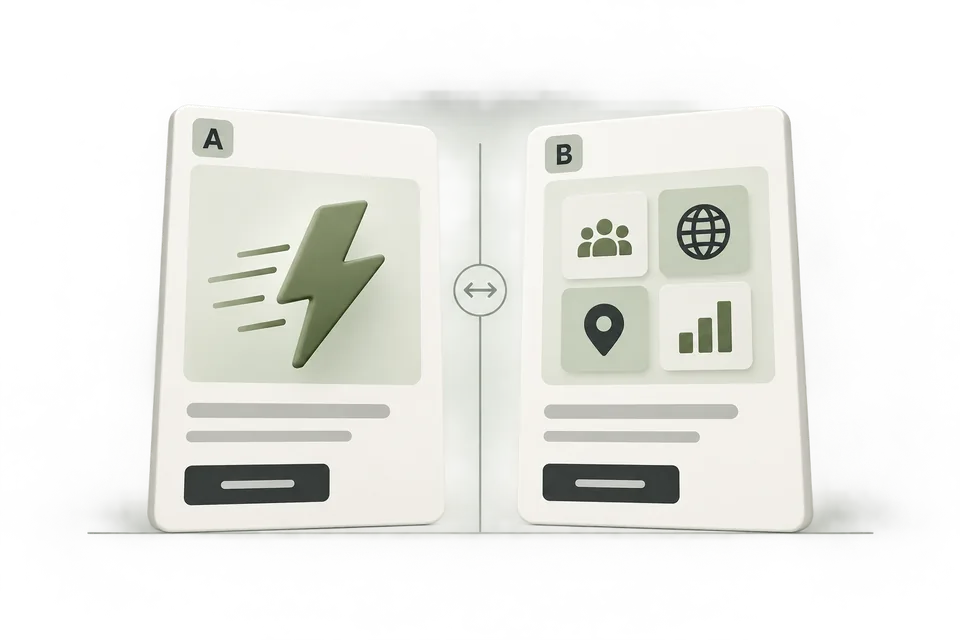
Save the customer problem, reason to buy, supporting evidence, and intended next step with the creative version. A label such as “Agency approvals — speed — v2” gives a later report useful context.
Use named campaign templates for repeatable configurations, while reviewing account-specific settings and validating the new draft. Reusing a template should not reuse obsolete resource IDs or an old approval.
Update inputs without losing review discipline
When an offer, destination, or claim changes, ask your assistant to update the saved context and prepare a new creative version. Review active campaigns that may still contain the old material.
Archiving a local asset does not automatically remove a live ad or delete the remote platform file. Treat library maintenance and live campaign changes as distinct operations.