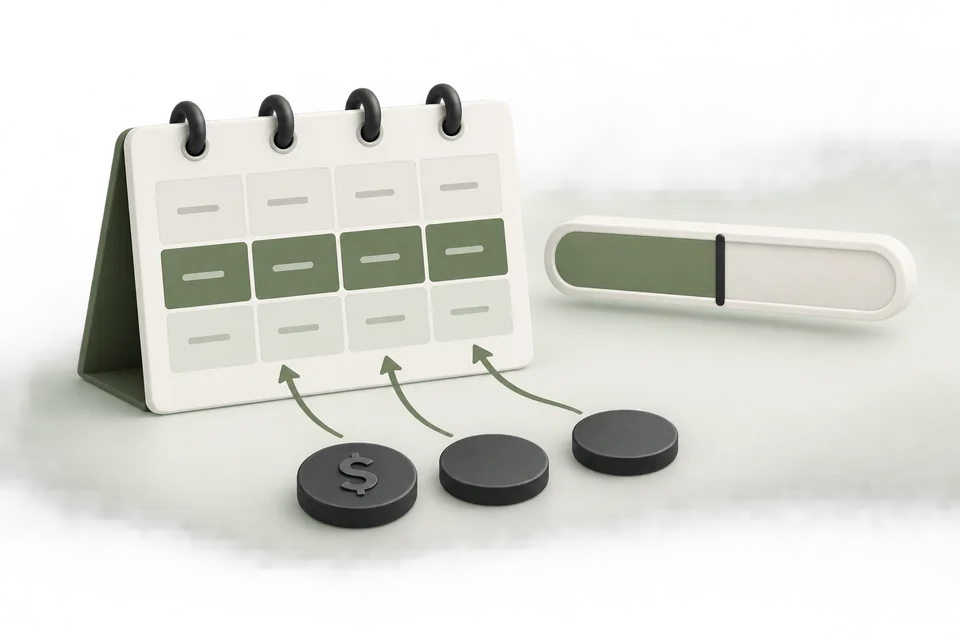
Budget pacing compares spend with a plan over time. It is a management calculation, not proof that a platform will deliver an equal amount every day. Keep the platform’s budget semantics separate from the pacing line in your report.
Define the period and budget type
Record the approved total, start and end dates, account timezone, and platform budget type. A daily control and a lifetime allocation answer different questions. Check the current account guidance before assuming how daily variation, limits, or remaining budget are applied.
For a $1,400 test over 14 days, a simple planning line is $100 per day. That line is useful for review even when actual delivery is uneven. Label it as your planned pace rather than a platform promise.
Use complete days for a clean comparison
A report generated at noon should not compare the partial day’s spend with a full-day target without saying so. Separate completed days from the current day, and use one timezone consistently across the budget plan and source report.
At the end of day five, the simple plan is $500. If actual spend is $420, spend is $80 below that line. The remaining $980 over nine days implies roughly $108.89 per day to use the full allocation. This is arithmetic, not a recommendation to increase the platform’s budget automatically.
Interpret overspend and underspend in context
Being below a plan can reflect paused objects, review delays, limited eligibility, bids, or an intentional decision to wait for measurement checks. Being above the plan can reflect an uneven delivery pattern or a changed control. Check the underlying configuration before issuing a corrective change.
Pair pacing with business outcomes. A campaign that spends exactly on schedule but produces unqualified leads is not healthy simply because its spend line looks tidy. Conversely, a deliberate pause after finding a broken form is a useful intervention even when it creates an apparent underspend.
Set reviewable alerts
Choose thresholds with an owner and an action. An alert should say what changed, what evidence to inspect, and whether the operator is expected to prepare a change or only investigate. Use a cooldown or aggregation window to avoid repeating the same notification without new information.
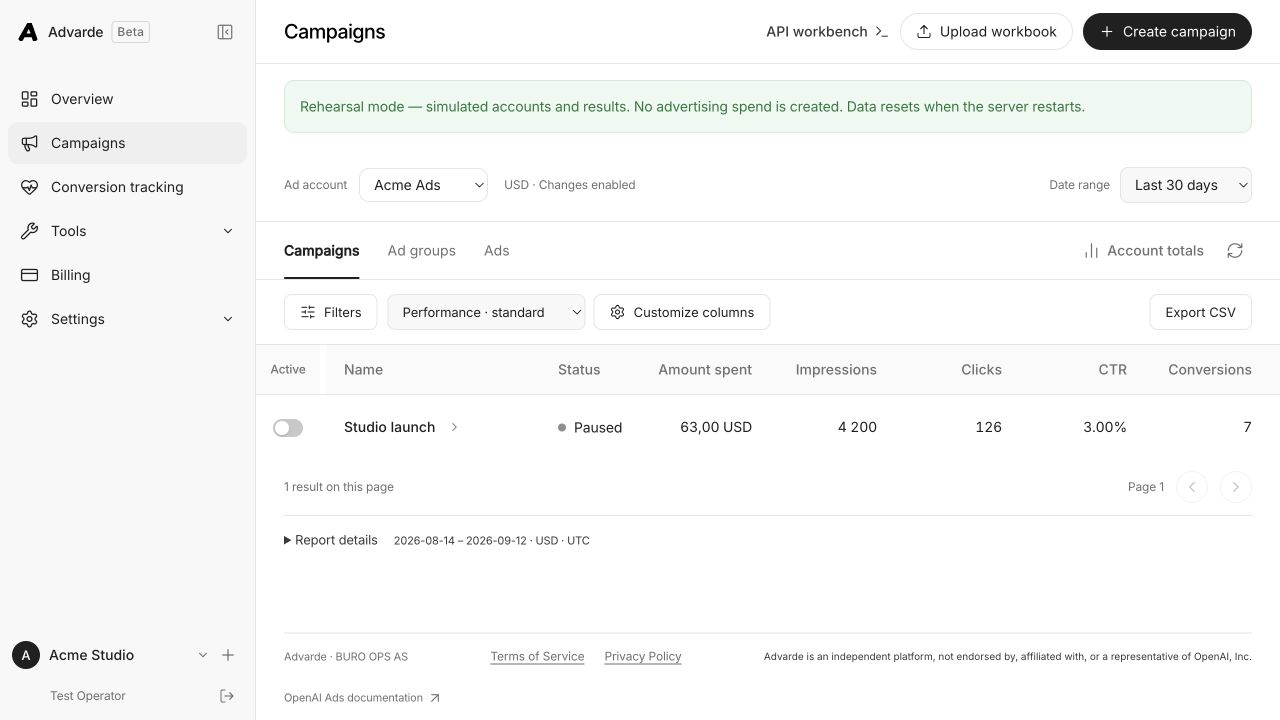
Advarde supports scheduled reports and campaign alerts. Review the resulting evidence and prepare any campaign change separately; an alert does not correct the underlying issue.
Keep a budget change record
Record the old value, new value, reason, approval, and effective time. Update the remaining-period plan after an approved change rather than comparing against a budget that no longer applies.
Use the reporting template to show original allocation, approved revisions, actual spend, remaining allocation, and the next review date. This makes the budget decision understandable to someone who did not attend the campaign’s setup meeting.
Sources and verification
Platform details checked on September 11, 2026. Your account may expose a different set of features. Examples are illustrative unless a dataset is explicitly supplied.