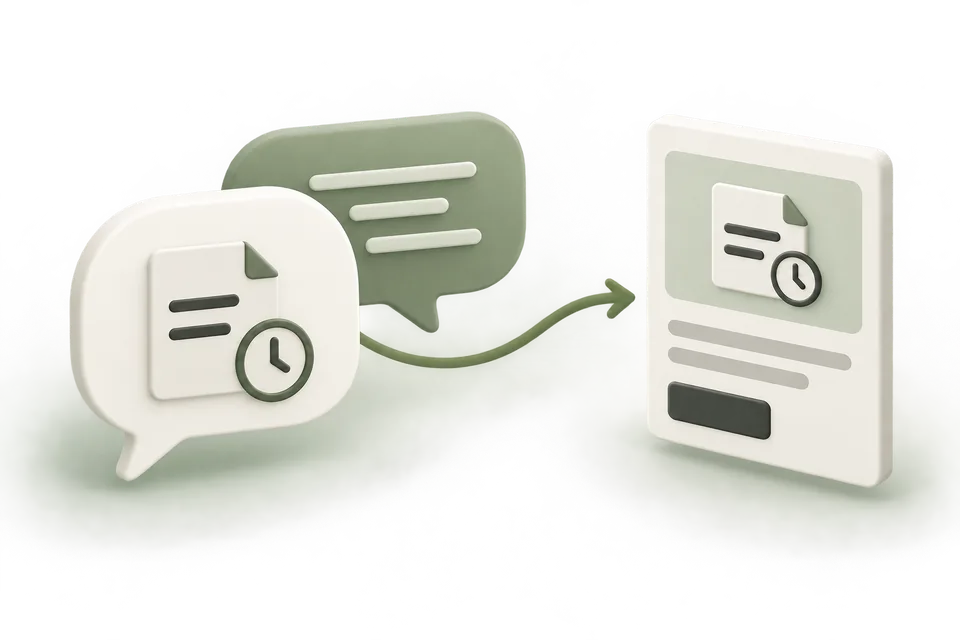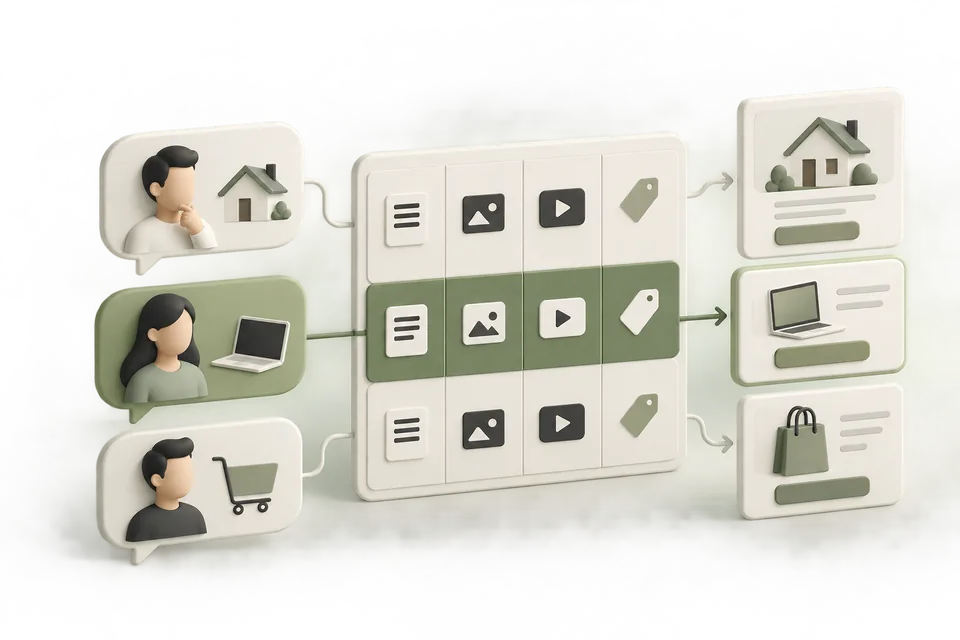
Start with the situation that makes someone need your product. An audience label such as “small business owner” leaves too much unexplained: what happened, what are they trying to do, and what would help them take the next step?
This guide produces a customer-situation map and a shortlist of messages to test. It uses a fictional CRM example. The sample situations are hypotheses, not observed ChatGPT conversations or evidence of available advertising inventory.
Jump to a step in this guide
Your finished deliverable
A sourced map of buying situations, with one message, offer, and destination for each useful theme.
- Customer interviews, sales notes, support questions, or other sources you are allowed to use.
- A factual product and offer description.
- Current destinations and a person who can verify their promises.
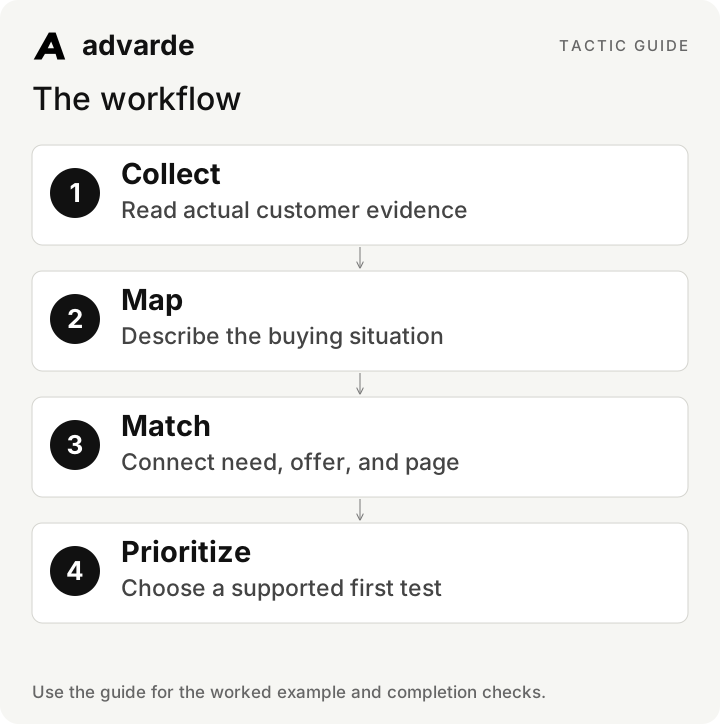
1. Collect statements that explain a decision
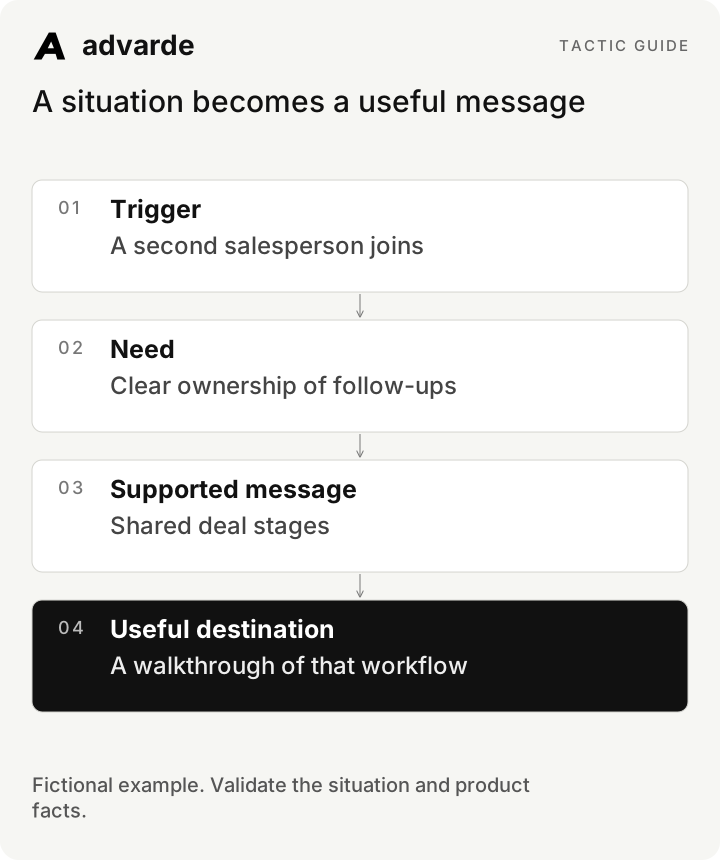
Use evidence that contains a trigger or obstacle. “We need a CRM” identifies a category. “Our second salesperson joined and no one knows who owns each follow-up” explains a situation that an ad and destination can address.
Record the source type, date, customer context, and permission to reuse any quotation. Redact personal details before giving notes to an assistant. Keep observed customer language separate from your paraphrase. An assistant can propose hypotheses, but it cannot turn an imagined quote into research.
| Source observation | Interpretation | Confidence |
|---|---|---|
| A prospect describes duplicate follow-up work after adding a salesperson | Shared ownership may be a relevant need | One observation; validate with more evidence |
| Support notes show repeated CSV import questions | Migration instructions may reduce uncertainty | Recurring question in this supplied dataset |
| An assistant suggests “AI revenue growth” | Possible message idea without supplied product proof | Unsubstantiated; do not use as a claim |
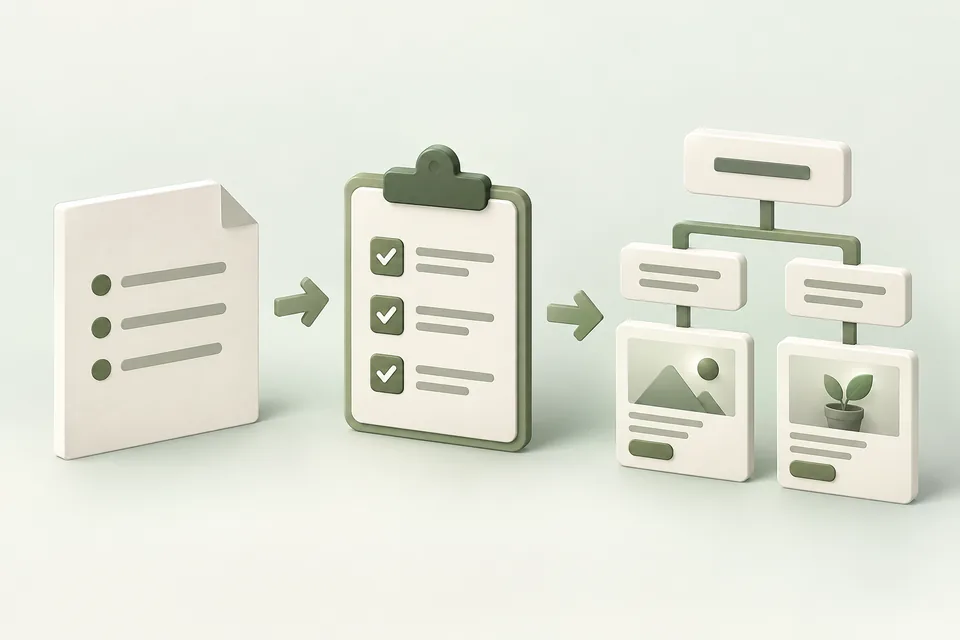
2. Describe the situation in five fields
Use trigger, task, obstacle, desired outcome, and next useful step. Include enough detail to make a content decision, but avoid inventing age, income, or personal attributes that the task does not require.
For the fictional Northstar example, the trigger is a growing sales team, the task is organizing follow-ups, the obstacle is a shared spreadsheet, the desired outcome is clear ownership, and the next step is a walkthrough of shared deal stages. That supports a specific message without pretending to know what any ChatGPT user said.
Read these redacted customer notes: [sources].
Extract situation rows with: source ID, trigger, task, obstacle,
desired outcome, and useful next step.
Label each row observed, inferred, or unvalidated hypothesis.
Keep source wording separate from interpretation.
Do not fabricate customer quotes or infer sensitive attributes.
3. Connect each situation to a real offer
A useful theme must pass two checks: the product genuinely helps with the task, and the destination demonstrates that help. If a situation requires a migration service you do not provide, exclude it or change the offer before writing an ad.
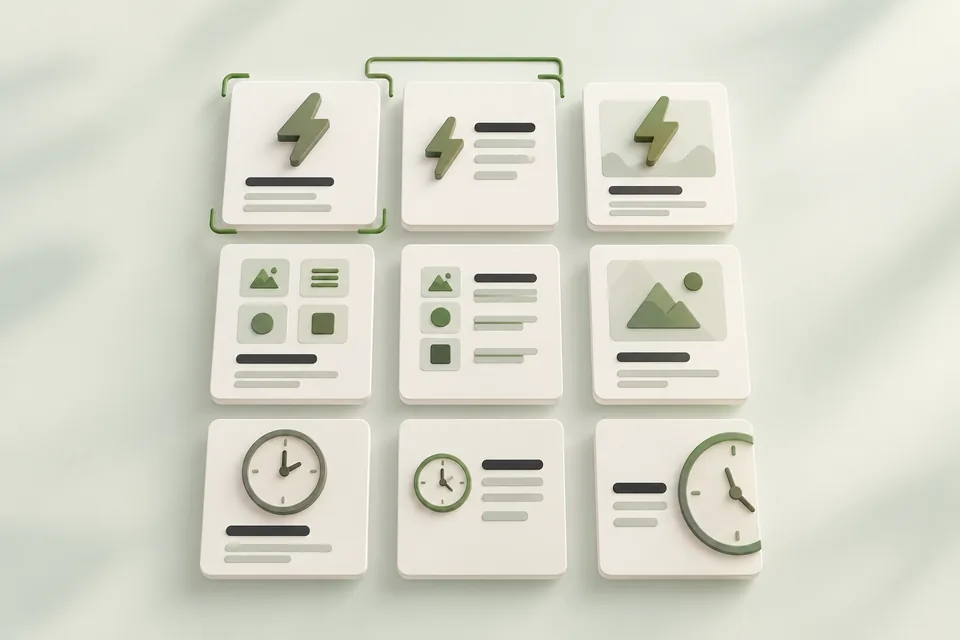
The table below is a completed planning example. It is not a list of targetable conversations. Split themes when a different promise or destination is needed; merge them when the same useful message and page cover the need.
| Situation | Relevant message | Offer and destination | Decision |
|---|---|---|---|
| Two salespeople share one spreadsheet | See who owns each deal and follow-up | Walkthrough of shared stages | Test if supported |
| Team is preparing a CSV contact import | Understand how contact import works | Import documentation or demo | Use a migration-specific page |
| Founder wants a guaranteed revenue increase | No supported guarantee | No matching offer | Exclude |
| Manager compares implementation steps | See the setup process before choosing | Walkthrough agenda and setup information | Validate the page first |
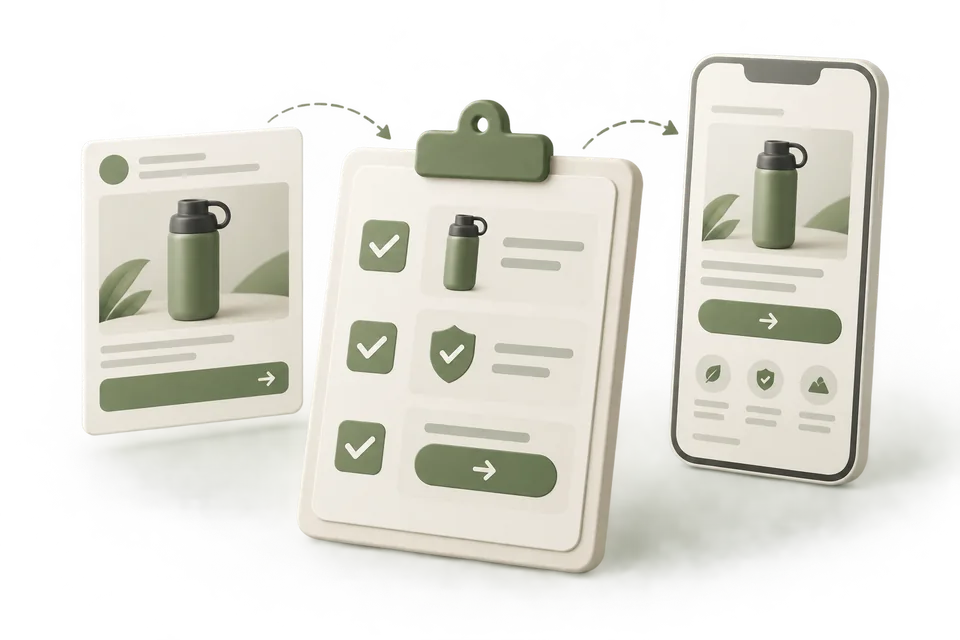
A situation becomes a useful message
4. Write context hints that add useful information
A context hint should explain a relevant use case, need, or product detail beyond the ad’s short copy. For this example: “CRM with shared deal stages for small sales teams replacing spreadsheet-based follow-up.” Use facts the product can support.
OpenAI describes hints as contextual information, not exact-match controls or guarantees of placement. Do not write prompts telling ChatGPT to recommend your business, and do not promise advertisers access to the underlying conversations.
For each approved situation in [map], write two candidate context hints.
Use natural phrases describing the genuine need and relevant product capability.
Keep each ad group focused on one coherent theme.
Explain what each hint adds beyond the ad title and page.
Do not use instructions to the model, unsupported claims, or placement guarantees.5. Prioritize with evidence and readiness
Score each theme from zero to two on customer evidence, product fit, destination readiness, and measurement readiness. Define the score before comparing themes. This is a planning rubric, not a prediction of click-through rate or demand.
Use a hard blocker for an unsupported promise or unusable destination. A high total should not compensate for either. When two themes are equally ready, start with the one whose result would change a business decision.
| Dimension | 0 | 1 | 2 |
|---|---|---|---|
| Customer evidence | Idea only | One relevant observation | Repeated relevant observations |
| Product fit | Cannot deliver | Fit needs confirmation | Offer directly supports the task |
| Destination | Missing or contradictory | Relevant but incomplete | Promise and next step are clear |
| Measurement | Primary action undefined | Defined but unverified | Defined and checked |
6. Design the first learning step
Select a small set of supported themes, ask your connected assistant to save the map in Advarde through MCP, and use it in the campaign brief. Give themes stable names so later ad labels can connect creative and results. Keep the ad ID when an approved draft becomes a real ad.
Compare observed results only when the reporting periods, goals, and available evidence are compatible. A better result for one ad does not prove the underlying customer situation is larger, more valuable, or causally responsible for the difference.
Review [intent map] and select the most ready first theme.
Show its evidence, product fit, destination, primary action, and unresolved blocker.
Suggest a small creative comparison that would inform a decision.
State what a result could and could not tell us.
Return a planning recommendation only.7. Update the map after real feedback
Add what sales, support, and campaign reviews actually show. Preserve earlier interpretations so your team can see why a theme was selected or rejected. Do not rewrite the original evidence to match a later result.
A useful update might read: “The import page attracted relevant questions, but prospects could not find the supported file format. Improve that page before increasing this test.” This makes the map an operating document with an owner and next action.
Complete the worksheet and check your work
Download the free pack and complete the three editable worksheets in order. It includes this illustrated guide and its worked-example tables so you can use the material offline. Replace the fields with your own verified inputs. The prompts work with supplied material; reading or saving Advarde records requires a compatible authorized connection.
- Each situation has a source or is explicitly marked as a hypothesis.
- Product capabilities support the proposed message.
- The offer and landing page match the customer’s task.
- Hints add relevant context without promising placement.
- Unsupported promises and missing destinations block selection.
- The first test has a decision, measurement plan, and owner.
| Worksheet | Use it for |
|---|---|
| Customer situation map | intent-map.md |
| Situation to message worksheet | message-match.md |
| Theme selection and learning record | theme-priority.md |
Put this tactic to work in Advarde
Create an Advarde workspace to keep the relevant campaign context, reviewed work, and team records together. Use a connected assistant when it helps you draft or inspect the information. Start with the completed worksheet and the exact account and task you intend to manage. The guide and downloads are free; Advarde subscriptions, assistant access, and advertising spend are separate.
Common questions
Can I use the guide without an Advarde account?
Yes. The illustrated guide, examples, prompts, and editable worksheets are available without signup or an email gate. An Advarde account and appropriate access are needed to carry out the product-specific steps.
Does a prompt or worksheet authorize live changes?
No. Planning and analysis prompts prepare work for review. Changes to advertising follow the applicable account permissions and reviewed authorization. Use the actual connected tools and current account capabilities.