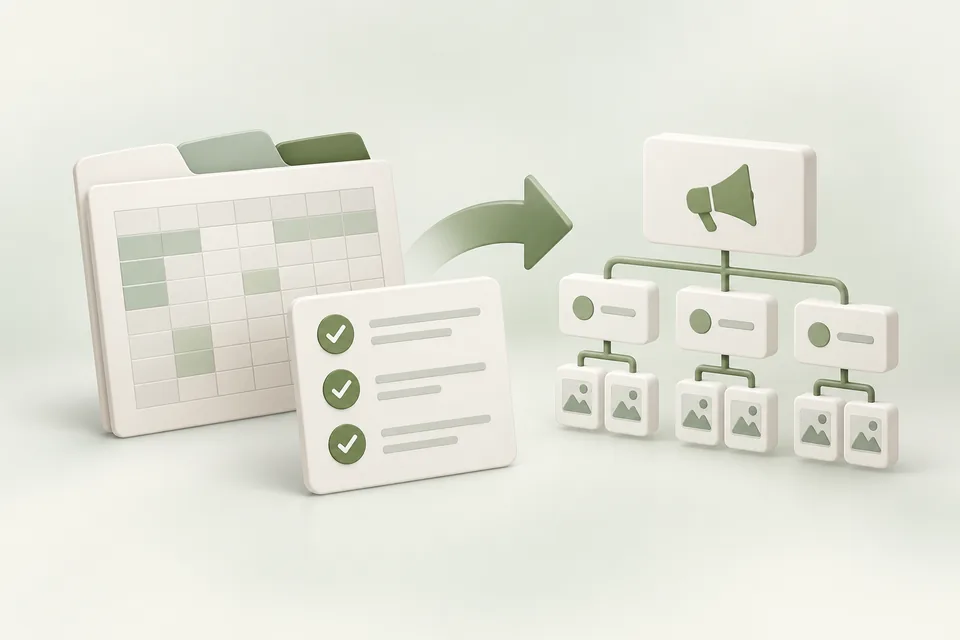
Use the supplied workbook to prepare campaign data in a familiar table. It includes the campaigns, adgroups, and ads sheets expected by Advarde’s importer. Download it, preserve the headers, and replace the sample rows with your reviewed campaign.
Download the campaign workbook (.xlsx) ↓Fill one coherent campaign first
Begin with one campaign, a small number of meaningful ad groups, and the creative each group needs. Confirm that names used in child rows exactly match their parents.
Keep amounts as plain decimals. Use JSON arrays for context hints and the format required by the template for country lists. Do not include credentials or customer records; this file describes campaign configuration.
Check the meaning of each amount
The template uses max_bid as a CPM amount for Views campaigns and as a per-click amount for click campaigns. Account currency, budget type, and the selected import path determine the final normalized request.
Read the workspace compiler’s errors and warnings before preparing a change. In particular, limited-preview bulk creation can have restrictions for conversion objectives and dates. Do not assume a filled cell was applied unless the review and result show it.
Validate and retain the submitted version
Use the free local validator for sheet structure, references, and common field issues. Then import through the authenticated workspace for account-specific compilation and platform operations.
Save a dated copy of the actual submitted file and the resulting platform IDs. If a partial or uncertain result occurs, reconcile it before repeating creation. New campaigns should remain paused until the final launch review.
Sources and verification
Platform details checked on September 11, 2026. Your account may expose a different set of features. Examples are illustrative unless a dataset is explicitly supplied.