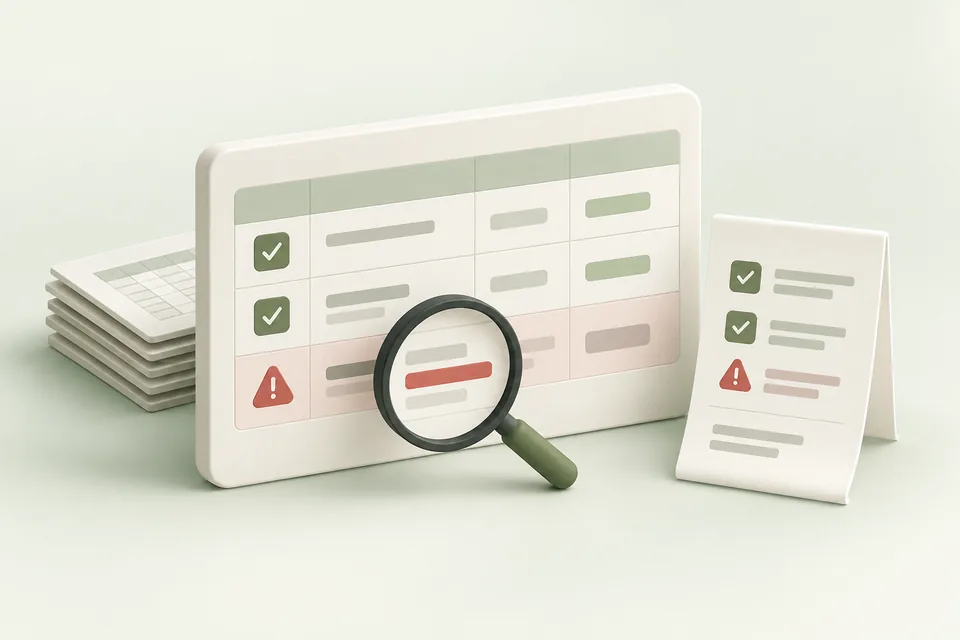
A bulk operation combines several requested changes, so the useful unit of diagnosis is often the individual operation and its relationship to other operations. Save the response and inspect it before resubmitting the entire job.
Separate local errors from platform errors
A local workbook error can identify a missing parent, invalid amount, malformed hints list, or unsupported creation shape before any request is sent. Correct the source row and re-run validation.
A platform error arrives after a request reaches the advertiser API. It may concern permissions, account capability, policy, a missing resource, or request shape. Preserve the operation index and provider message so the correction addresses the actual cause.
Check access before rewriting the request
OpenAI’s Bulk API is documented as a limited-preview feature with account-specific availability. A 404 can be an access signal in that context, rather than proof that you misspelled the endpoint.
Confirm feature access and the supported operation shape before changing a valid request repeatedly. Distinguish the Ads Manager workbook limits from the API’s operation limit; they are separate submission paths.
| Symptom | First response |
|---|---|
| Local row validation fails | Correct the named sheet, row, and field |
| Account capability unavailable | Confirm access and a supported alternative path |
| One operation fails | Inspect dependencies and returned resource IDs |
| Request times out after dispatch | Reconcile remote state before retrying |
| Platform rejects creative | Review the actual validation or policy message |
Respect dependencies and partial results
An ad-group creation may depend on a campaign operation, and an ad may depend on that group. If the parent fails, downstream failures may be consequences rather than independent problems.
When partial failure is supported and enabled, identify which resources actually exist. Retain successful IDs and avoid recreating them unintentionally. A generic “job failed” label is not enough to determine whether the account changed.
Treat uncertainty as a reconciliation task
A transport timeout can occur after the platform accepted a mutation. Inspect the account and the saved execution record before sending another create request. Advarde’s campaign and automation workflows retain uncertain state so it can be reviewed.
Record the reconciliation outcome and the evidence used. A corrected retry should represent only the work still needed, with the correct dependencies and a fresh review where required.
Prepare a useful escalation record
Include the account ID, submission path, operation count, relevant operation indexes, returned IDs, redacted error response, and whether any result is uncertain. Do not include API secrets.
Attach the specific workbook rows or prepared change that reproduce the problem. Keep business data limited to what is necessary to diagnose the failure.
Sources and verification
Platform details checked on September 11, 2026. Your account may expose a different set of features. Examples are illustrative unless a dataset is explicitly supplied.