Write a headline, description, brand name, and destination, then optionally choose a square image from your device. Switch light/dark and desktop/mobile. The draft stays in this browser. This is an unofficial approximation of a sponsored placement — not an official OpenAI rendering or an approval check.
Compose your draft
Unofficial approximation of a sponsored placement inside a ChatGPT-style answer. Not an official OpenAI preview or approval check. Limits follow the documented ChatGPT ad specs.
Here are a few practical options. Sponsored results may appear alongside ordinary answers.
Explore a studio built for your next project.
Text and URL pass these local checks. Platform validation and review are still required.
How to use the ChatGPT ad preview
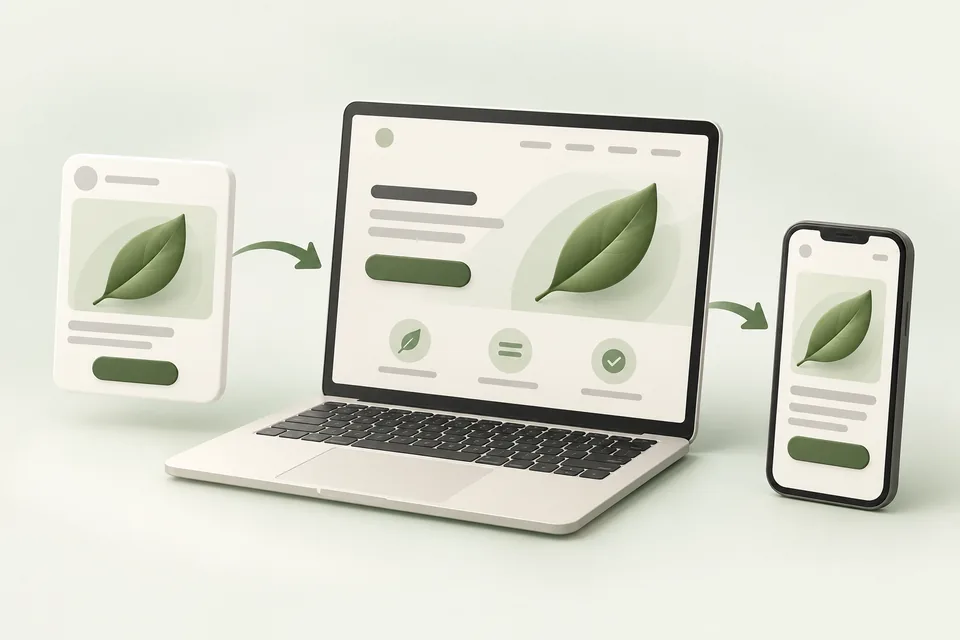
Enter the fields you plan to submit, choose a local PNG or JPEG if you have one, and review the sponsored card inside the sample answer. Toggle theme and viewport to spot truncation and contrast issues early.
Download a text draft or a PNG of the mock for review notes. Neither download is submitted to Advarde or the advertising platform.
Character and image limits
Counters follow the published ceilings documented in Advarde’s ChatGPT ad specs: title maximum 50 characters (API accepts 3–50) and description maximum 100 characters. The shorter 16–24 / 32–48 ranges are writing guidance only.
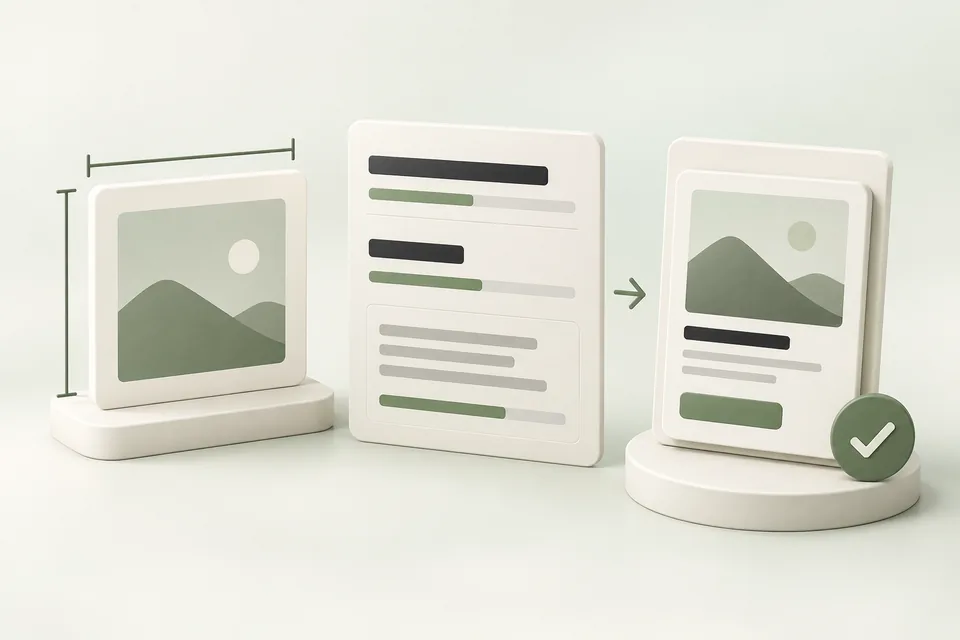
Images should be square PNG or JPG, no larger than 1200 × 1200 for the documented bulk-upload workflow. This local preview also caps files at 5 MiB. Confirm the live upload surface before launch.
What this preview is not
The sample ChatGPT chrome is an unofficial layout aid. It does not establish how every placement looks, whether an ad will be approved, or what will deliver. Use the platform’s own preview and review status before spending.
Common questions
Is this an official ChatGPT ad preview?
No. It is an unofficial approximation of a sponsored card inside a ChatGPT-style answer. Use the advertising platform’s own preview and review status before launch.
What character limits does the tool enforce?
It flags titles outside 3–50 characters and descriptions over 100 characters, matching the published ChatGPT ad specs. Shorter recommended ranges are writing guidance only.
Is my image uploaded to Advarde?
No. Optional images are read locally in your browser for the mock and are not stored or uploaded.
Can I download the preview?
Yes. Download a text draft of the fields, or a PNG of the mock when your browser supports the export.
Where are the official image size rules?
See Advarde’s ChatGPT ad specs guide: square PNG or JPG no larger than 1200 × 1200 for the documented bulk-upload workflow, then confirm the live upload surface.
Sources and verification
Platform details checked on October 22, 2026. Your account may expose a different set of features. Examples are illustrative unless a dataset is explicitly supplied.