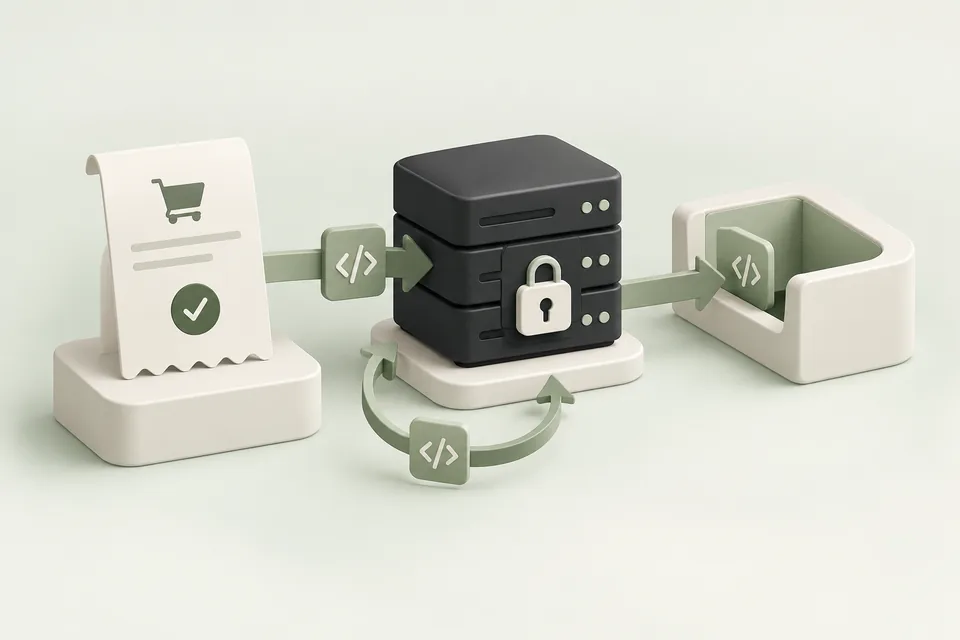
Server-side measurement belongs in the application that knows whether the business action succeeded. Use the generated Advarde integration guide and current OpenAI API reference for the exact request schema. Keep conversion credentials on the server.
Prepare the event and source
Create or select the conversion setup for the correct advertiser account and website. Check the selected event definitions and the tracking source. Open Installation and choose Server-side API to inspect the generated instructions.
Review the proposed conversion-key operation when a new key is needed. Store the resulting secret in the destination server’s secret configuration. Do not paste it into a browser tag, a public repository, or a client-facing report. For how conversion keys differ from advertiser and assistant credentials, see ChatGPT Ads API keys.
Send from a confirmed business state
For a purchase, dispatch after the application confirms the order or payment state appropriate to your definition. For a lead, dispatch after the server accepts the submission. A frontend button click does not establish either outcome.
Use a stable action ID and the documented event category and name. Follow the specified timestamp and currency units. Advarde’s generated snippets use integer currency minor units for event amounts, which differs from the micros used in many advertiser budget fields.
Handle retries and validation separately
Validate the configuration and a representative payload before relying on the integration. Advarde’s server validation is a validation-only check and does not save a production conversion. Test the actual destination server’s trigger and dispatch path separately.
Use a retry process that retains the same business event identity. Log enough information to trace success and failure without retaining unnecessary customer data or secret keys. A timeout may require reconciliation rather than creating a new event with a new ID.
Test browser and server coexistence
If both paths describe the same action, align identifiers according to the platform’s deduplication requirements. Test a single success, a delivery retry, a browser refresh, and a second genuinely different action.
Advarde’s recent browser receipt screen is not a server event ledger. Use backend delivery evidence for the server path and attributed reports for later campaign analysis. Keep those three observations separate in the implementation handoff.
Complete the handoff
Record the source, event names, secret owner, deployment version, test cases, and rotation procedure. Confirm which operational alert or log will reveal failed dispatches after launch.
When changing the event definition or integration version, repeat the relevant tests and mark the change in reporting. A new event trigger can alter conversion totals without any change in advertising quality.
Sources and verification
Platform details checked on September 11, 2026. Your account may expose a different set of features. Examples are illustrative unless a dataset is explicitly supplied.