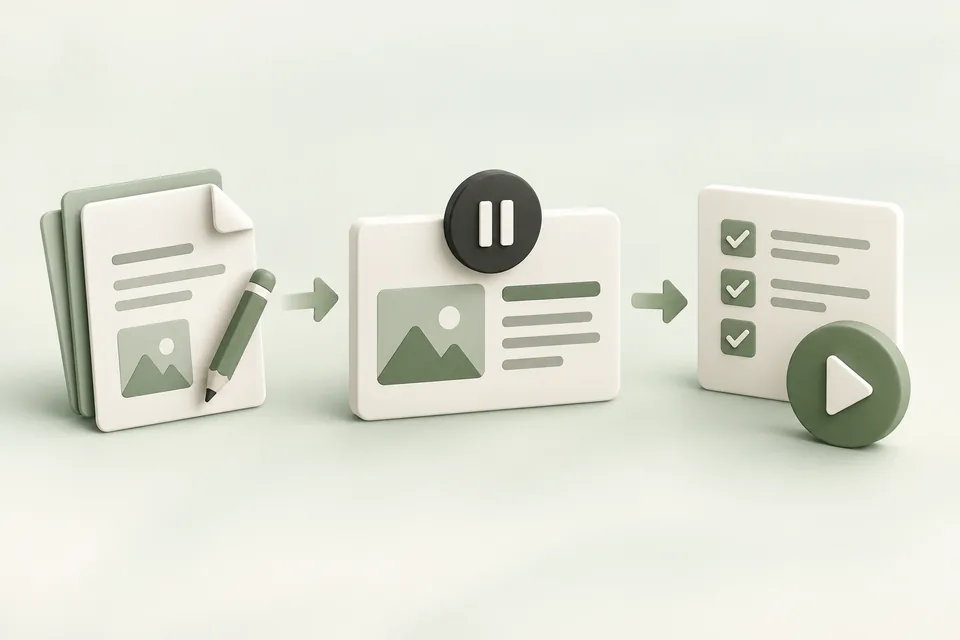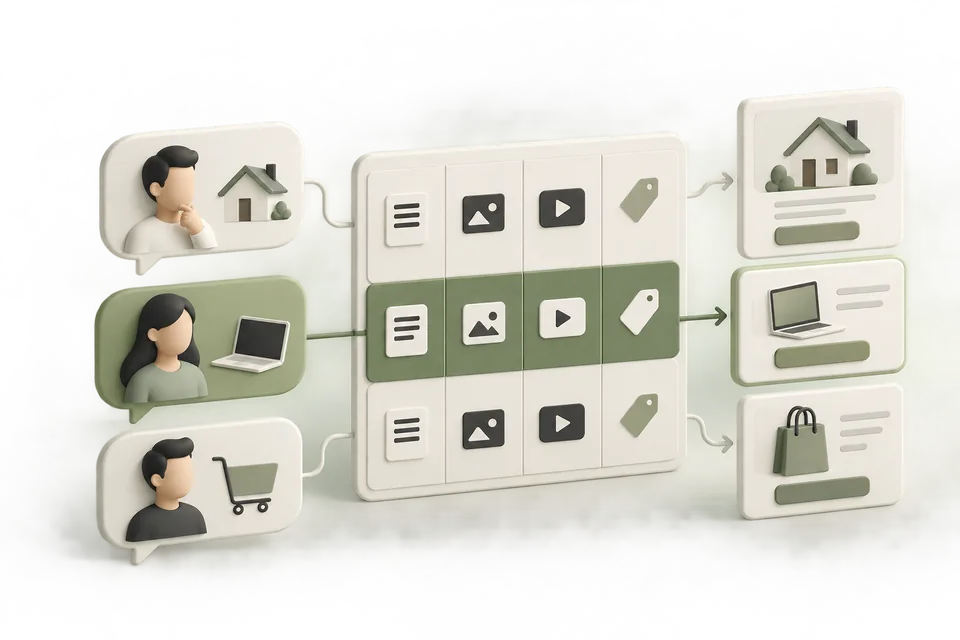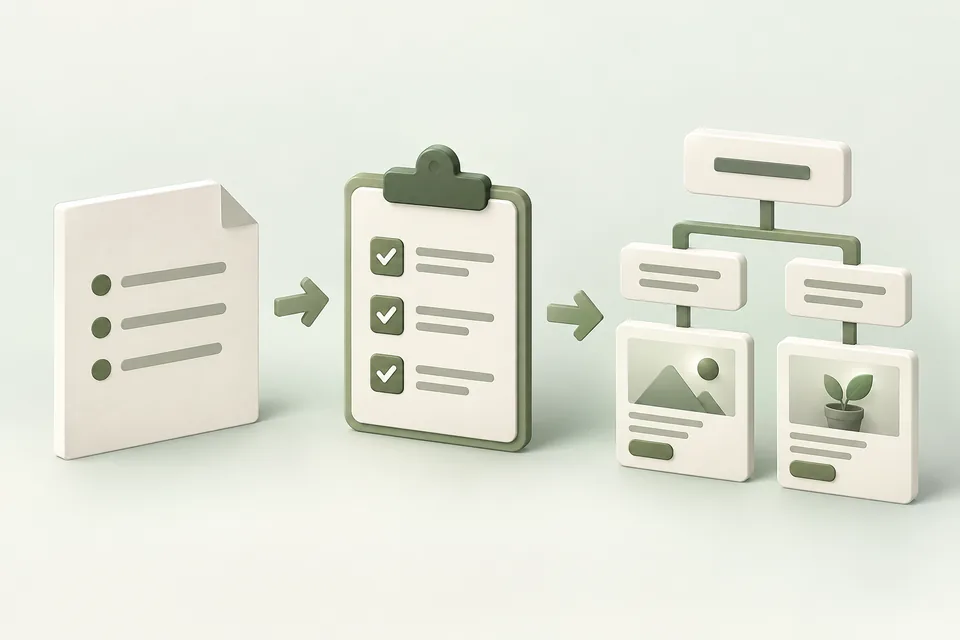
A campaign brief is useful when another person can use it to make the same decisions you would. This guide turns a loose request such as “get more leads” into an offer, a supported message, a measurable action, and an exact campaign draft.
You will build a review packet containing the brief, proposed ad groups, creative, destination, measurement choice, and launch conditions. The worked example uses a fictional CRM called Northstar. All product details and copy in that example are invented for instruction.
Jump to a step in this guide
Your finished deliverable
One complete campaign review packet, with unresolved decisions named before any launch.
- Your offer and destination page, including real terms and restrictions.
- An authorized advertiser account for implementation; planning can be done without one.
- A budget owner, creative reviewer, and person responsible for measurement.
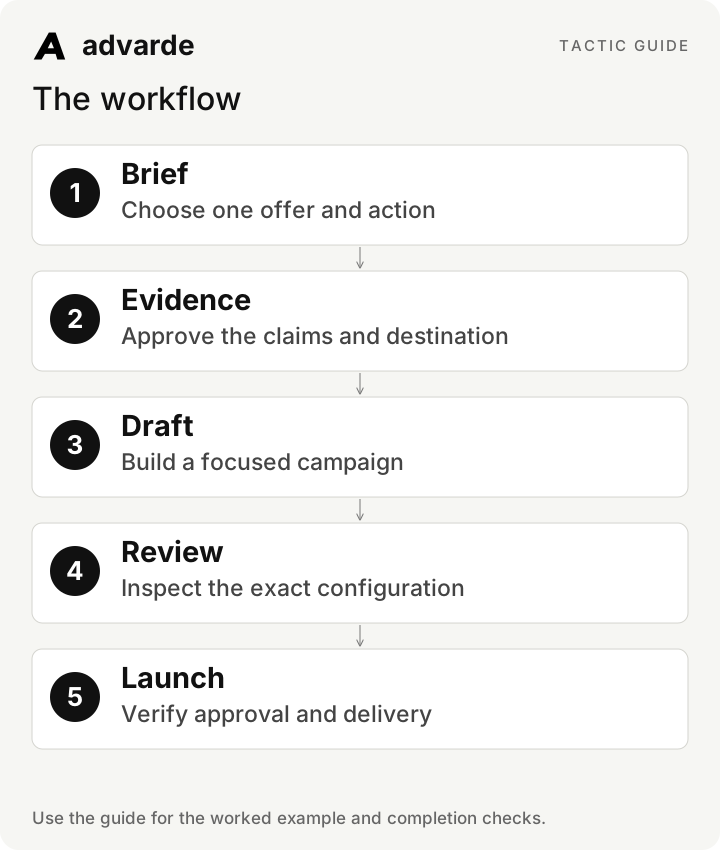
1. Write the decision brief
Start with the business action you want the visitor to complete. “More awareness” does not tell a writer what to say or an operator what to measure. “Book a product walkthrough for a five-to-twenty-person sales team replacing spreadsheets” gives both people a usable task.
Keep the first brief to one offer. List the audience situation, offer terms, proof, destination, primary action, and constraints. Record unknowns explicitly; an assistant should not turn a missing trial duration into a fourteen-day trial.
| Brief field | Fictional Northstar example |
|---|---|
| Situation | A small sales team loses track of follow-ups in shared spreadsheets. |
| Offer | A guided CRM walkthrough; no trial or discount is promised. |
| Supported facts | CSV contact import and shared deal stages, documented in the example product brief. |
| Primary action | A completed walkthrough booking, using a configured supported event. |
| Destination | A dedicated walkthrough page explaining what happens after booking. |
| Constraints | No revenue-growth claims; budget and launch date require the owner’s decision. |
2. Separate facts, assumptions, and missing inputs
Create a claim register before drafting. For each proposed claim, keep its source, exact scope, reviewer, and current status. A customer quote about one person’s experience does not establish a general performance result.
Northstar’s supplied brief supports “Import contacts from a CSV.” It does not support “Migrate your entire CRM in minutes.” Mark the second line as unusable until evidence exists. This makes review faster because the reviewer sees the source beside the wording.
Using the supplied brief and sources, produce three lists:
1. Facts we can use, with source and scope.
2. Assumptions that require a decision.
3. Missing inputs that block drafting or launch.
Do not infer prices, integrations, guarantees, or performance claims.
Return a claim ID for every usable fact. Do not create or publish ads.
3. Organize the draft around one coherent need
Use a campaign for the agreed objective and spending plan, then create ad groups around needs that warrant distinct messages. For the example, spreadsheet replacement and CRM migration may need different pages and proof. Start with spreadsheet replacement if that is the only complete offer.
Context hints describe relevant needs and uses; they are not exact-match keywords or guaranteed access to particular conversations. Keep a theme coherent enough that each ad and its destination makes sense for it.
| Element | Reviewable example |
|---|---|
| Campaign | Northstar | Walkthrough | Spreadsheet replacement |
| Ad group | Shared pipeline and follow-up organization |
| Context hint | CRM with shared deal stages and CSV contact import for small sales teams replacing spreadsheets |
| Ad title | Move your pipeline beyond spreadsheets |
| Ad body | See contact import and shared deal stages in a guided Northstar walkthrough. |
| Destination action | Book the walkthrough described in the ad |
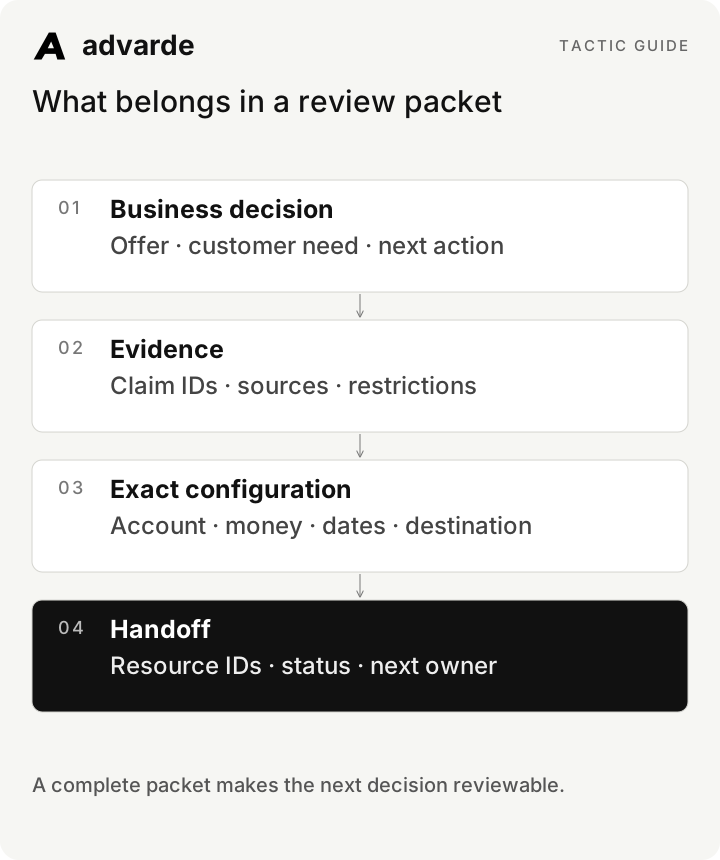
What belongs in a review packet
4. Draft variations with traceable reasons
Ask for distinct approaches to the same need: the operational problem, a useful capability, and the next step. Keep the offer constant for the first comparison. Replacing a title while also changing the offer and destination makes the result harder to interpret.
A useful creative record includes the title, body, image reference, full destination, claim IDs, and hypothesis. “This is better” is not a hypothesis. “The title makes the spreadsheet-replacement use case explicit” tells a reviewer what changed.
Create three draft ads for [brief ID and revision].
Use only approved claim IDs [list]. Keep the offer and destination fixed.
For each ad return: title, body, image suggestion, destination,
claim IDs, and a one-sentence reason to test the angle.
Flag any missing asset. Validate against the current connected account’s rules.
Save drafts for review; do not approve, create live resources, or activate.
5. Choose the implementation path
Advarde’s Campaign builder can save an incomplete draft, validate it, and prepare the exact revision for review. Use its conversion goal picker for eligible conversion campaigns. A spreadsheet is useful for planning, but the limited bulk workbook contract does not support conversion objectives; do not force a conversion plan through that path.
In a connected assistant, ask it to save and validate the draft, then show the review. Read the account, currency, budget type and amount, bids, dates, targeting, conversion dependencies, images, and URLs. A blank or inherited field deserves a decision.
6. Review creation and launch separately
After approval of the exact build, Advarde creates resources paused and records the resulting IDs. Launch is a separate reviewed operation. Check platform approval and all required parents before authorizing activation. A scheduled launch also needs a defined start and deadline.
If a request times out, inspect its saved result before sending another create. An uncertain outcome may already have created a resource. Reconcile it instead of duplicating the campaign. After activation, look for observed impressions before reporting that the campaign is delivering.
| State | Evidence to retain | Next action |
|---|---|---|
| Draft validated | Draft revision and resolved warnings | Review the exact build |
| Created paused | Campaign, group, and ad IDs | Review readiness and activation |
| Platform review pending | Current review status | Wait or resolve the stated issue |
| Active | Current hierarchy state | Check later delivery data |
| Delivering | Observed impressions and report period | Begin the planned evidence review |
7. Make the handoff usable
Save the approved brief revision, created resource IDs, measurement definition, and first review date together. Assign the next person an actual decision: verify delivery, investigate measurement, or review a creative test. “Monitor performance” is too broad to confirm completion.
For Northstar, the handoff reads: “Verify the walkthrough booking event, confirm impressions after launch, and review the first completed reporting window. Hold new creative proposals if conversion reporting is unavailable.” This is a useful operational instruction without inventing a performance threshold.
Prepare the campaign handoff for [campaign ID].
Include approved brief revision, created IDs, current status, primary event,
reporting dates and timezone, remaining blockers, and next owner.
Distinguish confirmed delivery from active status.
End with one next action and the evidence required to complete it.
Complete the worksheet and check your work
Download the free pack and complete the three editable worksheets in order. It includes this illustrated guide and its worked-example tables so you can use the material offline. Replace the fields with your own verified inputs. The prompts work with supplied material; reading or saving Advarde records requires a compatible authorized connection.
- The offer and destination describe the same next step.
- Every factual claim has a source and approved scope.
- The objective and available measurement agree.
- The exact account, currency, amounts, dates, and targeting were reviewed.
- Created resources and current review status are recorded.
- A named owner will verify delivery and perform the first review.
| Worksheet | Use it for |
|---|---|
| Campaign decision brief | decision-brief.md |
| Creative review packet | creative-review-packet.md |
| Launch and handoff record | launch-handoff.md |
Put this tactic to work in Advarde
Create an Advarde workspace to keep the relevant campaign context, reviewed work, and team records together. Use a connected assistant when it helps you draft or inspect the information. Start with the completed worksheet and the exact account and task you intend to manage. The guide and downloads are free; Advarde subscriptions, assistant access, and advertising spend are separate.
Common questions
Can I use the guide without an Advarde account?
Yes. The illustrated guide, examples, prompts, and editable worksheets are available without signup or an email gate. An Advarde account and appropriate access are needed to carry out the product-specific steps.
Does a prompt or worksheet authorize live changes?
No. Planning and analysis prompts prepare work for review. Changes to advertising follow the applicable account permissions and reviewed authorization. Use the actual connected tools and current account capabilities.