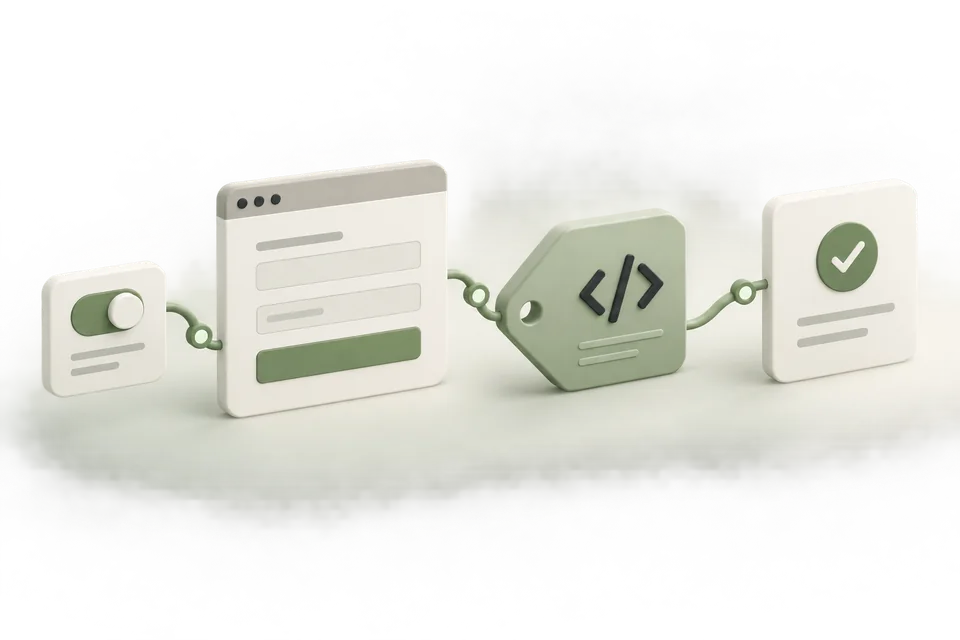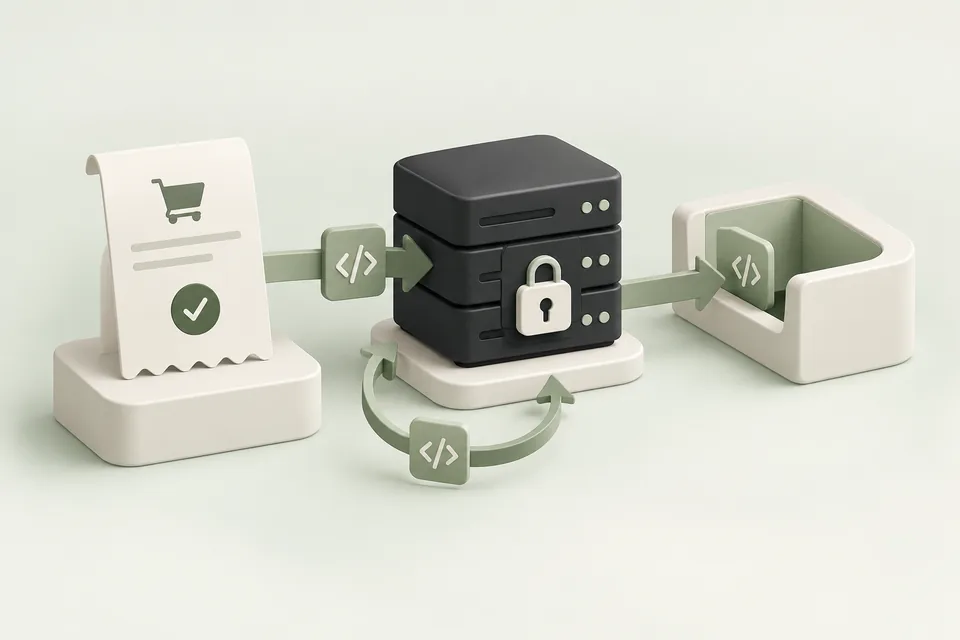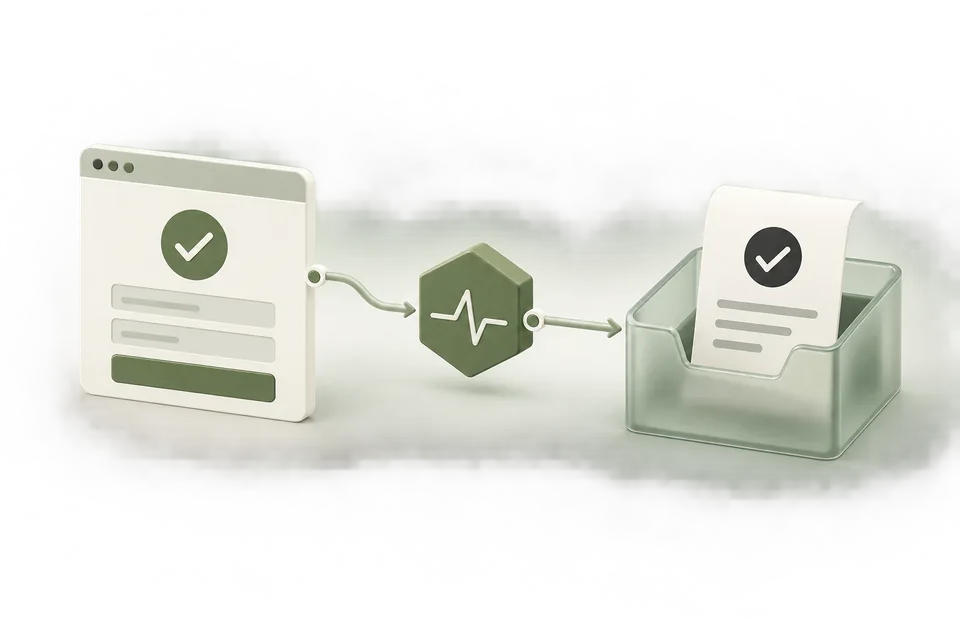
To track ChatGPT Ads conversions, choose the completed business action, reuse the correct pixel, install the event on success, and check delivery before interpreting attributed results. Advarde provides journey presets, reviewed source setup, website/GTM/server instructions, and recent browser receipt diagnostics.
Conversion tracking is a chain of checks. Your application completes an action, measurement code describes it, an endpoint receives it, and reporting may attribute it to an eligible ad interaction. A failure at one step cannot be diagnosed reliably by inspecting only the last step.
Build the chain around a business event. For a booking service, that event is a confirmed appointment. For a store, it is a confirmed order. Do not substitute an easier-to-trigger button click and then label the result a completed conversion.
Choose events from the customer journey
Map the journey before installing code. A store might use product view, cart addition, checkout start, and order completion. The primary conversion should represent the outcome the campaign is intended to produce. Supporting events explain where people stop.
Advarde includes lead generation, booking, ecommerce, and SaaS presets. A preset provides a starting set of events and suggested primary goal. Review those choices against your actual application before creating definitions.

Reuse the right tracking source
Choose the pixel already installed on the destination when appropriate. Creating a new pixel for every setup can leave the installed ID and reporting configuration pointing at different resources. Record which account owns the source and which website uses it.
Tag landing-page URLs with the free UTM link builder so analytics can attribute arrivals to the campaign before you interpret conversion reports.
Review the proposed definitions before applying the setup. The review identifies resources that will be reused or created. Creating those resources does not install code on the website and does not activate campaigns.

Install on successful actions
Install the base code once and connect the consent behavior to the site’s consent manager. Call the event code after the corresponding business operation succeeds. For a form, wait for the server to accept the submission. For a purchase, use the confirmed payment or order state.
Give each business action a stable event ID. A retry of the same action should not become a new purchase simply because the request is sent again. A different order needs a different ID. Where browser and server delivery describe the same action, follow the platform’s documented deduplication requirements.
Test the browser and server paths separately
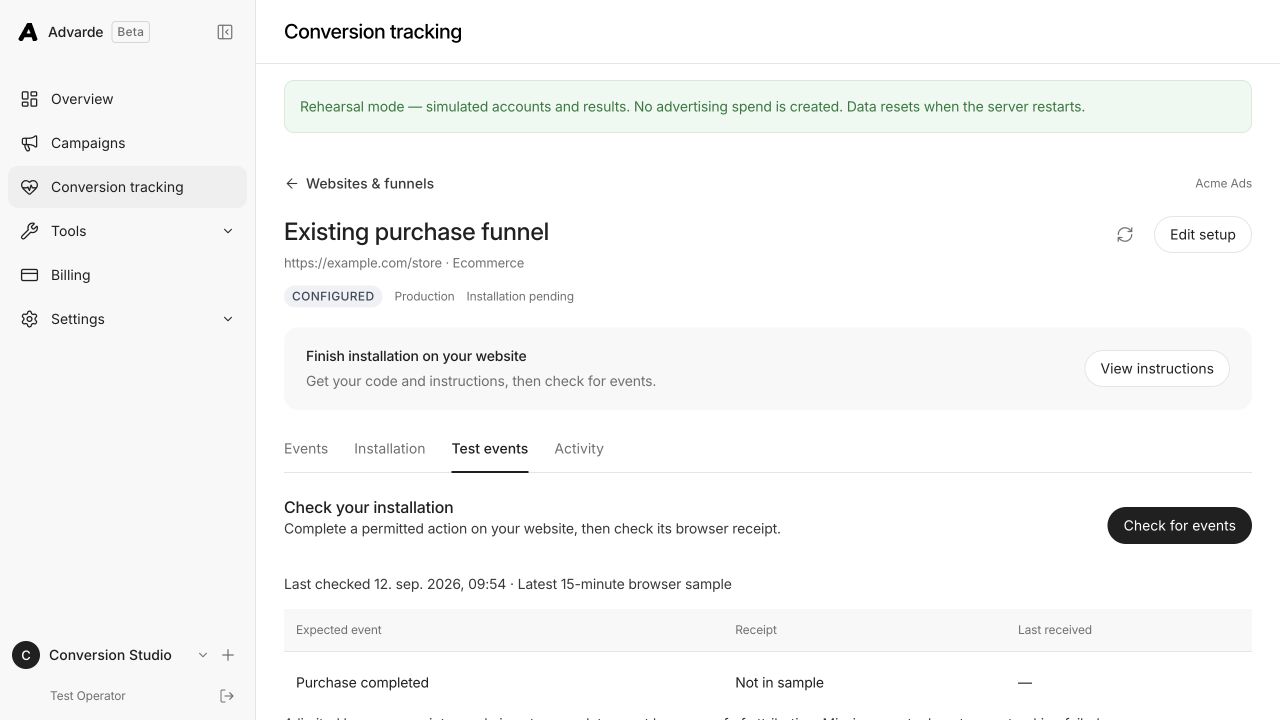
Use the Pixel Helper to inspect the browser implementation. Then complete a permitted action and check the recent browser receipts in Advarde. The diagnostic screen uses a limited sample; it is not a complete event ledger and does not cover every server event.
For a server integration, validate the stored configuration and test the destination server separately. A validation-only request can check configuration without establishing that your production checkout sends the right event at the right time. Keep application logs for successful dispatches and failures without exposing credentials.
Why did my test lead produce no event?
In a controlled local check, we loaded Advarde’s generated website helper and attempted a lead event before measurement consent was granted. The helper sent no measurement call. Granting consent afterward emitted the configured initial page view but did not replay the blocked lead. An explicit lead call after consent did produce a lead measurement with the supplied event ID.
This reproduces a common setup mistake: testing the form before connecting the consent manager, then assuming that granting consent will resend the earlier event. The correction is to connect the real consent decision and test a new successful action after consent permits measurement. Do not force consent on or resend historical actions simply to make a diagnostic screen show activity.
| Local test step | Lead calls observed | What it tells us |
|---|---|---|
| Load the generated helper; attempt lead_created before consent | 0 | The helper blocks measurement while consent is denied. |
| Grant measurement consent through the helper | Still 0 | The configured initial page view is emitted; the blocked lead is not replayed. |
| Call lead_created explicitly after consent, using event ID form_42 | 1; event_id = form_42 | The helper passes the supplied event identity to the SDK call. |
| Withdraw consent and attempt another event | Still 1 | Further measurement is blocked. |
What does that test prove, and what still needs testing?
The consent example was checked on 12 September 2026 using the actual website code returned by Advarde’s conversion integration generator. An isolated JavaScript environment recorded SDK calls instead of sending them. This verifies the helper’s consent gate, lack of automatic replay, and event-ID forwarding. It does not verify a live website, a network receipt, platform deduplication, attribution, or campaign performance.
For your own site, complete a permitted test action after consent, inspect the installed pixel ID and event in Pixel Helper, then check the selected setup in Advarde. The receipt check inspects at most 50 recent browser SDK receipts within 15 minutes. “Not in sample” means the event was absent from that limited sample; it does not prove that no event was sent.

Reconcile measurement with business records
Before you look at reports, check whether your pixel fires on one test action with the free Pixel Helper.
Compare completed orders or accepted leads with measurement activity over a defined period. Investigate mismatches by event name, source, event ID, timestamp, and environment. A test event sent to the wrong pixel can look healthy locally while leaving the campaign’s conversion definition empty.
Finally, inspect attributed results using a documented date range, timezone, and attribution definition. Some received events may have no eligible ad interaction. Reporting latency can also separate receipt from visible attribution. Never force the numbers to match by renaming metrics or counting every event as an ad-driven sale.
Common questions
Does creating a conversion setup install the pixel?
No. Applying the reviewed setup creates or reuses platform resources. You still need to install the generated website or GTM code, or implement the server path, and test the actual successful-action trigger.
Does a received lead mean my campaign generated it?
No. A receipt indicates delivery to the measurement endpoint. Attribution additionally depends on an eligible ad interaction and the reporting rules. Reconcile results using a defined account, source, period, and timezone.
Can Advarde validate my server integration?
Advarde can validate the saved server configuration. A validation-only request saves no event and does not prove that your production application sends the right event. Test the application dispatch and inspect its logs separately.
Sources and verification
Platform details checked on September 12, 2026. Your account may expose a different set of features. Examples are illustrative unless a dataset is explicitly supplied.