Keep the advertiser account, permissions, and proposed change visible throughout your work. Advarde starts new advertiser connections with read-only access and records reviewed campaign changes in the workspace.
Connect the intended advertiser account
An owner or admin can connect an eligible OpenAI advertiser account in Ad accounts. Confirm the account name, currency, timezone, and credential access before preparing campaigns or reports.
EARLYBIRD includes one connected ad account. Contact us to discuss additional account capacity and the access your team needs.
Set account and team permissions
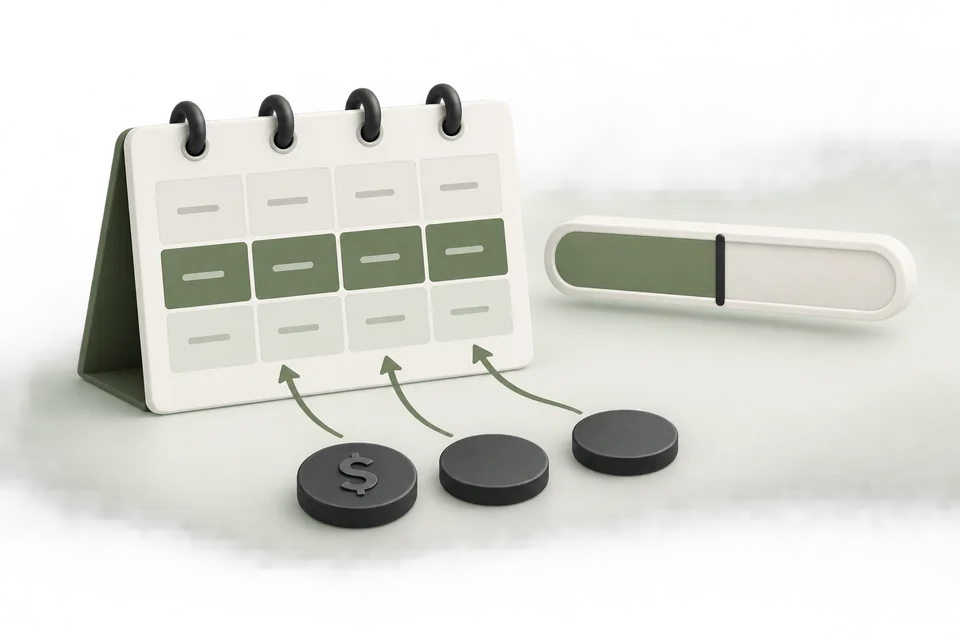
New advertiser connections are read-only. An owner or admin can enable writes and set a per-proposal budget limit. That limit is not an aggregate spending cap.
Workspace roles control who can manage connections, prepare changes, and view results. Give viewers read-only access and review team memberships when responsibilities change.
Review the specific change
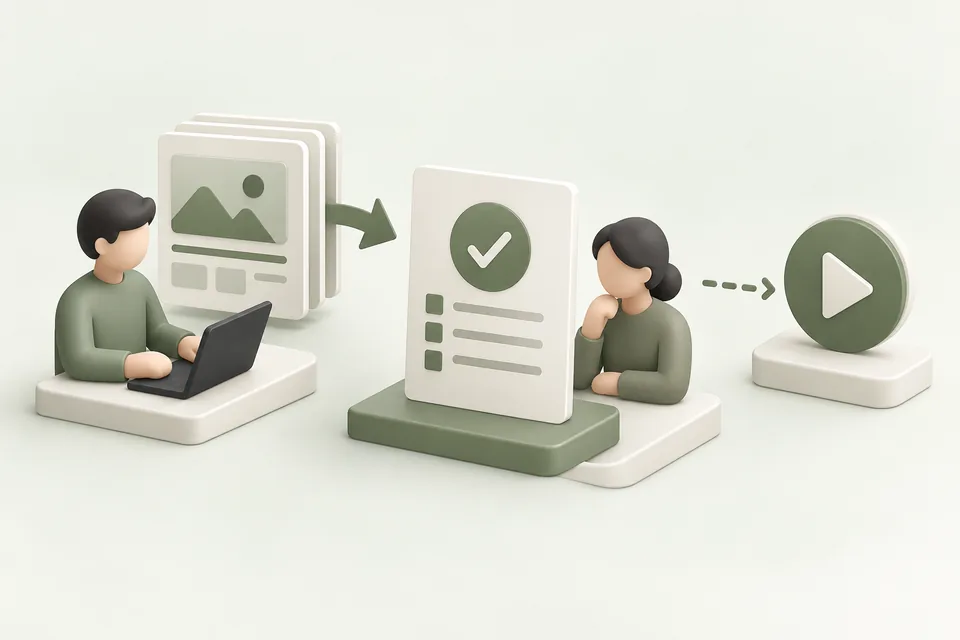
Prepare the campaign edit, inspect the account and before-and-after values, and apply the reviewed proposal with the required permissions. Campaign builds create resources paused; live activation is a separate reviewed action.
Reviewing a report or asking an assistant for a recommendation does not itself authorize a change. Current workspace access, account permissions, and entitlement still apply when the change executes.
Follow the result and remove access when needed
Use Activity to inspect proposals, outcomes, and recorded account changes. Reconcile an uncertain result before retrying a create operation.
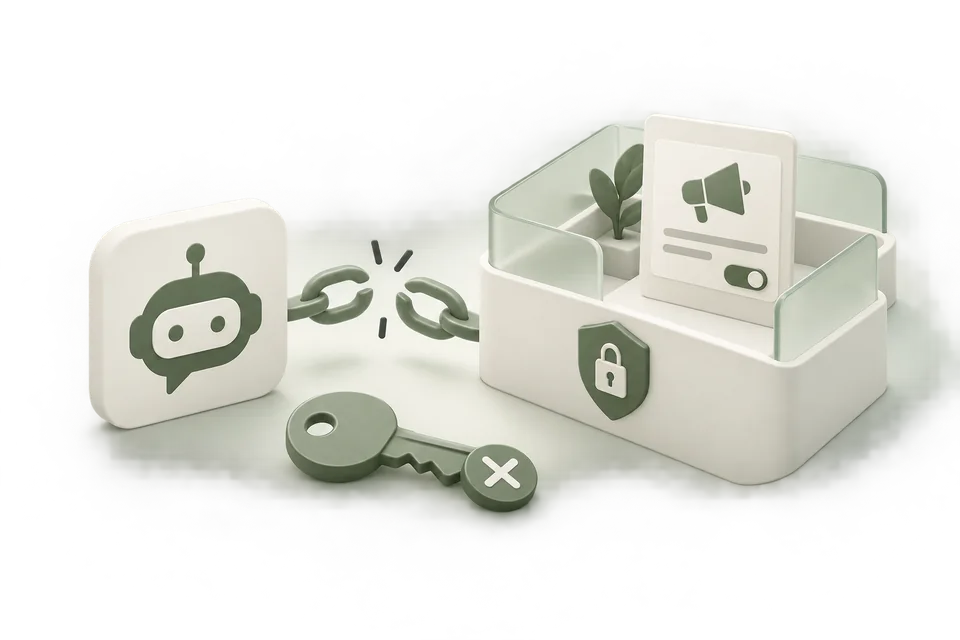
Revoke assistant access or remove obsolete team memberships when work ends. Removing access does not pause live ads; use a reviewed campaign pause when advertising must stop.