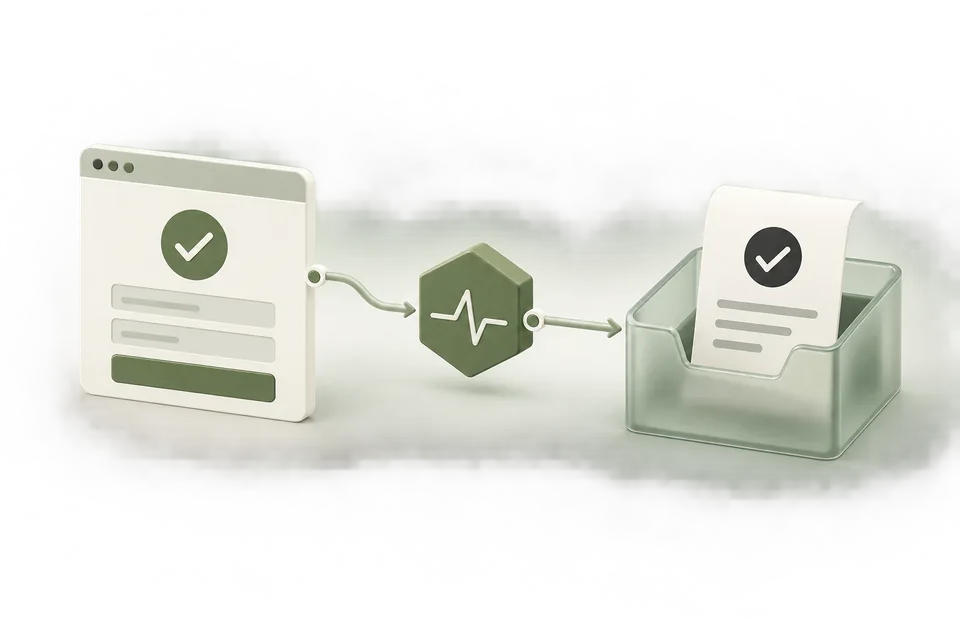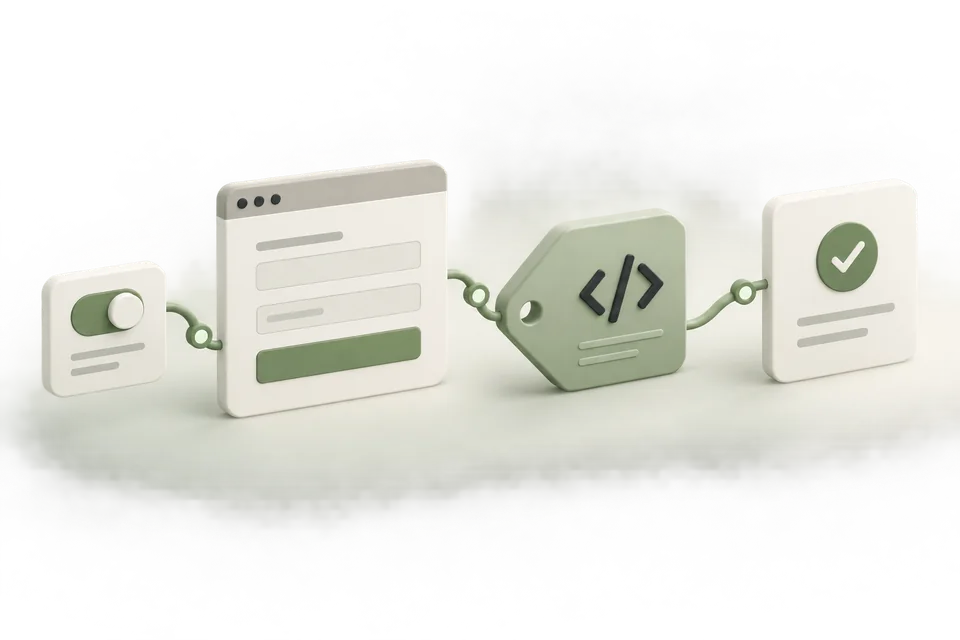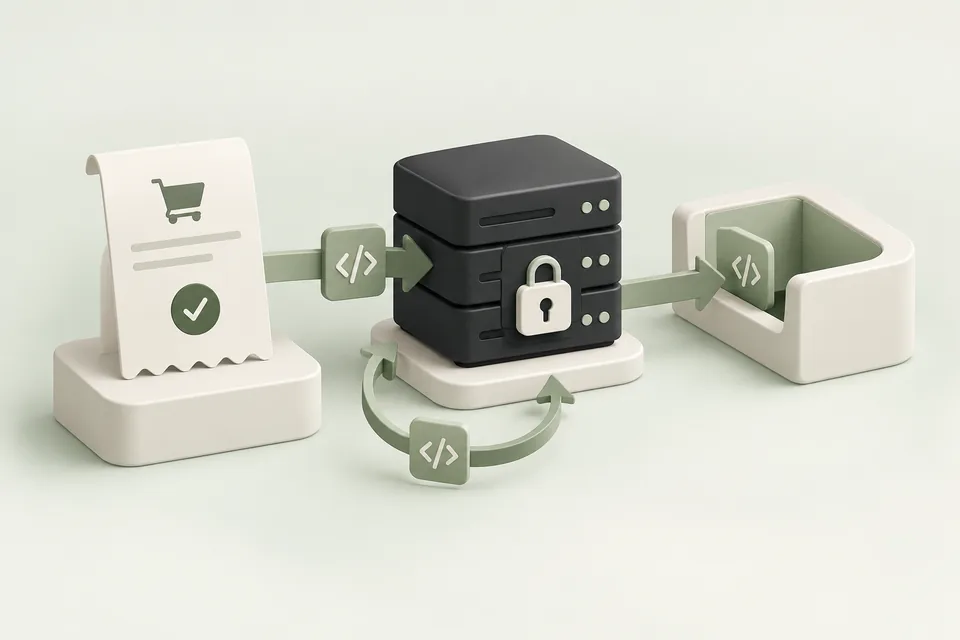
“Conversions are not showing” can describe several different problems. The customer action may not have completed, the event may not have fired, the request may have used the wrong source, or reporting may not yet attribute the event. Start by identifying which observation is missing.
Write down the missing evidence
Record one reproducible example: the page, the successful action, approximate time, event name, expected pixel or source, and the report being checked. Include the account and timezone. Avoid a vague ticket such as “tracking broken” because it hides the distinction between a website failure and a reporting question.
Use a test order or booking that your team is allowed to create. Keep personal details out of screenshots and support messages. An event ID and timestamp are usually more useful for tracing than a customer’s full record.
Check the website action first
Confirm that the booking or purchase exists in the system of record. If the application rejected the action, a completed-action event should not have fired. Inspect the success callback, payment state, or form response that triggers measurement.
For single-page applications, check both a direct visit and an in-app navigation. Code attached only to the initial page load may miss a later route transition. Code attached to both route changes and confirmation rendering may produce duplicate events.
Reproduce a booking that succeeds without an event
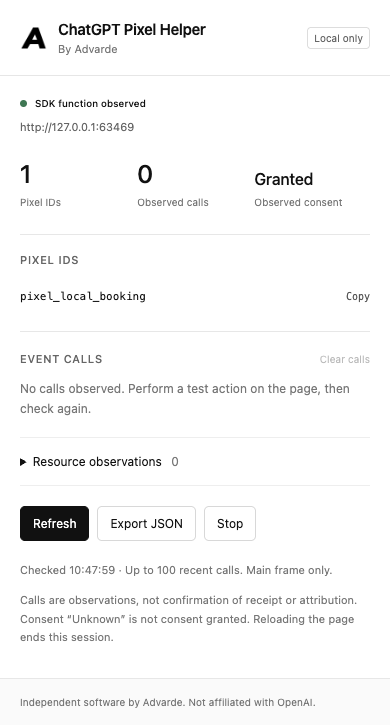
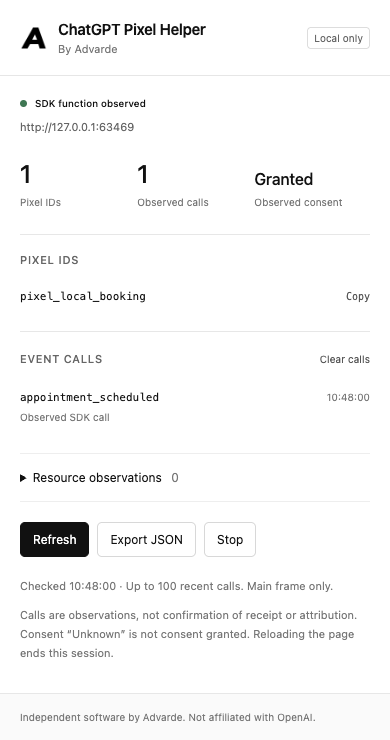
Our local booking page changed to /confirmed after its booking endpoint returned success. The broken measurement code checked that route only during the initial document load. In-app navigation did not load a new document, so the booking existed while Pixel Helper still showed zero event calls. The helper observed the expected pixel ID and granted consent, which narrowed this case to the action trigger.
The correction moved appointment_scheduled into the confirmed-success callback. A rejected booking still produced zero calls. The next successful booking produced one observed call, and the synthetic SDK sink received the booking’s event ID. We did not resend the earlier booking or change consent to create that result.
| Automated local test | Booking result | Pixel Helper calls |
|---|---|---|
| Open the helper before testing | No booking attempted | 0; pixel_local_booking and granted consent observed |
| Confirm a booking with a document-load trigger | booking_local_1 accepted; route changes to /confirmed | 0 appointment_scheduled calls |
| Move the trigger to success; reject a new booking | Local endpoint returns a rejection | Still 0 calls |
| Confirm a new booking with the corrected trigger | booking_local_2 accepted | 1 appointment_scheduled call |
Repeat the correction on your own test flow
Start inspection before the action, then test in-app navigation from the same starting page as a customer. Check that your server accepted the booking before calling the configured completed-action event. Keep the confirmed booking’s stable event ID when your integration supports it, and verify that a rejected submission does not emit that event.
The example below shows where the callback belongs; it is an integration pattern, not a complete pixel installation. Connect your real consent decision and use the website helper generated for the selected Advarde conversion setup. A route change alone is not proof that the business action succeeded.
const response = await createBooking(formValues);
if (!response.ok) return showBookingError(response);

showConfirmation(response.booking);
// Call the configured booking event here, after confirmed success.
// Pass the stable booking ID and respect the real consent decision.
trackConfirmedBooking(response.booking.id);What the local rehearsal verified
On 13 September 2026, we downloaded the public ZIP from a local test server, checked all 11 archive files against the extension source, and loaded the unchanged manifest into an isolated Chromium profile. Automation opened the actual extension popup, performed the booking cases above, and exported its observation JSON. The export contained the event name but did not include the booking ID or event payload. No measurement request left the local fixture.
This verifies the downloadable package, unpacked loading, first inspection, failure-and-correction sequence, and local export in that test environment. It is an automated rehearsal, not a new-user installation study. It does not verify your website, OpenAI event acceptance, platform deduplication, receipt sampling, attribution, or reporting latency. Use the receipt checks below after reproducing your own permitted action.
Check code, consent, and the destination source
Inspect whether the measurement script loads and whether the event call occurs after consent is granted where required by the implementation. Advarde’s generated helper starts with measurement consent denied and does not replay blocked events automatically.
Confirm that the installed pixel ID matches the setup you are inspecting. Check the event name and payload for spelling or unit errors. A working request sent to a test source will not establish that the production source is correctly installed.
| Observation | Next check |
|---|---|
| No event call | Success trigger and consent behavior |
| Event call but failed request | Browser network error and payload |
| Successful request, wrong report | Account, source, definition, and date range |
| Received event, no attribution | Eligible ad interaction and reporting rules |
Interpret the receipt sample correctly
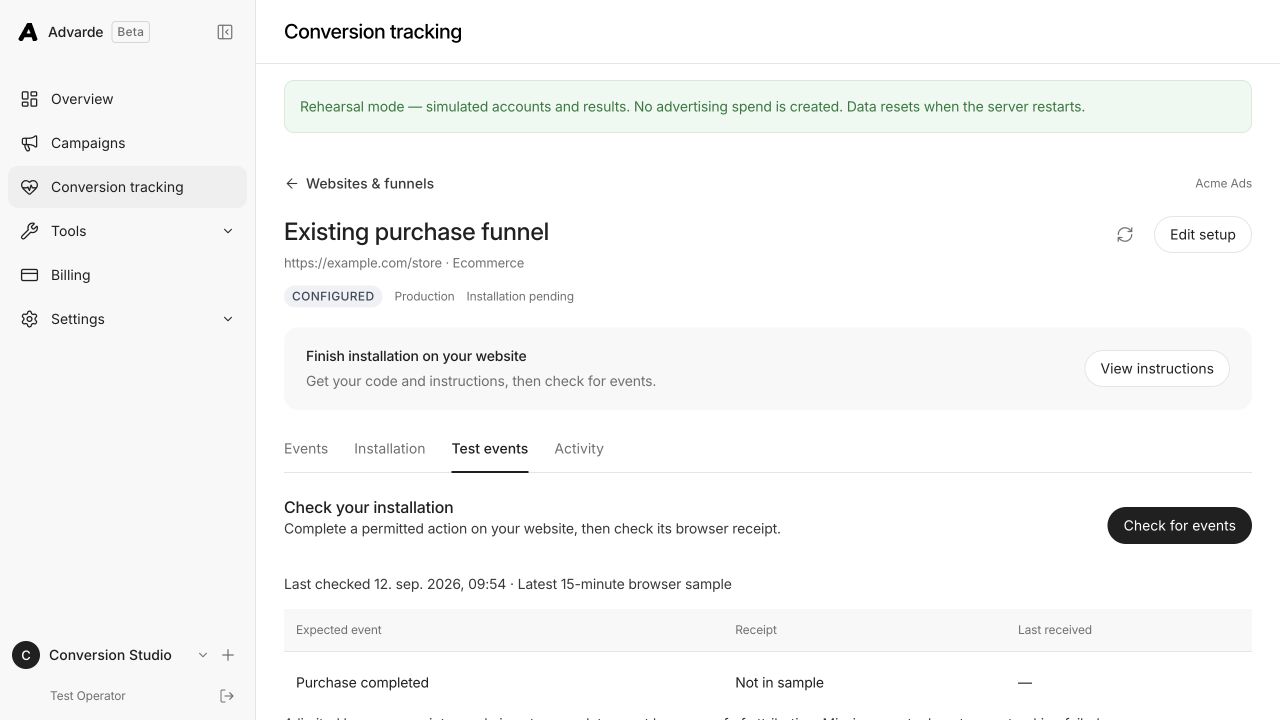
In Advarde, open the conversion setup, choose Test events, and use Check for events after a permitted action. “Not in sample” means the expected event was absent from the limited recent browser sample. It does not prove that no event was ever sent.
The sample is limited to recent browser SDK receipts, with a window and count cap. Use the server’s own logs for server-delivered events and repeat the test at a known time. Keep evidence from each layer instead of repeatedly reinstalling the pixel.
Escalate with a bounded reproduction
If the event reached the expected source but reporting still disagrees, capture the report range, timezone, event definition, and time since receipt. Include a redacted request result and the stable event ID when appropriate. Do not include secret keys.
Make one correction at a time and repeat the same action. Changing the pixel, event name, destination, and report settings together can make the symptom disappear without revealing which change fixed it.
Common questions
Why can a booking succeed while Pixel Helper shows no event?
The business action and its measurement trigger are separate. For example, a trigger attached only to initial document load can miss an in-app confirmation route. Start inspection before the action, check the confirmed-success callback and consent, and repeat one permitted test.
Does an observed event prove OpenAI recorded a conversion?
No. Pixel Helper observes browser SDK calls and resource timing. Check the expected source’s recent receipts separately, then evaluate attribution using the correct account, definition, period, and timezone.
Sources and verification
Platform details checked on September 13, 2026. Your account may expose a different set of features. Examples are illustrative unless a dataset is explicitly supplied.