
Learn. Prepare. Launch.
Advarde guides
Step-by-step instructions for accounts, conversions, campaign imports, and AI assistants.
Explore the library
26 resources
How to set up a ChatGPT Ads account
A step-by-step guide to creating your OpenAI Ads Manager account: what to check, what you can't change later, and how agencies should set it up.
Read the guide Accounts & access
Connect an OpenAI Ads account to Advarde
Connect an authorized OpenAI Ads account to Advarde and verify the account, currency, permissions, and first read.
Read the guide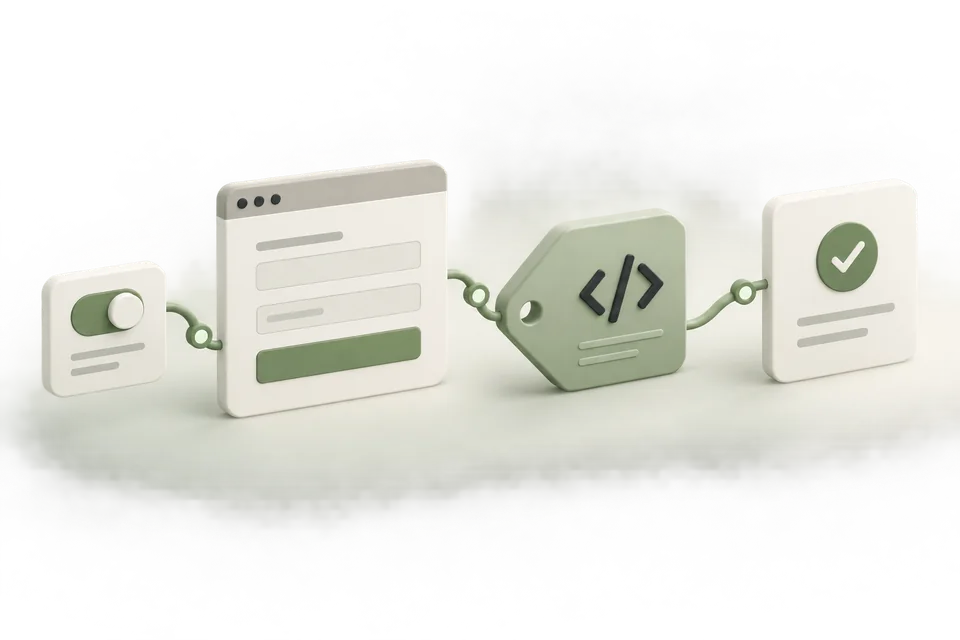 Measurement setup
Install & verify the ChatGPT Ads pixel in Google Tag Manager
Install and verify the ChatGPT Ads pixel in Google Tag Manager. Use Pixel Helper and Advarde receipts when GTM Preview looks green but Test events stay empty.
Read the guide Measurement setup
Set up the ChatGPT Ads Conversions API
Prepare server-side ChatGPT Ads conversion delivery with protected keys, stable event IDs, validation, and production checks.
Read the guide Measurement setup
ChatGPT Ads event reference for Advarde presets
See the events supported by Advarde conversion presets, their categories, and the successful actions that should trigger them.
Read the guide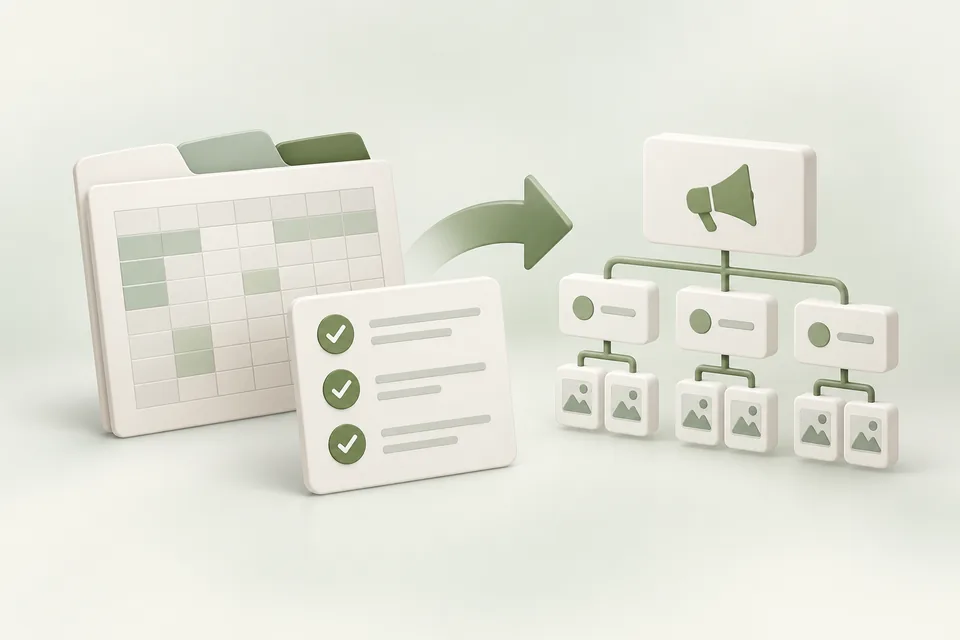 Campaign operations
Import a ChatGPT Ads campaign workbook
Prepare the three-sheet ChatGPT Ads workbook, validate references and amounts, and review the supported import path.
Read the guide Campaign operations
Troubleshoot ChatGPT Ads bulk API errors
Interpret bulk creation errors, distinguish account access from invalid rows, and reconcile partial or uncertain results before retrying.
Read the guide Accounts & access
Manage multiple OpenAI Ads accounts in Advarde
Organize client accounts and workspaces, preserve currency and reporting boundaries, and verify the target before making changes.
Read the guide Campaign operations
Review and approve ChatGPT Ads changes with a client
Create a client approval process around exact campaign drafts, budget changes, review records, and separate launch decisions.
Read the guide Reporting
Schedule ChatGPT Ads reports in Advarde
Set up a recurring report with a defined account, reporting window, recipients, and interpretation of missing or delayed data.
Read the guide Campaign operations
Create ChatGPT Ads campaigns paused, then review launch
Follow Advarde’s saved draft, review, paused creation, reconciliation, and separate activation workflow.
Read the guide Developer reference
ChatGPT Ads currency units: micros, minor units, and CPM
Avoid budget and event-value errors by distinguishing currency units, micros, minor units, CPM, and per-impression bids.
Read the guide Accounts & access
Revoke an AI assistant’s Advarde access
Revoke an assistant connection or workspace token, review broader access, and understand which advertising operations continue.
Read the guide Free practical guide
The Advarde advertising system: a free practical guide
Build a connected ChatGPT advertising workflow with Advarde: 10 practical steps, 10 starter prompts, and a free editable setup workbook.
Read the guide Free optimization guide
The 4-stage ChatGPT Ads optimization loop
Run a four-stage ChatGPT Ads creative review cycle with Advarde and a connected AI assistant. Includes eight editable templates and a scheduling checklist.
Read the guide Advarde tactics
The Advarde advertising tactics library
Ten illustrated ChatGPT Ads tactic guides with worked examples, practical prompts, and 30 editable worksheets. Read and download free.
Read the guide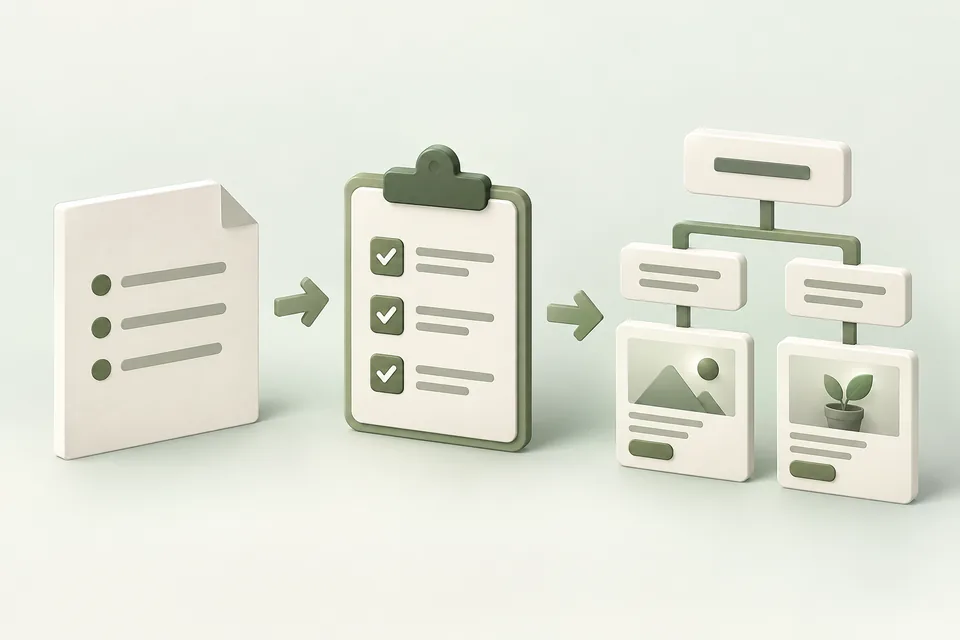 Advarde tactics
The Brief-to-Campaign System
Turn a business brief into a focused ChatGPT Ads campaign, with a worked example, drafting prompts, and a review checklist.
Read the guide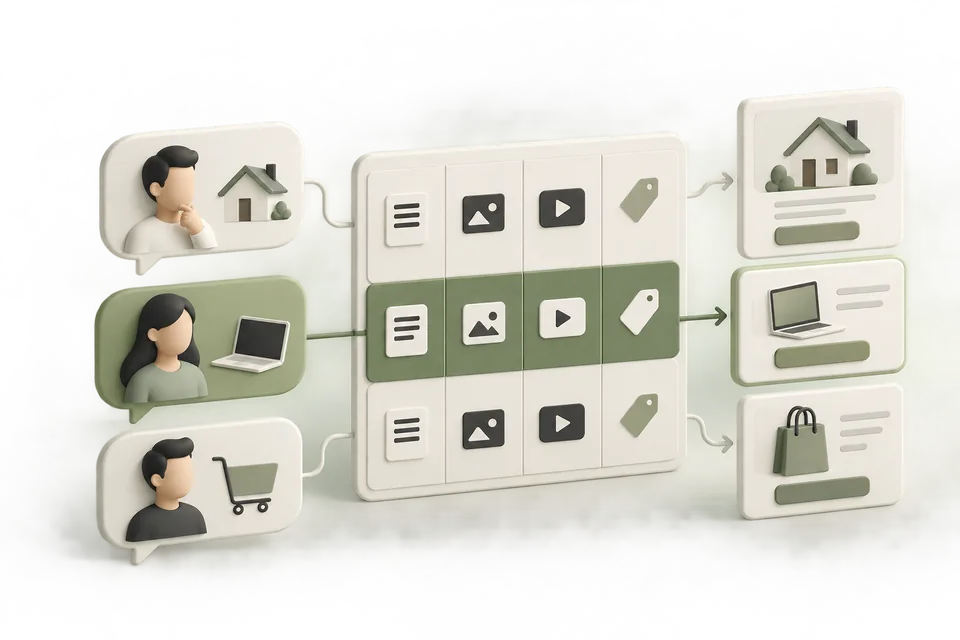 Advarde tactics
The Buyer Intent Map
Connect customer situations to relevant ad messages, context hints, offers, and landing pages—with a worked map you can adapt.
Read the guide Advarde tactics
The 9-Ad Creative Test Plan
Build nine distinct creative concepts, choose a sensible first comparison, and interpret the results without overstating what they prove.
Read the guide Advarde tactics
The Conversion Tracking Preflight
Check the action, event, implementation, and attribution path before using conversion data to judge your ChatGPT ads.
Read the guide Advarde tactics
The Weekly Ad Decision Brief
Turn a completed reporting period into clear advertising decisions, with a worked report, calculation checks, and reusable analysis prompts.
Read the guide Advarde tactics
The Agency Client Onboarding Kit
Build a complete client operating record: context, account access, measurement, approvals, and a first campaign handoff.
Read the guide Advarde tactics
The Ad Budget Rules Playbook
Define a spending rule, inspect its observations, simulate its behavior, and approve only the actions and limits you intend.
Read the guide Advarde tactics
The Ad Claim Evidence Kit
Give your assistant approved facts, sources, and restrictions so every proposed ad claim can be reviewed against evidence.
Read the guide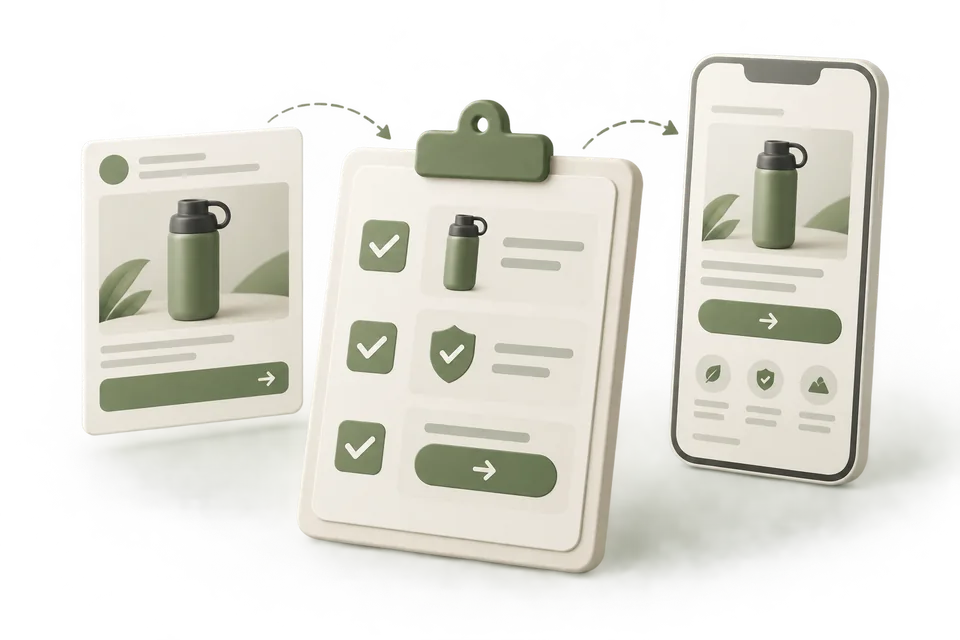 Advarde tactics
The Ad-to-Landing-Page Checklist
Check that the page fulfills the ad’s promise, supports its claims, and makes the advertised next step easy to complete.
Read the guide Advarde tactics
The Campaign Not Spending Guide
Diagnose a ChatGPT Ads campaign with no observed spend in a deliberate order, using state, timing, review status, and delivery evidence.
Read the guide