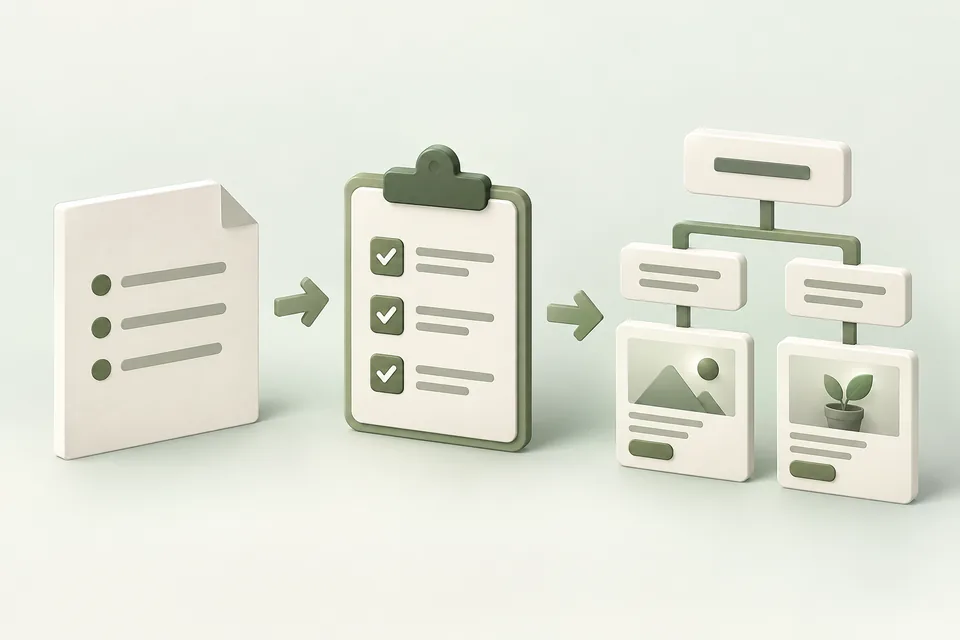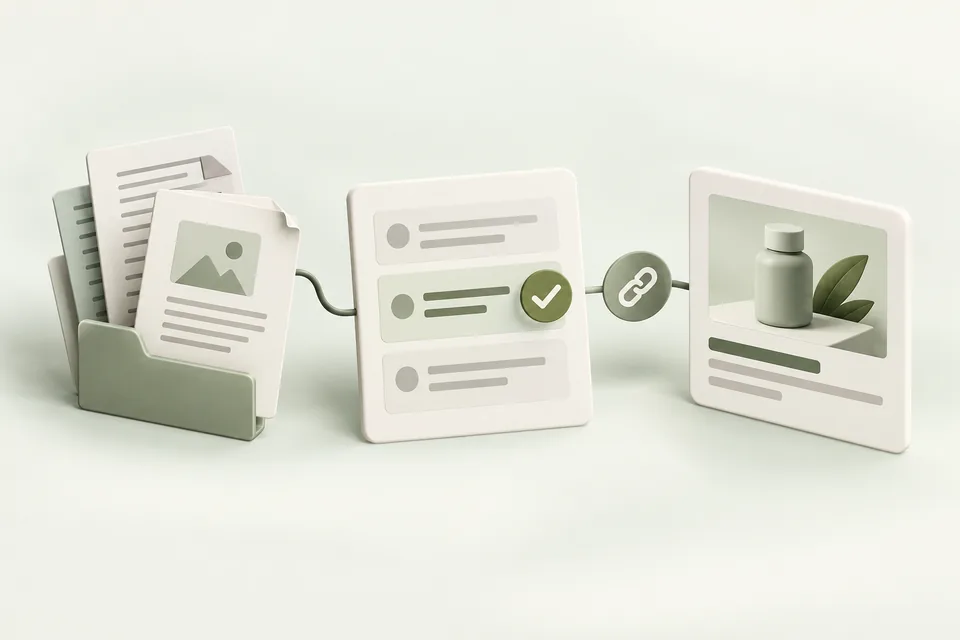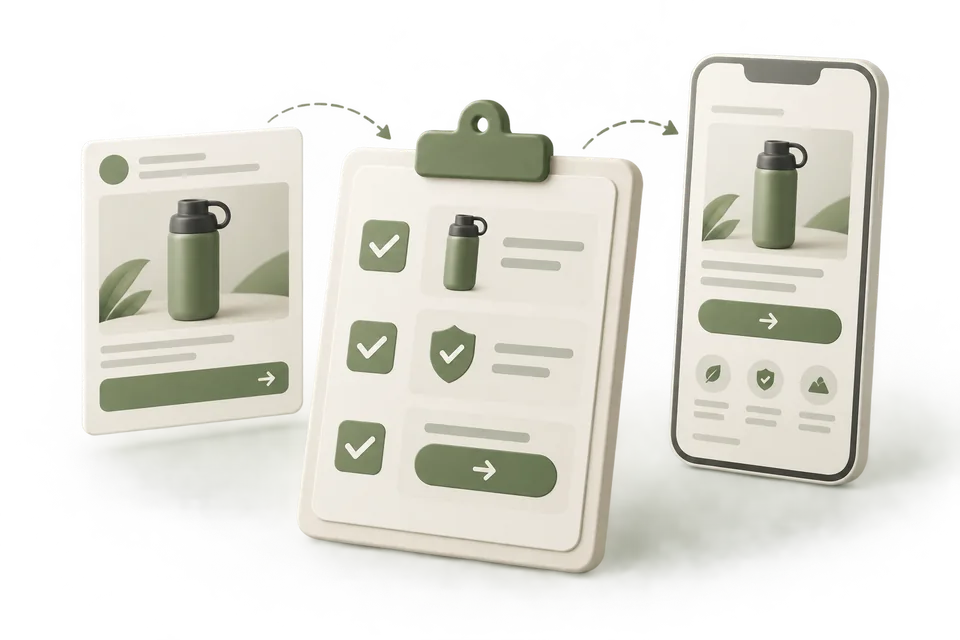
An ad can be accurate while its destination is confusing. A visitor may click for an import checklist and arrive at a generic demo form, or expect a short walkthrough and find no explanation of what happens after booking.
This guide produces an ad-to-page review and a prioritized fix list. The fictional Northstar example follows one promise through the title, page, proof, action, and confirmation. Use the worksheet on the exact destination, including its mobile experience.
Jump to a step in this guide
Your finished deliverable
A reviewed ad-and-page pair with supported claims, a clear next action, and verified completion behavior.
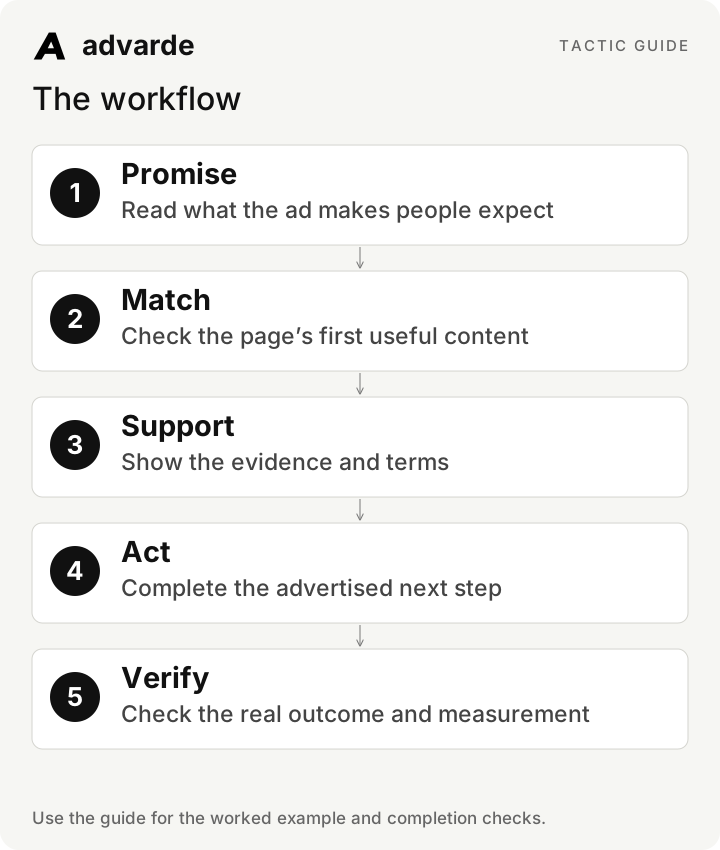
- The exact ad title, body, image, and full destination URL.
- The current destination and its offer terms.
- A website owner and measurement owner who can verify proposed fixes.
1. Write the visitor’s expectation in one sentence
Read the title, body, and image together, then write: “After clicking, a person should be able to…” This tests the complete promise. If the sentence describes downloading a checklist, the page must provide that checklist on the stated terms.
For fictional Northstar: “After clicking, a person should understand the walkthrough and book a session about shared deal stages and CSV contact import.” That expectation is specific enough to assess against a page.
| Ad component | Example | Expectation created |
|---|---|---|
| Title | See Northstar’s contact import | A relevant capability will be shown |
| Body | Book a guided walkthrough of CSV import and shared deal stages | A booking path and clear agenda |
| Image | Illustration of the relevant workspace | The page concerns that product |
| Destination | Dedicated walkthrough page | The promised next step is available |
2. Inspect the first useful screen on mobile
Open the actual URL on a narrow screen. Look for a clear offer, relevant product context, and a visible next step. A large decorative hero can push the explanation below the first useful screen; assess whether a visitor can understand the offer without searching.
Compare the page headline with the ad’s promise. The wording need not be identical, but it should refer to the same task and offer. “Transform your business” does little to confirm a specific promise about contact import.
| Page element | Mismatch | Useful correction |
|---|---|---|
| Headline | Generic business transformation | Name the relevant walkthrough and product task |
| Explanation | A list of unrelated features | Explain what the walkthrough covers |
| CTA | “Get started” with no next-step detail | “Book a walkthrough” when that is the action |
| Offer terms | Free checklist promised, sales call required | Fulfill the stated offer or revise the ad |
| Mobile layout | CTA hidden behind an overlay | Make the action usable without obstruction |
3. Trace the proof and terms
For every material ad claim, find the corresponding evidence or explanation on the page. A page repeating the same claim is not independent substantiation. Use the approved evidence register to verify accuracy and scope.
Check eligibility, pricing conditions, availability, and what follows the action. If the offer requires a sales conversation, say so. Do not add testimonials or outcome numbers to make the page feel persuasive when the business cannot support them.
Compare [exact ad] with [destination content] and [approved claim register].
Write the expected next step, then audit promise, proof, offer terms, and CTA.
For each mismatch quote only the relevant supplied wording, explain the problem,
and propose a specific correction grounded in approved facts.
Separate page observations from hypotheses about conversion impact.
Do not invent testimonials, urgency, guarantees, or results.The page must complete the ad’s promise
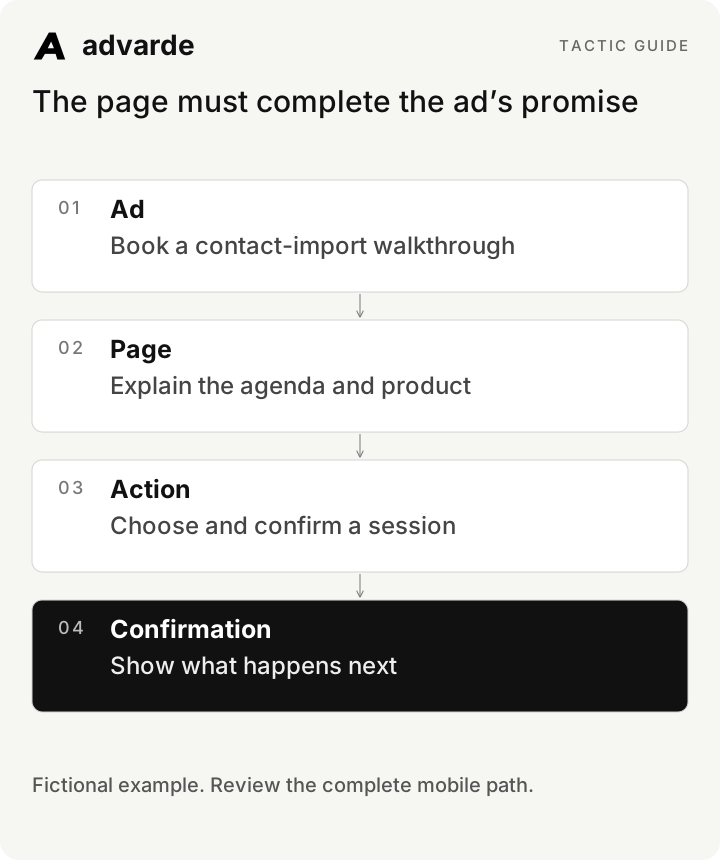
4. Walk the entire action path
Click through the real form or booking path on a page you control. Check validation, errors, confirmation, and the information the visitor receives after success. Use appropriate test records and coordinate with the website owner before testing actions that create real orders or appointments.
The completed action should match the advertised offer. For Northstar, a generic “Thanks” page is less informative than a confirmation explaining the booking and next steps. That is a usability observation, not a promised uplift.
| Path stage | What to verify |
|---|---|
| CTA | Its label accurately describes the action |
| Form | Required information is understandable and justified |
| Validation failure | The visitor can identify and correct the issue |
| Successful submission | The promised action actually completed |
| Confirmation | The visitor knows what happens next |
| Measurement | Only the authoritative successful action counts |
5. Check the full URL and redirects
Use the destination with its real tracking parameters, not just the base homepage. Confirm it reaches the intended page, preserves appropriate campaign parameters and click-reference handling, and remains usable on the relevant devices.
OpenAI’s creative guidance calls for relevant, reachable destinations and a clear connection between the ad and page. Investigate actual access problems rather than assuming a blocked request proves the page is down. Coordinate crawler or security configuration changes with the site owner.
6. Prioritize blockers before experiments
Separate three types of change. A blocker prevents or contradicts the advertised action. A clarity fix makes the existing offer easier to understand. An experiment changes a supported message to learn about performance.
Fix a broken form or false offer before comparing headline styles. For a clarity hypothesis, state what you changed and how you will assess it. A before/after improvement may have other explanations, so keep concurrent campaign and page changes in the record.
| Priority | Example | Completion evidence |
|---|---|---|
| Blocker | Promised checklist cannot be accessed | The exact offer is available on its stated terms |
| Clarity fix | Walkthrough agenda is missing | Reviewed agenda visible on mobile and desktop |
| Experiment | Compare two accurate headline approaches | Predefined metric and review plan |
| Later improvement | Additional optional examples | Owner and rationale recorded |
7. Save the matched pair and recheck changes
Record the ad revision, exact URL, page revision or review date, screenshots, findings, and reviewer. When either side changes, recheck the pair. A new offer in the ad can invalidate an otherwise good page review.
Save approved page references with the campaign brief in Advarde. The review worksheet helps the team prepare changes; it does not publish a website or authorize campaign edits. Keep the completed pair available in the first campaign handoff.
Turn this ad-to-page audit into a fix list.
For each item return blocker / clarity fix / experiment, affected element,
proposed correction, evidence needed, owner, and acceptance check.
Identify which ad or page revision requires another review.
Do not publish page changes or modify ads.Complete the worksheet and check your work
Download the free pack and complete the three editable worksheets in order. It includes this illustrated guide and its worked-example tables so you can use the material offline. Replace the fields with your own verified inputs. The prompts work with supplied material; reading or saving Advarde records requires a compatible authorized connection.
- The expected next step can be stated clearly.
- The page fulfills the offer on the terms stated in the ad.
- Claims are supported and consistent across copy, image, and page.
- The mobile action path works through success and failure.
- The full destination and tracking behavior have been checked.
- Blockers, clarity fixes, and experiments have separate acceptance checks.
| Worksheet | Use it for |
|---|---|
| Ad-to-page promise review | promise-match.md |
| Destination action-path check | action-path.md |
| Ad-and-page fix plan | page-fix-plan.md |
Put this tactic to work in Advarde
Create an Advarde workspace to keep the relevant campaign context, reviewed work, and team records together. Use a connected assistant when it helps you draft or inspect the information. Start with the completed worksheet and the exact account and task you intend to manage. The guide and downloads are free; Advarde subscriptions, assistant access, and advertising spend are separate.
Common questions
Can I use the guide without an Advarde account?
Yes. The illustrated guide, examples, prompts, and editable worksheets are available without signup or an email gate. An Advarde account and appropriate access are needed to carry out the product-specific steps.
Does a prompt or worksheet authorize live changes?
No. Planning and analysis prompts prepare work for review. Changes to advertising follow the applicable account permissions and reviewed authorization. Use the actual connected tools and current account capabilities.