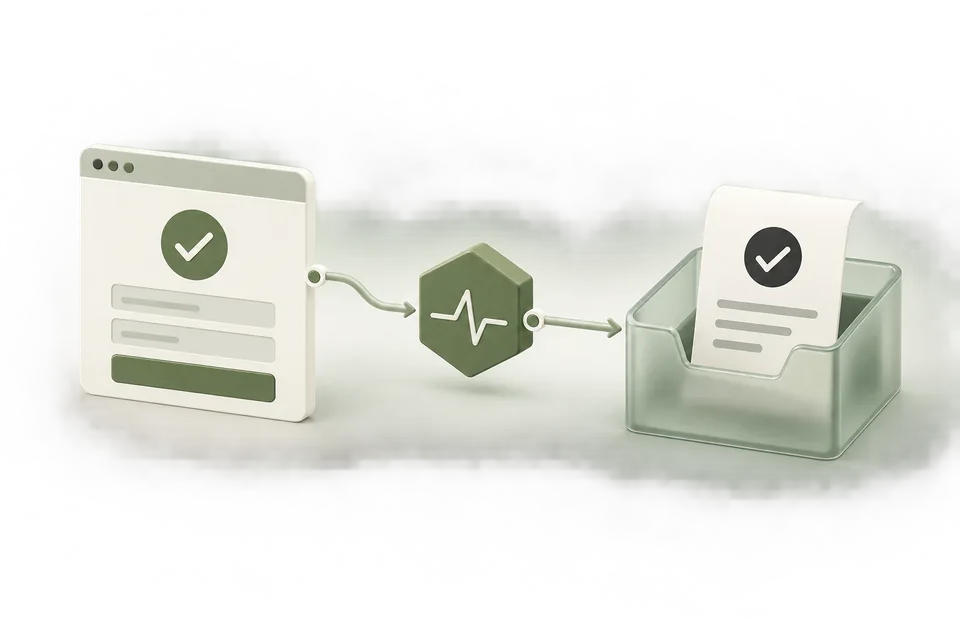
A duplicate conversion problem usually starts with a mismatch between a business action and a technical trigger. One order can produce a page load, a route change, a webhook retry, and a browser event. Those signals should not automatically become four purchases.
Define the identity of one conversion
Use a stable identifier from the completed business action. An order ID identifies one purchase; a confirmed appointment ID identifies one booking. A new random ID on every retry identifies the delivery attempt instead of the action.
Keep distinct actions distinct. Reusing a single fixed event ID across all orders can suppress legitimate conversions. For a subscription business, decide whether the event represents initial enrollment or another lifecycle action before choosing the identifier.
Inspect repeated browser triggers
Check whether the base pixel is installed both directly and through a tag manager. Then inspect the event trigger. A confirmation page may fire again on refresh, browser back navigation, or a component remount. A broad click trigger may fire before success and then again when the success callback runs.
Use the browser helper while performing one controlled action. Note the event names and IDs observed. A second event with a new ID after refreshing the same confirmation is evidence to investigate; it is not automatically a second business conversion.
Reconcile browser and server delivery
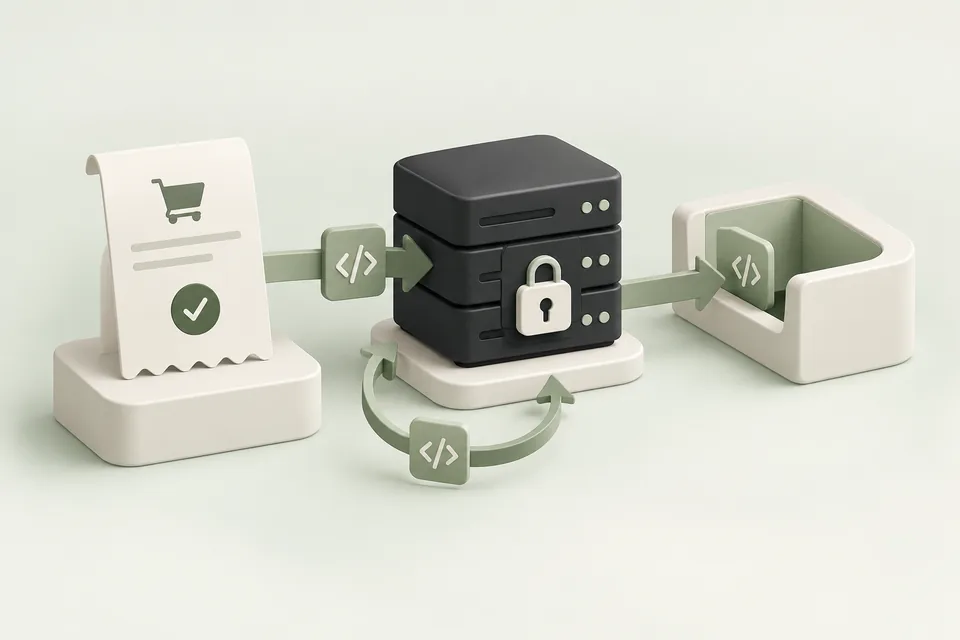
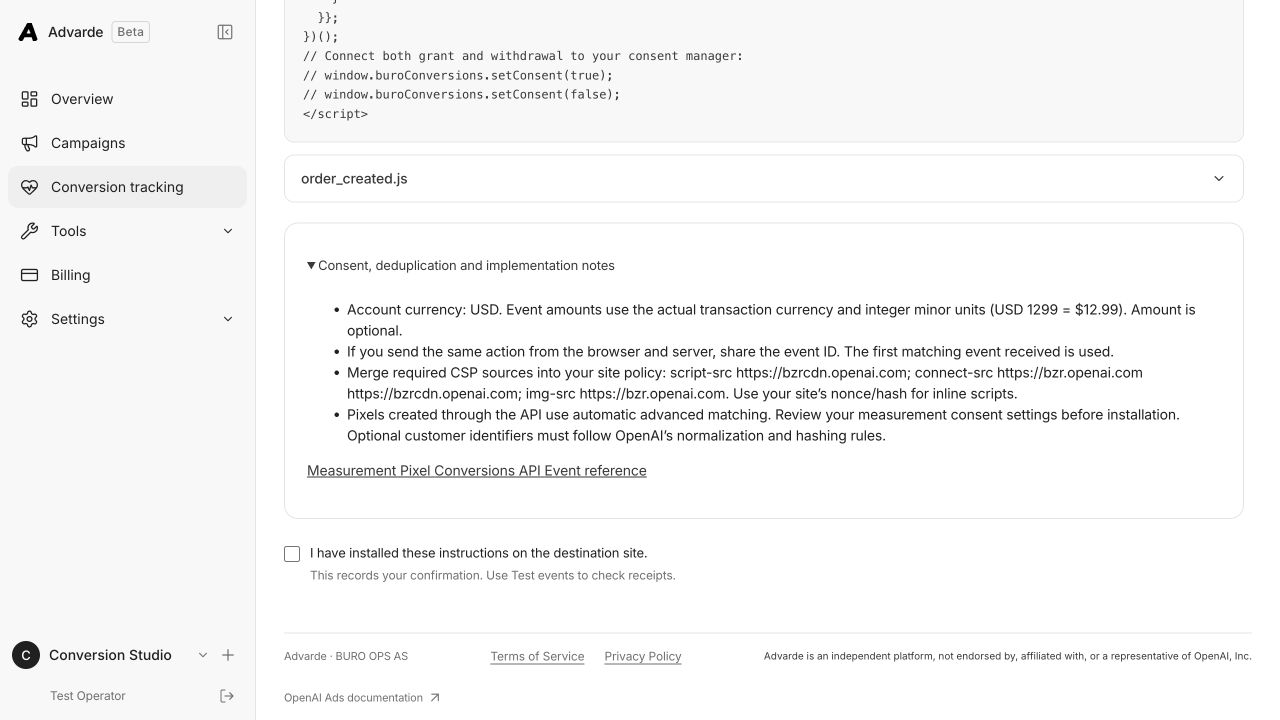
If the same order is sent from both the browser and the backend, align the event identity according to OpenAI’s measurement documentation. Do not assume that matching timestamps or amounts alone will deduplicate two requests.
Make server retries idempotent at your integration boundary as well. Record the business ID, delivery status, and last response. Retry a failed delivery using the same action identity. Avoid exposing event payloads containing personal information in unrestricted application logs.
Use a controlled test matrix
Run the same business action through predictable variations and compare the resulting IDs. Test a normal completion, refresh, repeated callback, delayed retry, and two genuinely different orders. The expected result is defined by the business records, not by the number of requests.
| Scenario | Business actions | Expected identity |
|---|---|---|
| Complete one order | 1 | One stable order event ID |
| Refresh its confirmation | Still 1 | Same action; prevent unnecessary resend |
| Retry its server delivery | Still 1 | Same action ID |
| Complete another order | 2 total | A different ID for the second order |
Correct the source of duplication
Remove duplicate installation paths or move the trigger to the confirmed success event. Do not hide the problem only by dividing the report by an assumed multiplier. The multiplier may change across browsers, payment methods, or failure conditions.
After the fix, rerun the matrix and preserve the result with the deployment version. Review the reporting period carefully: historical duplicates and new clean events can coexist in the same date range, so an immediate aggregate total may not show the correction clearly.
Sources and verification
Platform details checked on September 11, 2026. Your account may expose a different set of features. Examples are illustrative unless a dataset is explicitly supplied.