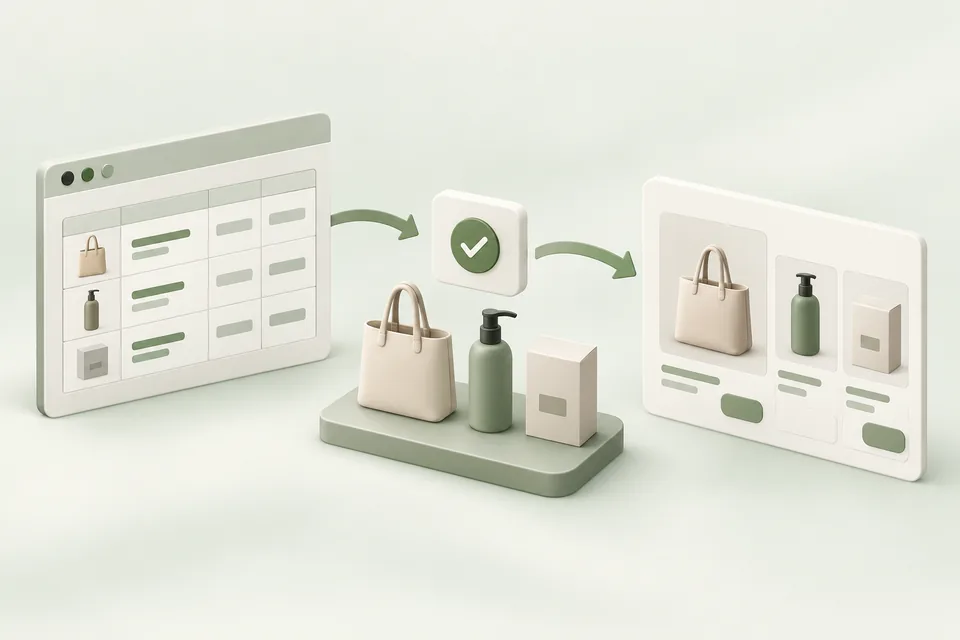
A product feed is a structured source of product information. It does not by itself create a complete advertising strategy or prove that every listed item is eligible to appear. Treat feed data, campaign configuration, and the customer’s shopping experience as separate checks.
Start with a trustworthy catalog
Use stable product identifiers and keep titles, destinations, images, prices, and availability consistent with the store. A feed row that passes formatting validation can still describe a product incorrectly. Review the source of each field and how it is updated.
For variants, decide which identifier represents the item the customer can actually buy. A destination for the wrong size, region, or currency can make an otherwise valid ad misleading. Test representative products across the categories you plan to advertise.
Verify the supported integration path
Consult the current product-feed documentation and your advertiser account’s enabled capabilities. Do not assume that a feed accepted by one commerce integration can be used unchanged in every advertising path.
Advarde has authorized feed and product-ad service workflows, while some supporting feed inventory features are available through tools rather than a dedicated browser page. SFTP provisioning is not presented as a self-service Advarde capability. Confirm the supported path before scheduling an integration project.
Audit the fields that affect the visit
Check missing titles, image URLs, destinations, price values, and explicit availability. A missing availability field is unknown; it is not evidence that an item is in stock. A syntactically valid HTTPS URL is not proof that the page loads successfully for the customer.
Review a sample manually and maintain a process for updates. A promotion ending, a variant selling out, or a destination moving can create a mismatch after the initial import passed.
| Field | Practical check |
|---|---|
| Identifier | Stable and unique for the intended product |
| Title | Describes the actual item and relevant variant |
| Image | Available and consistent with the item |
| Destination | Opens the right purchasable product |
| Price and currency | Match the customer-facing page |
| Availability | Known state from an authoritative source |
Connect the feed to a reviewed campaign
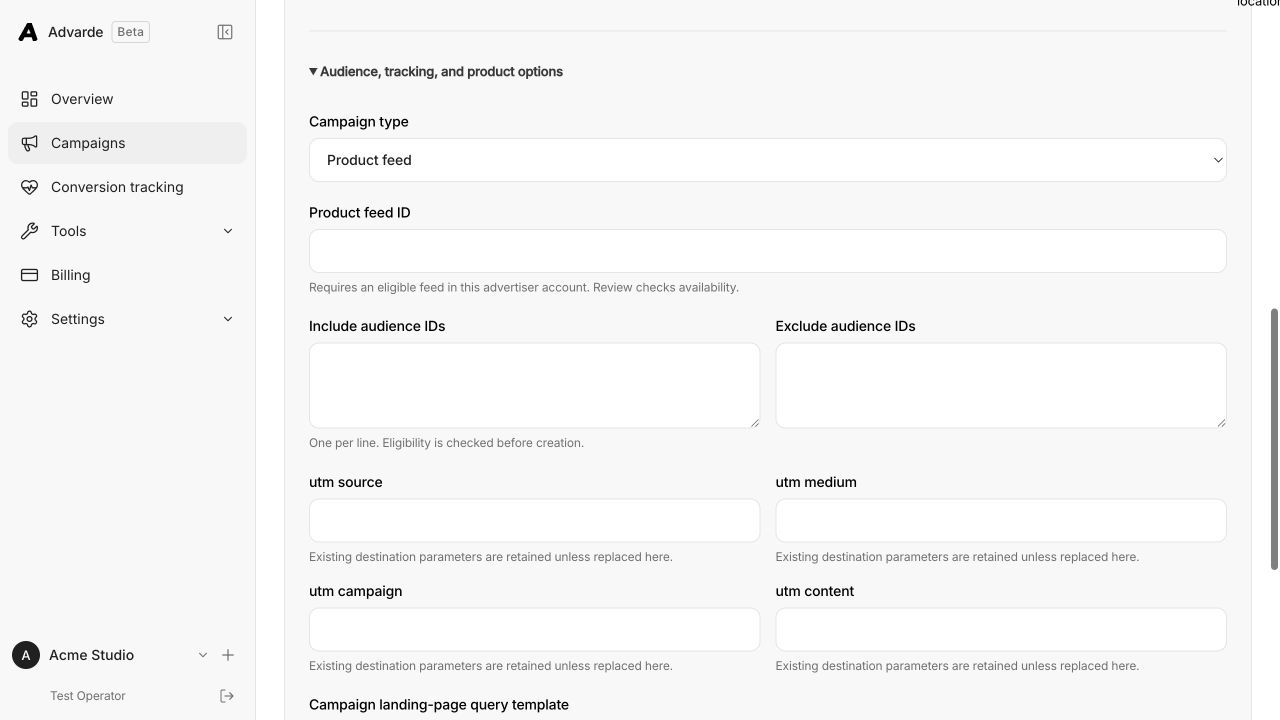
Review which products the campaign will use and why they fit the buying situation. Confirm the objective, budget, geography, and destination behavior alongside the feed selection. A catalog-wide launch can include items with very different contribution margins.
Start with a coherent subset when it helps diagnosis. Keep the selected product IDs and feed version in the campaign record. Inspect the created objects and platform status before activating delivery.
Measure purchases and commercial quality
Use confirmed orders as the purchase record and account for refunds or cancellations when evaluating contribution. Keep feed health observations separate from acquisition performance: fixing a missing image can improve eligibility without proving profitable demand.
If a product is paused or removed from the source, verify the downstream behavior rather than assuming instant propagation. Record the update time and inspect the current platform state.
Sources and verification
Platform details checked on September 11, 2026. Your account may expose a different set of features. Examples are illustrative unless a dataset is explicitly supplied.